Local user instructions
Before your organisation is federated, Biza can add local users directly to Biza ID. The Biza administrative team does the initial setup. Each user then follows the steps below to finish onboarding.
Create local users
1. You receive an email invitation from no-reply@biza.io. Click Verify Your Account.
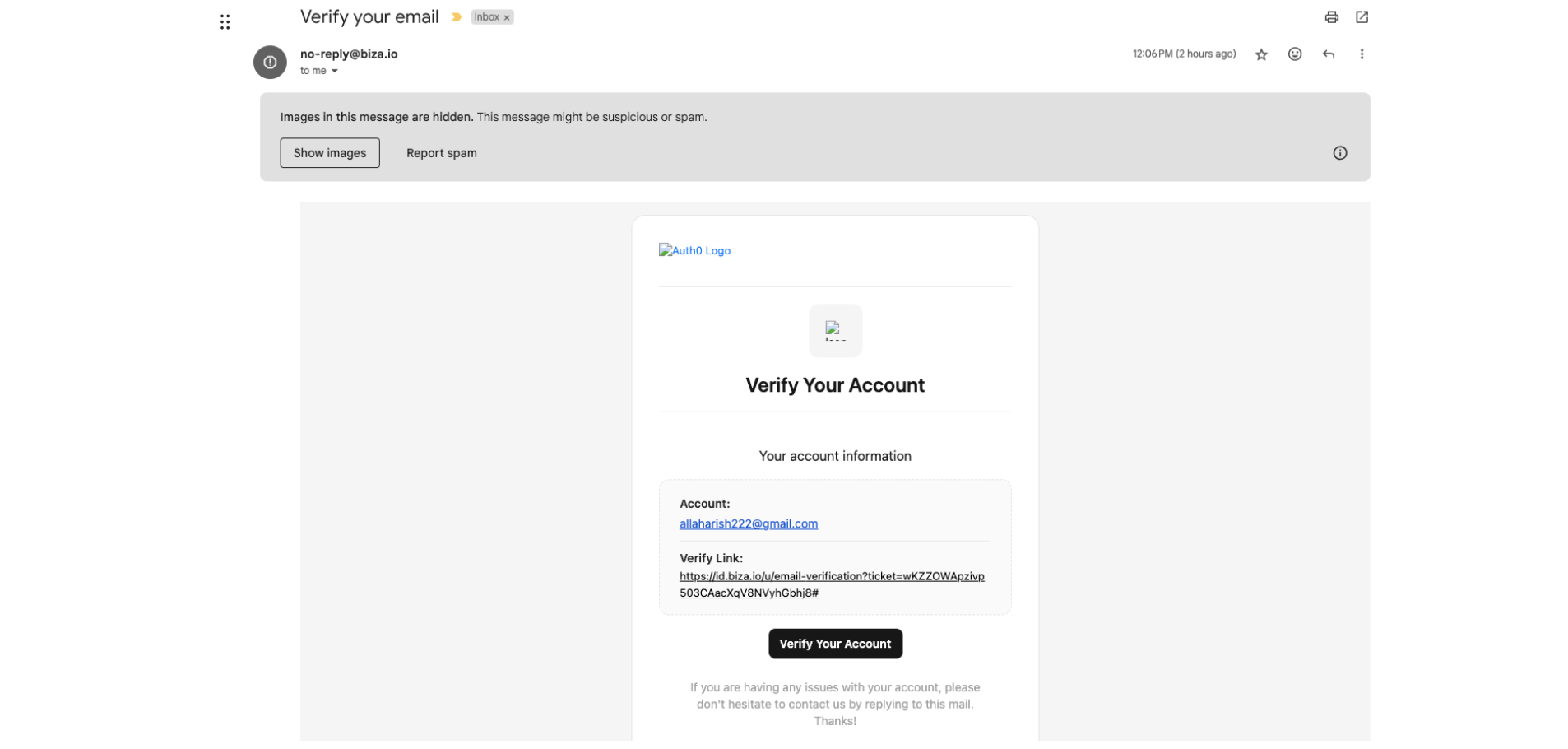
Email invitation
2. A confirmation message is displayed.
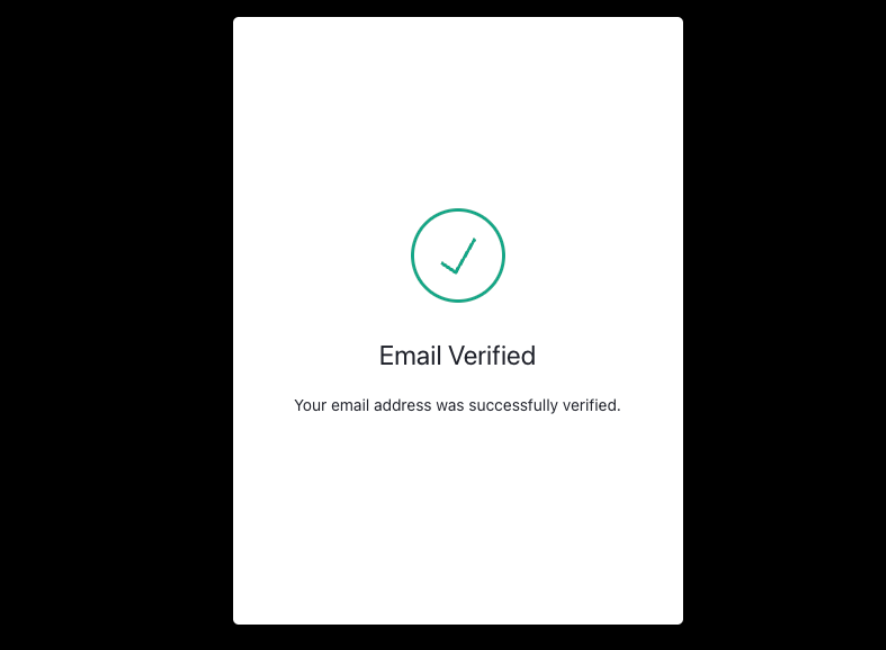
Email verification
3. Once your account is verified, go to https://pm.biza.au, enter your email address and click Forgot password?.
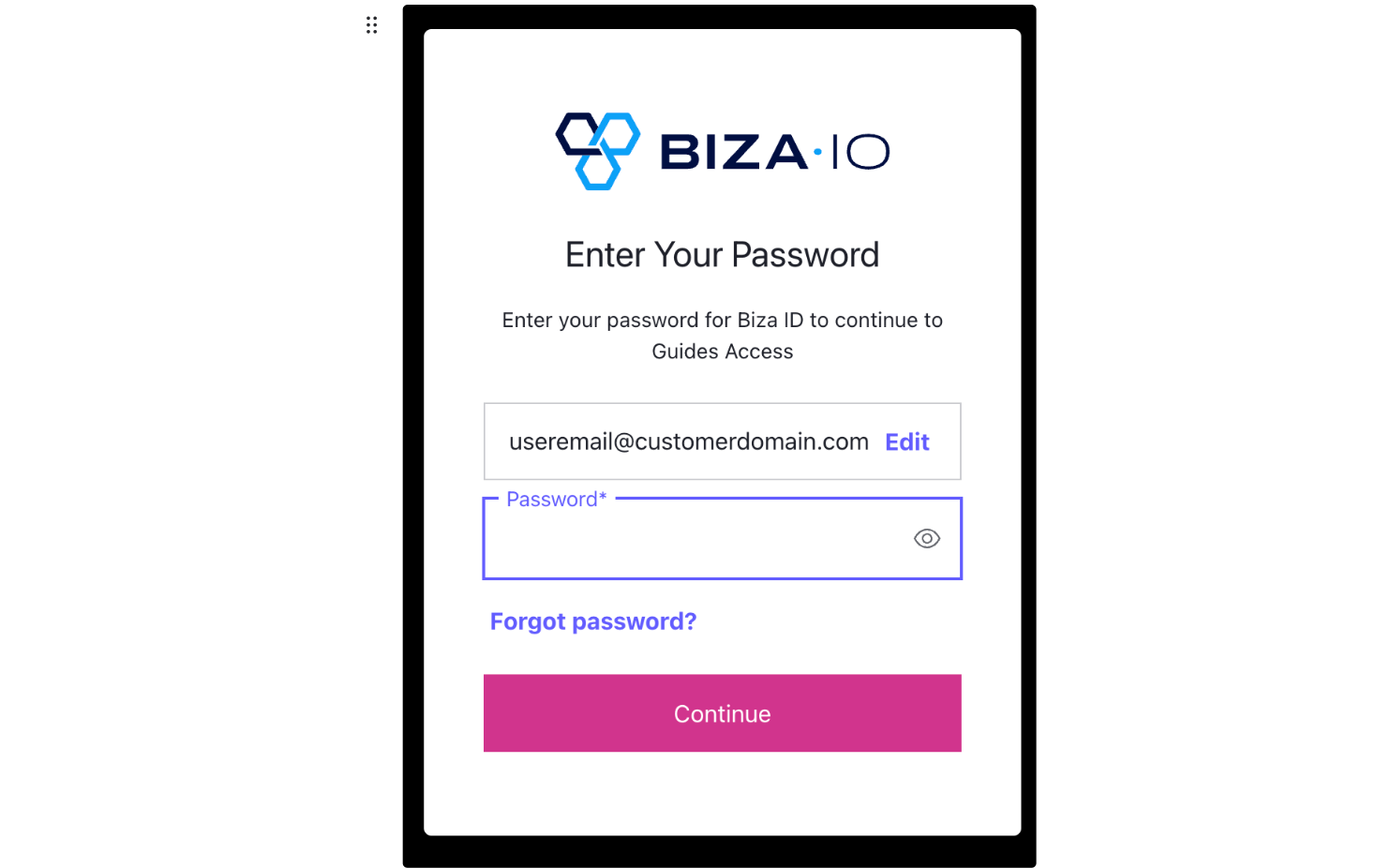
Forgot password
4. You receive an email to reset your password. Click Confirm.
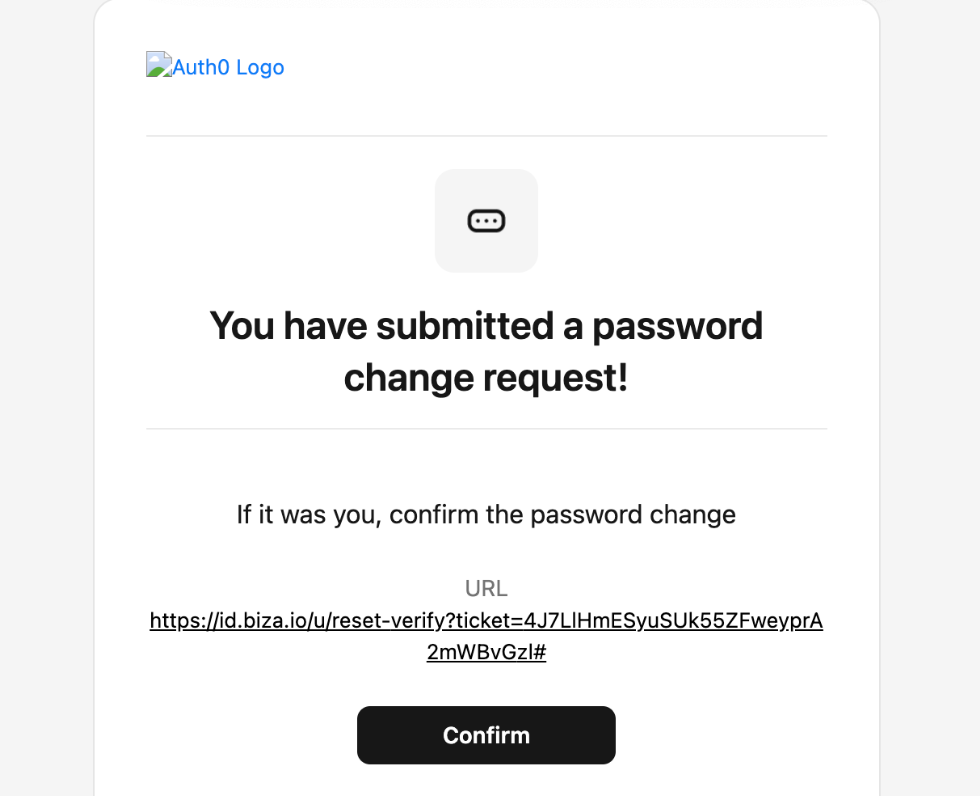
Password reset email
5. Enter a new password and click Reset password.
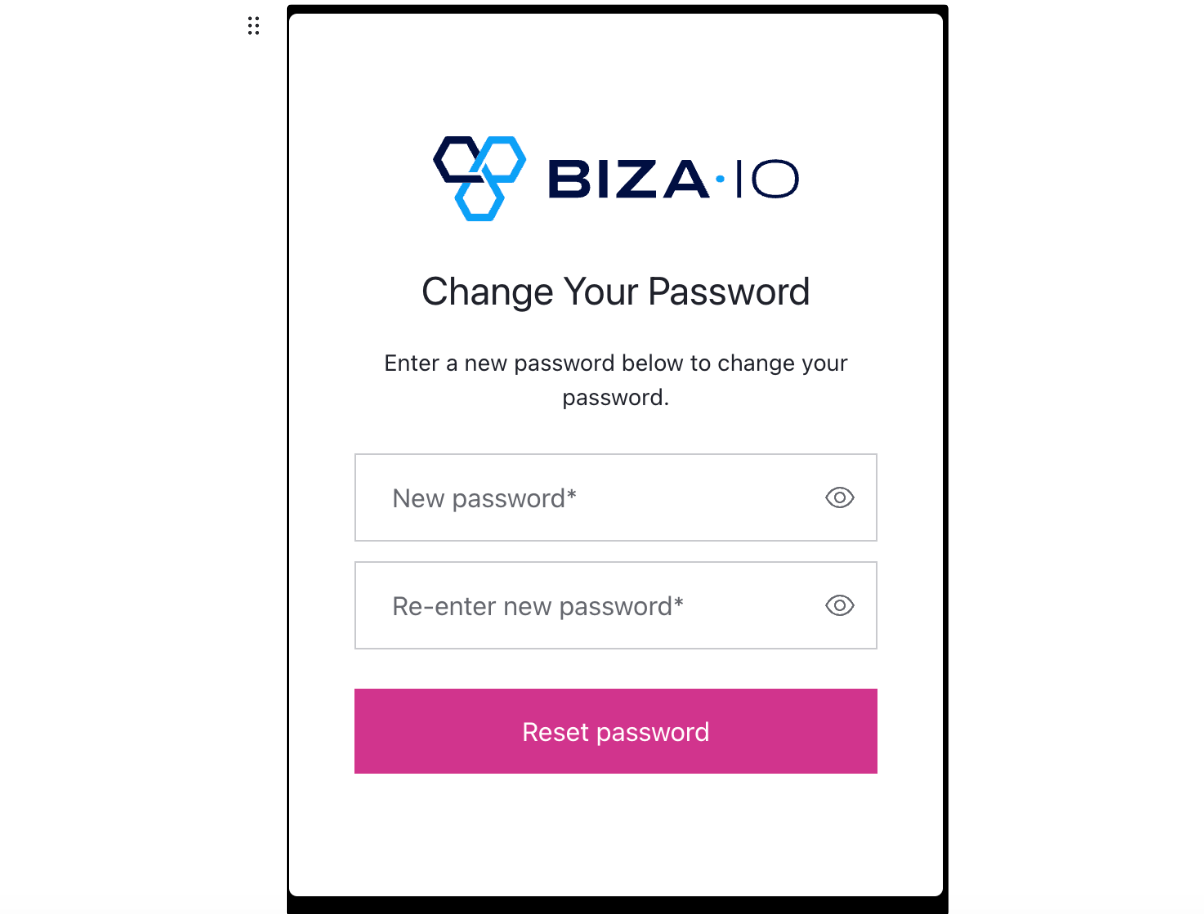
Enter new password
Add local users
If you need more local users, contact your Biza representative.