Library tables
In Product Manager, product attributes are defined in library tables rather than inside each product. A table holds a set of related items, for example a set of fees, and you attach it to every product those items apply to. When the Get Product Detail payload is built, Product Manager combines the product with the items of every table attached to it.
Why it matters
Products often share attributes. A range of credit cards might share late payment, cash advance and international transaction fees. With a shared fee table, you change a fee once and the change applies to every product the table is attached to, in the CDR endpoint and everywhere else the data is used. You make the change immediately or schedule it in a changeset.
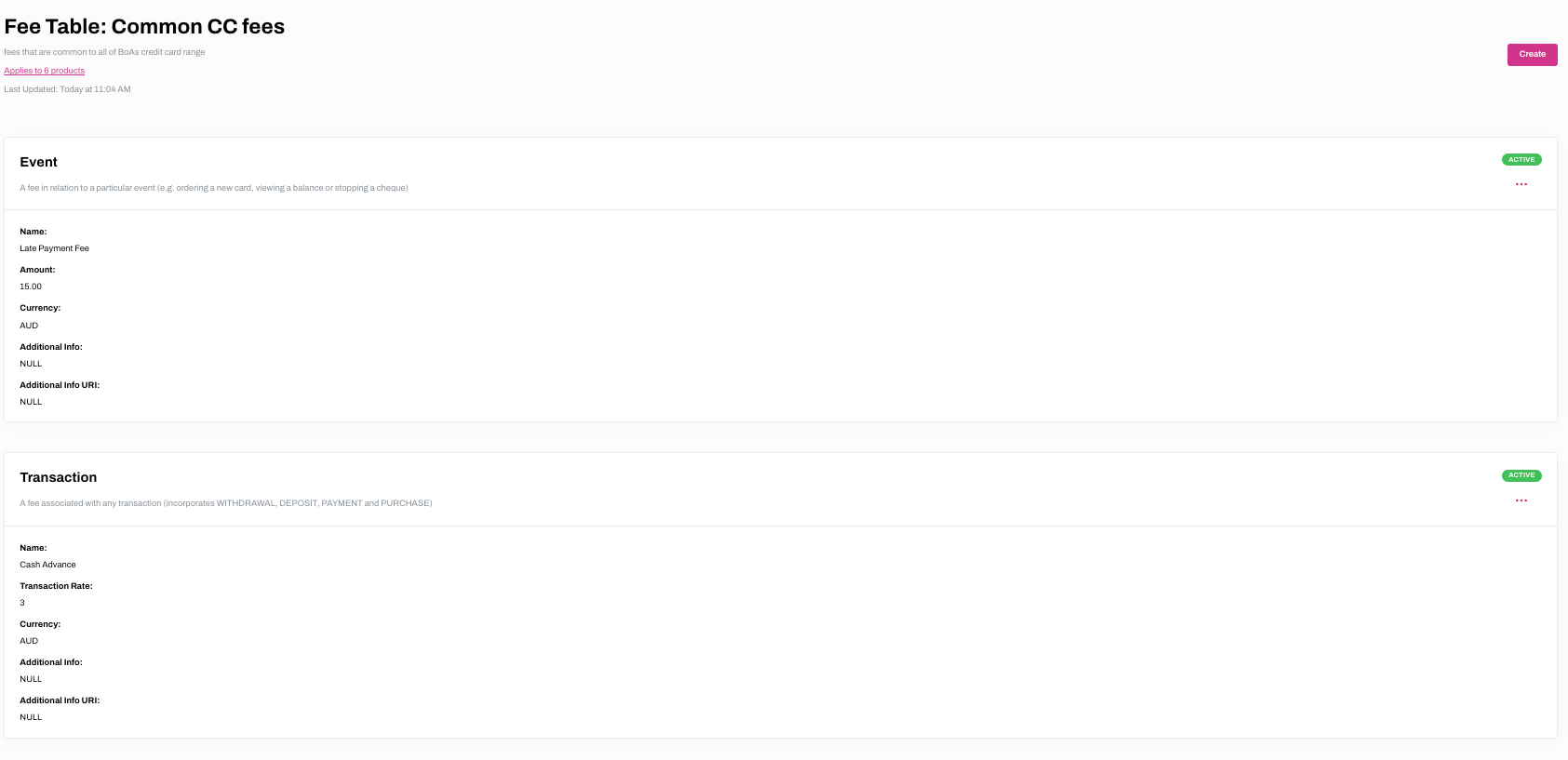
Table types
Product Manager 1.0.22 has nine types of library table, one for each repeating structure of the CDR banking product detail:
| Table type | What its items describe | Guide |
|---|---|---|
| Fees | Fees a product charges, with their discounts and discount eligibility | Fee tables |
| Features | Features and benefits of a product | Feature tables |
| Eligibility Criteria | Conditions a customer must meet to be offered the product | Eligibility criteria tables |
| Bundles | Bundles of products the product can be part of | Bundle tables |
| Constraints | Constraints on the product, such as minimum and maximum balances or loan-to-value ratios | Constraint tables |
| Card Art | Images of the cards issued for the product | Card Art tables |
| Deposit Rates | Interest rates paid on deposits, with their tiers and applicability conditions | Deposit rates |
| Lending Rates | Interest rates charged on lending, with their tiers and applicability conditions | Lending rates |
| Instalments | Instalment (Buy Now Pay Later) plan limits and splits available on the product | — |
Instalments was added in 1.0.13 for the July 2026 Data Standards changes. The other eight types have been available from 1.0.0.
Data validation alerts
Product Manager validates data as you enter it, to catch errors and invalid entries. If data doesn't meet the schema validation requirements, Product Manager shows alerts in the relevant library tables, so you can find and fix the issue.
Update Required
When the Data Standards add a mandatory or conditional field to an item, Product Manager marks each existing item that lacks it with an Update Required badge. Update the item to bring it into line with the latest standard. Until every item attached to a product uses the latest format, the CDR PRD API serves that product at an older Get Product Detail version, which the Schema validation report shows.
Related
- Guide: Manage library tables.
- Guide: Add and remove tables on a product.
- Feature: Bulk rate changes for deposit and lending rates.