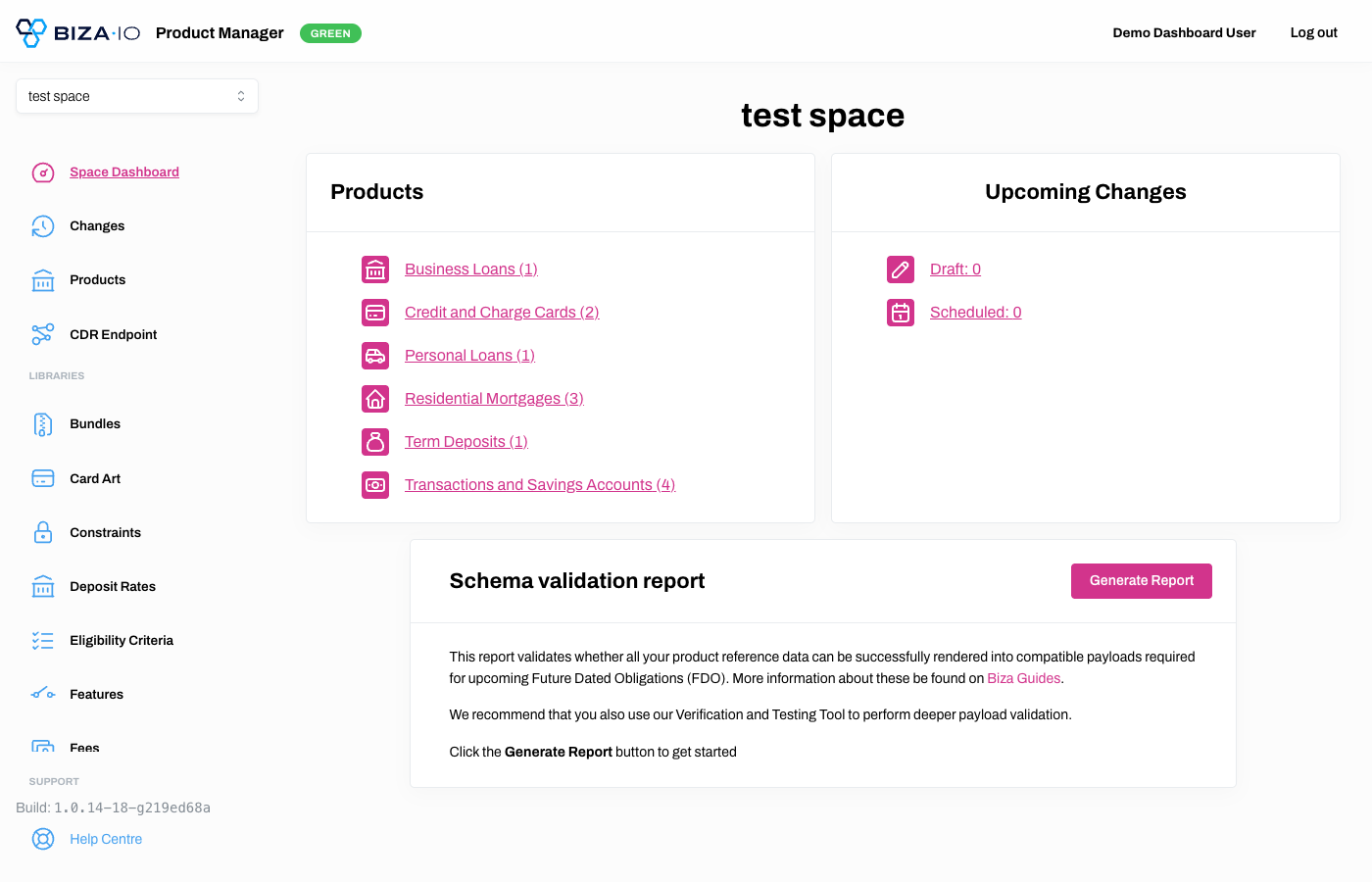
Schema validation report
The Schema validation report on the Space Dashboard checks whether every product in the space can be rendered into a compatible Get Product Detail payload for each Data Standards version that is current or due. For each obligation milestone it shows:
| Column | Description |
|---|---|
| Obligation Milestone | The Future Dated Obligation milestone, for example Current, Y26 #1 or Y26 #3. |
| Compliance Date | The date by which compliance is required. |
| Days Remaining | The countdown to the compliance date. |
| Coverage | The percentage of effective products that render a compatible payload for that version. |
Products with an Effective To date in the past are left out of the coverage figures and counted separately. Selecting a row opens the products that are not compatible with that version, each with a link to the product.
Why it matters
Each Data Standards change to the product detail payload is a dated obligation. The report shows, before the date, which products still need updating, so you can fix them in time rather than discover the gap after the obligation date. Use it together with the Update Required badges on library table items, which show which items need new values.
The report checks the structure of your data, not its accuracy. Use it with the Verification Testing Tool (VTT) for deeper payload validation.
Related
- Guide: Generate a schema validation report.
- Obligations: Future Dated Obligations.