Sign in to VTT
How to sign in to VTT.
info
The Verification Testing Tool (VTT) and the Open Gateway Consumer Dashboard use Biza ID for sign-in. Your organisation MUST be set up with Biza ID federation, and you MUST hold the VTT role (see Role Based Access Control (RBAC)), before you can access VTT. Speak to your Biza representative for more information.
- Go to the VTT for your ecosystem: https://vtt.cdr.zone (Biza Test Ecosystem) or https://vtt.biza.au (ACCC CDR Ecosystem).
- Enter your email address on the Biza ID screen and click Continue.
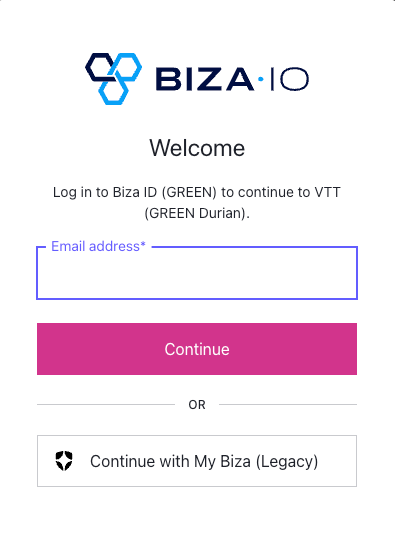
Biza ID Screen
- You are redirected to your organisation's identity provider. The screenshots below show Microsoft Entra ID as an example. Enter your email address on the Microsoft sign-in screen and click Next.
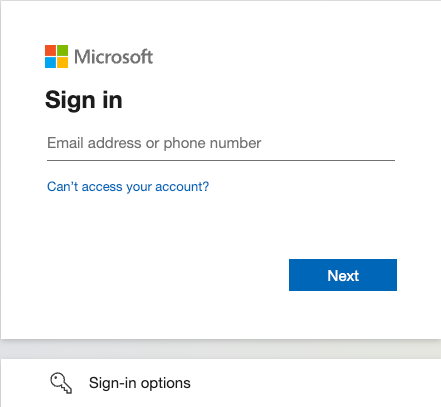
Microsoft Sign-In Page
- Enter your Microsoft password and complete your usual authentication method (for example, an authenticator app, verification code or text message).
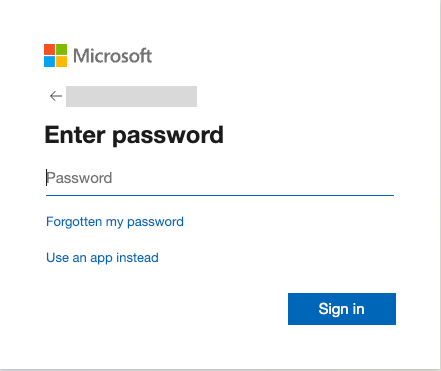
Microsoft Password
- You are now signed in to VTT.