List arrangements
How to view your arrangements in VTT.
View the arrangement API response
Use these steps to see the detailed API response for an arrangement.
The VTT screenshots are from VTT 4.0.0.
1. Sign in to VTT.
2. On the VTT home page, click List Arrangements.
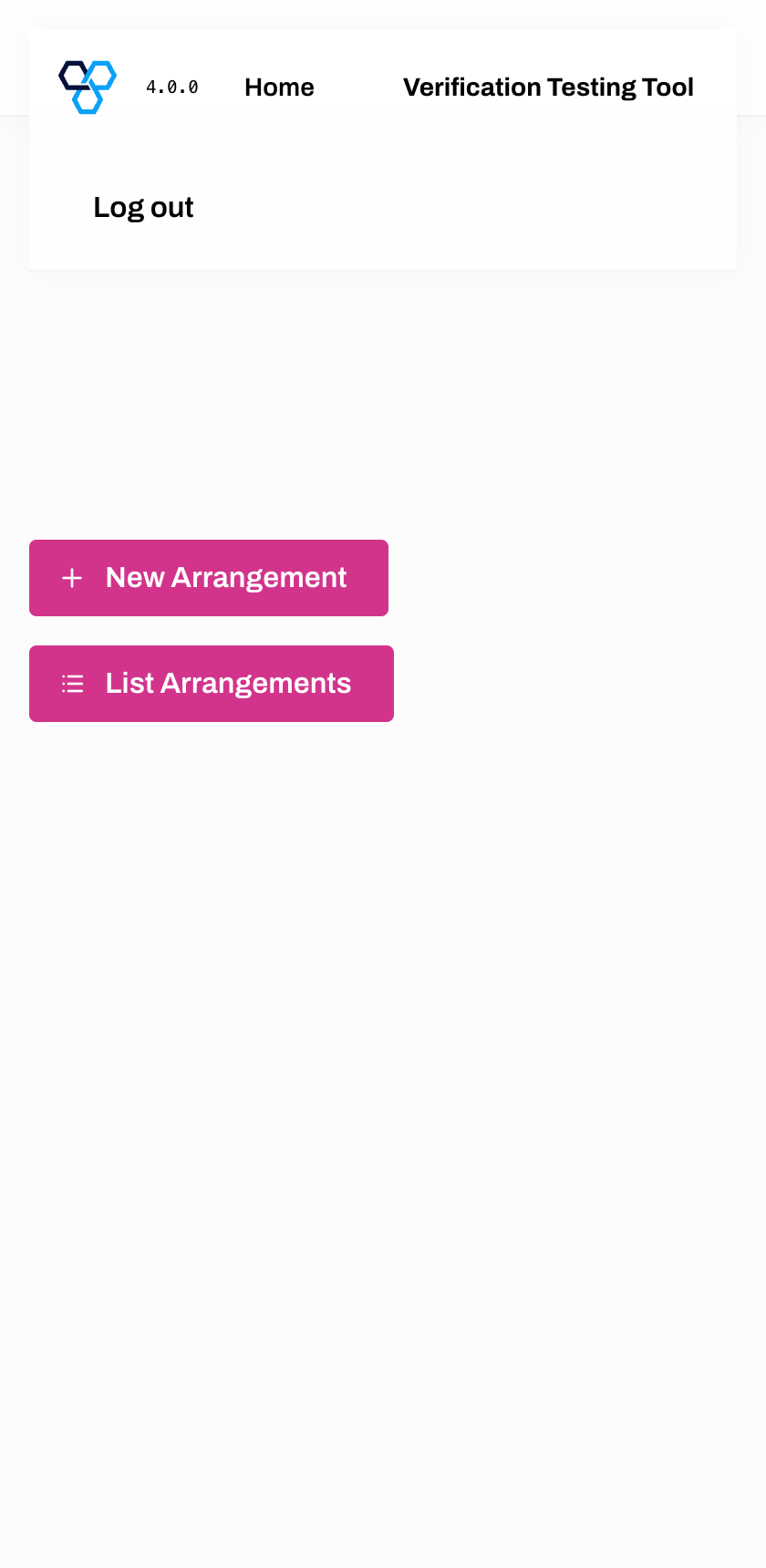
VTT home page
3. The Arrangements page lists your arrangements with the Arrangement ID, Provider, Created, Expires and Status, 15 to a page. Show Active Arrangements Only is on by default; turn it off to include revoked and expired arrangements. Click the Arrangement ID you want.
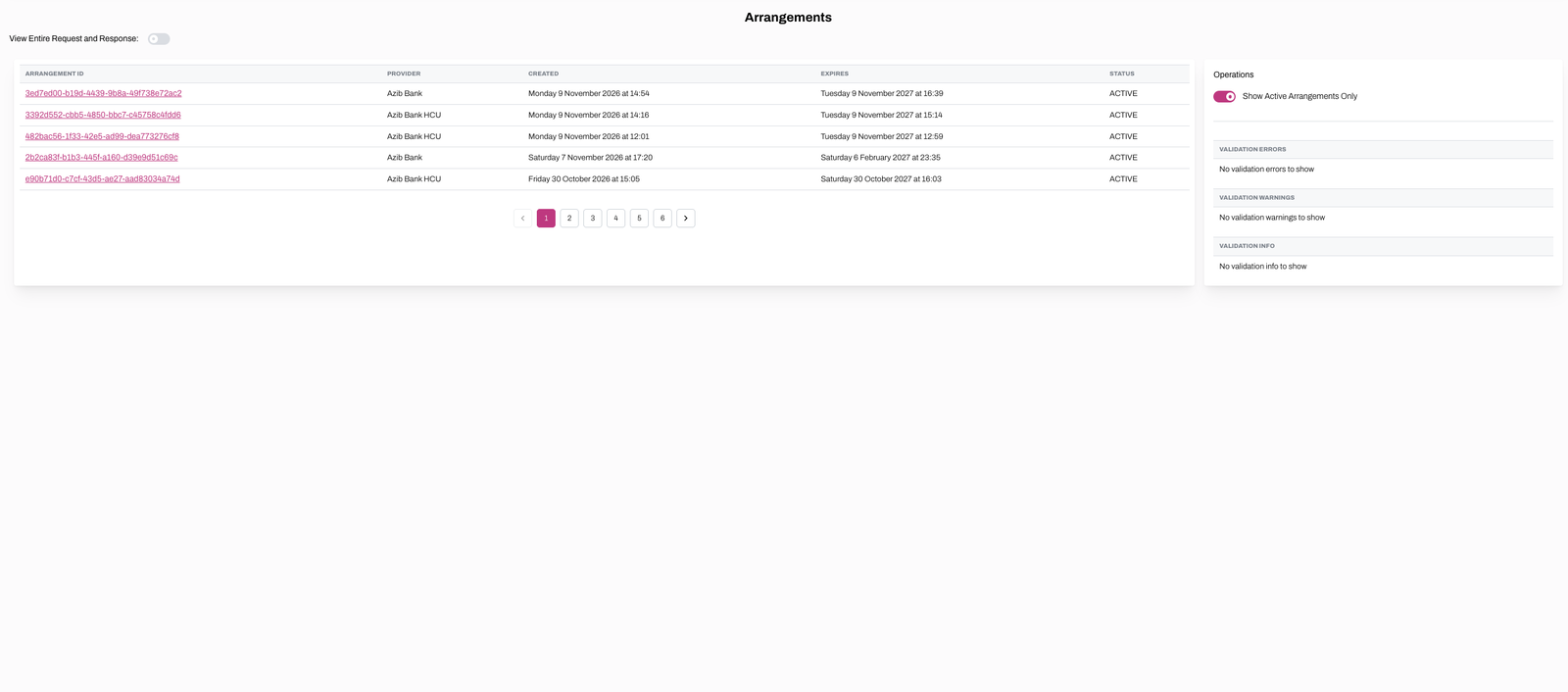
Arrangements
4. Get Arrangement Details opens. It shows the arrangement JSON on the left. On the right are the API calls you can make for the Data Holder's industry and the Operations you can perform: Amend Arrangement, Revoke Arrangement, Open Biza Test Suite and View in Consumer Dashboard.
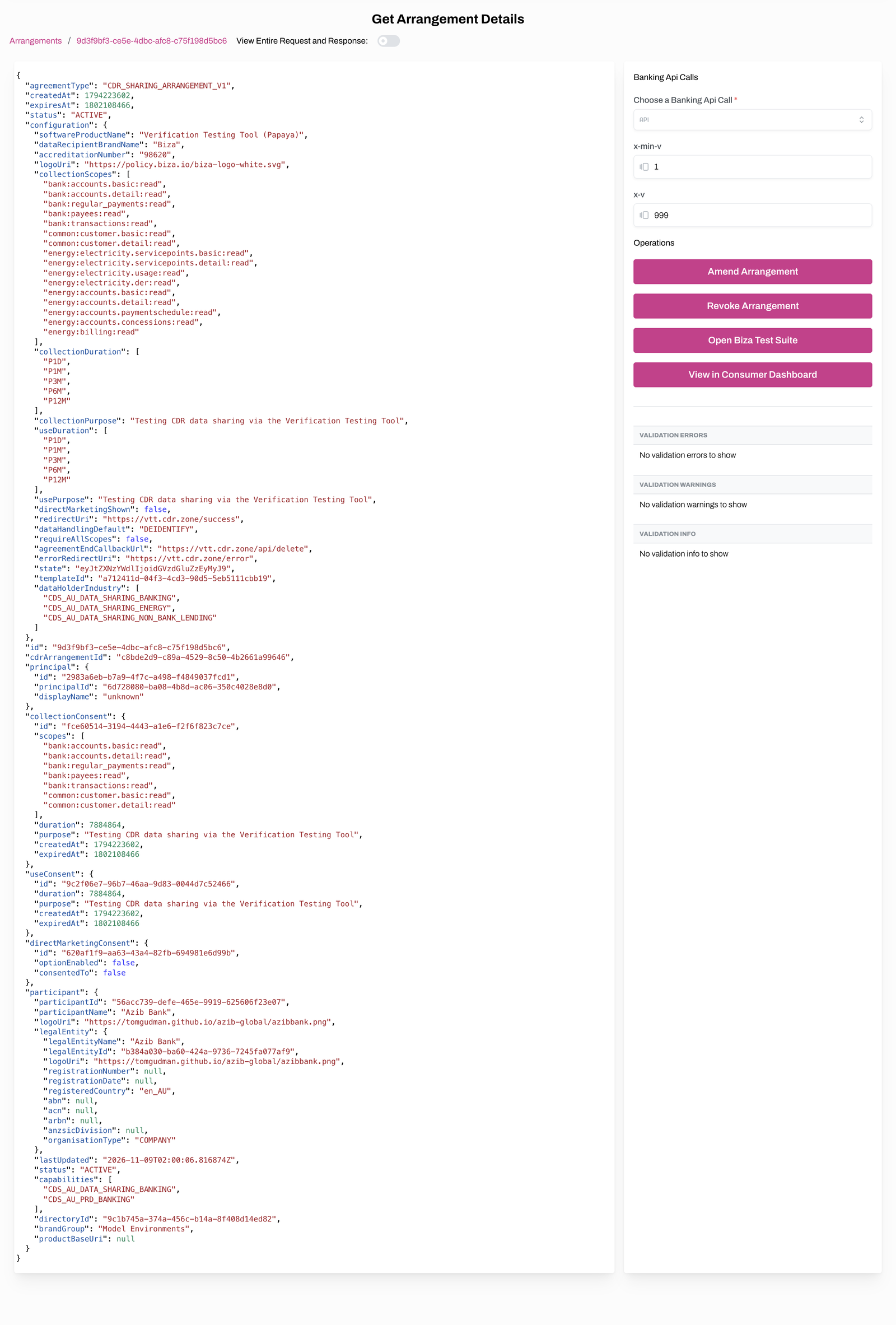
Get Arrangement Details
Turn on View Entire Request and Response to see the full API request and response behind the page.
View an arrangement in the Open Gateway Consumer Dashboard
Use these steps to open the arrangement in the Open Gateway Consumer Dashboard.
1. Follow steps 1 to 4 above.
2. On Get Arrangement Details, under Operations, click View in Consumer Dashboard. The dashboard opens in a new browser tab.
3. Sign in if prompted.
4. The Arrangement Details page shows the arrangement's details and amendment history. You can also amend the arrangement or stop access from this page.
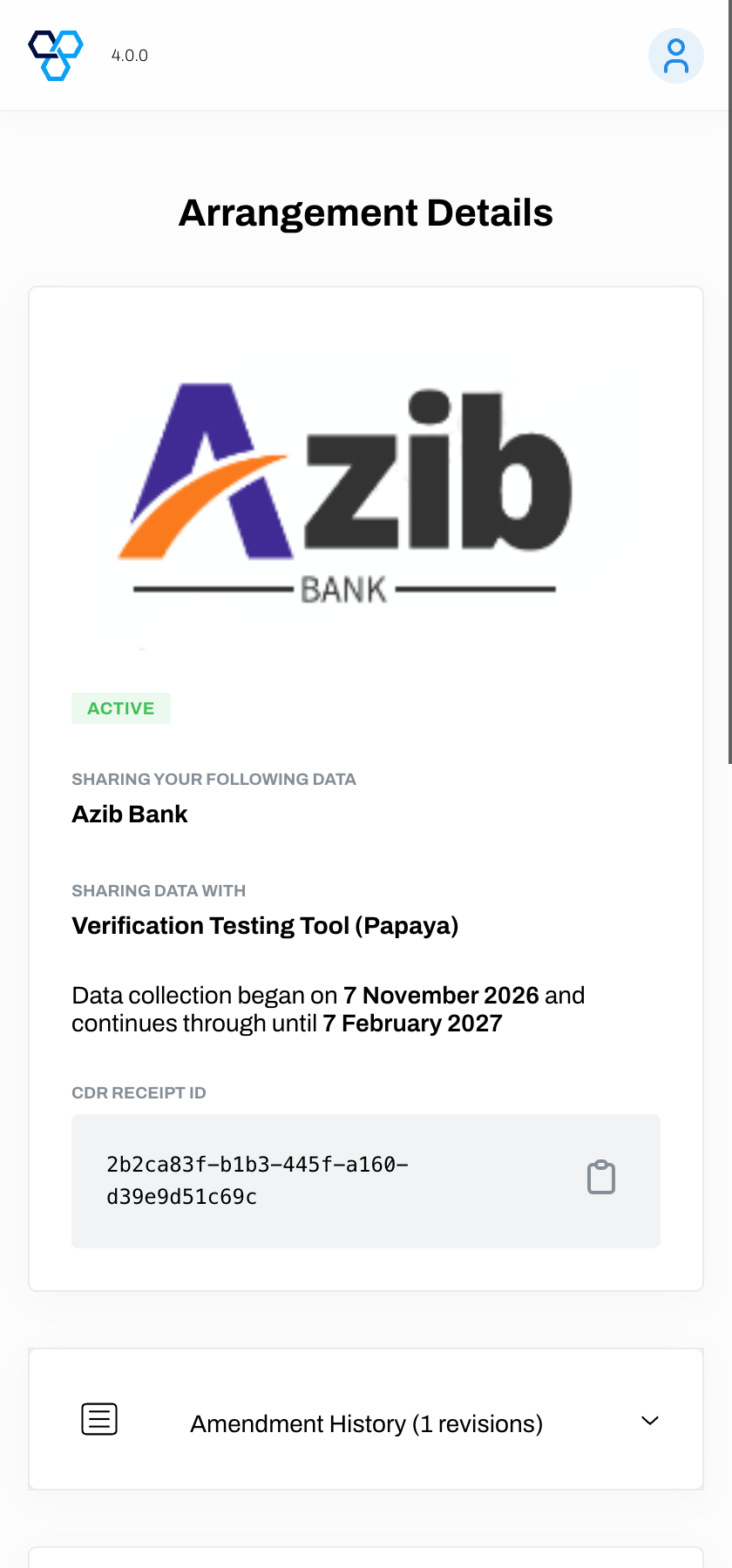
Arrangement Details
Learn how to amend an arrangement or revoke an arrangement. See Consumer Dashboard Link for what the dashboard offers.