Local user instructions
Prior to federation, local users can be added to Biza ID directly to Biza ID. The Biza administrative team are responsible for performing the initial set up, after which the instructions below can be followed for completing onboarding.
Create local users
1. An email invitation will come from no-reply@biza.io. Click Verify Your Account.
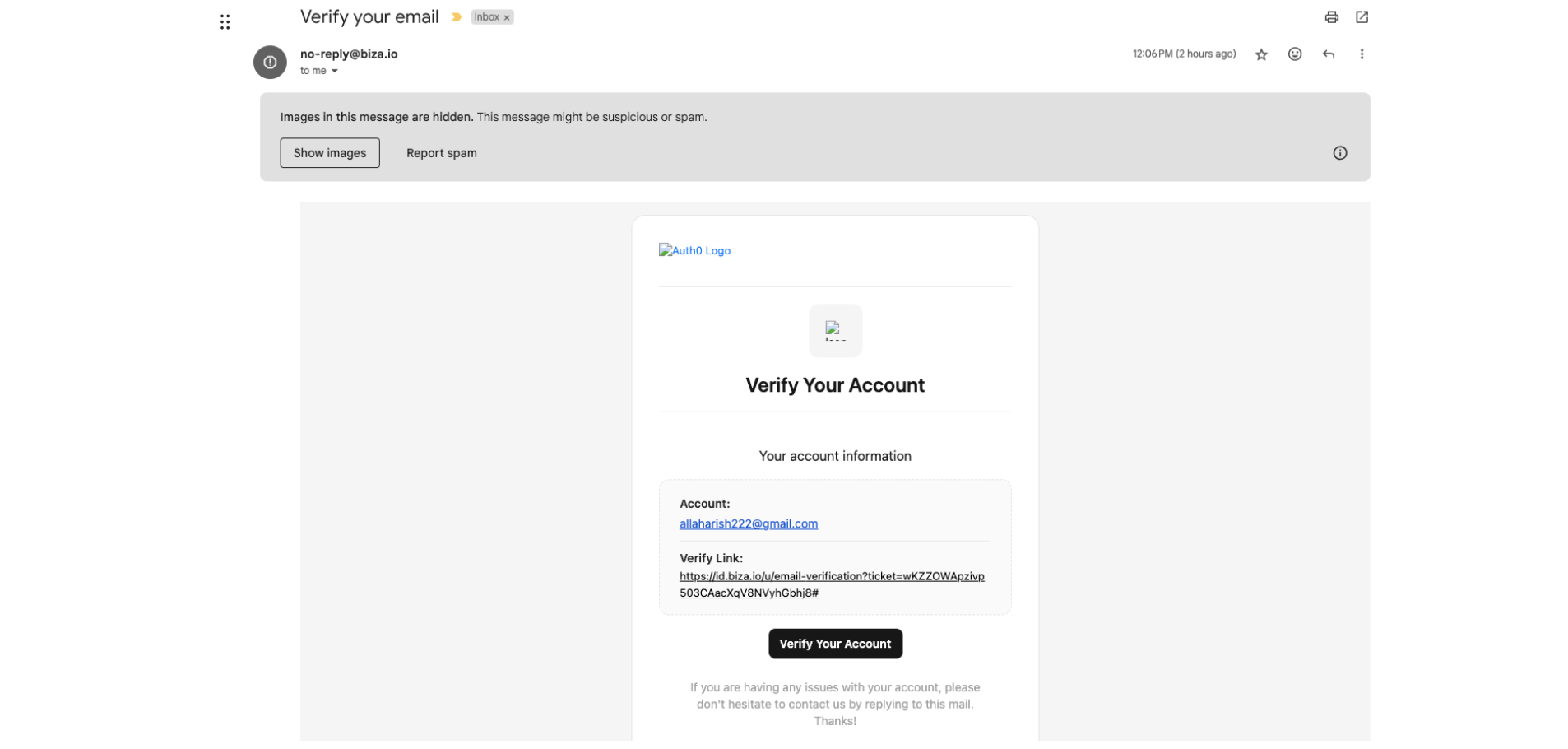
Email Invitation
2. A confirmation message will be displayed.
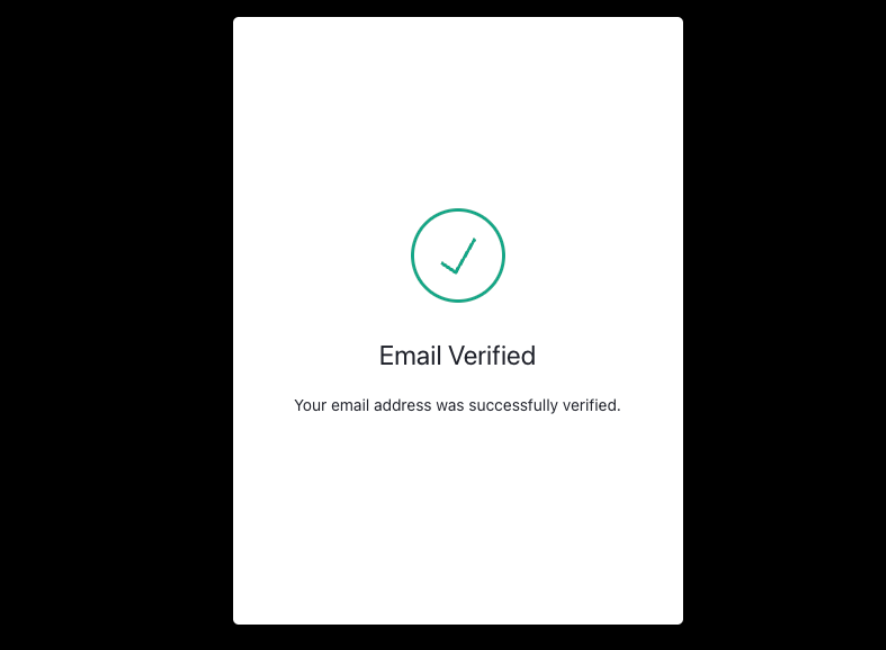
Email Verification
3. After account verification, go to https://pm.biza.au, enter your email address and click Forgot password?
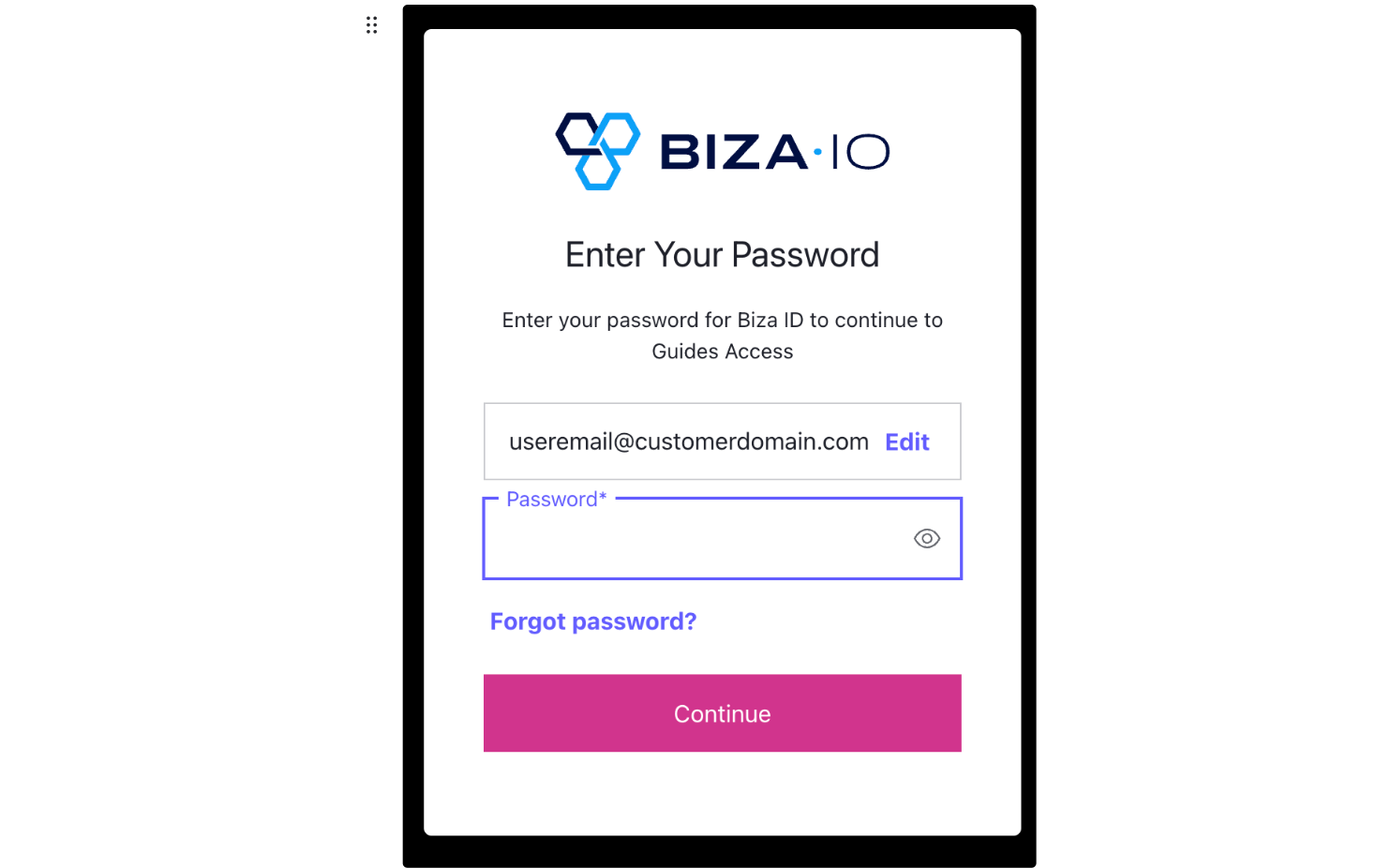
Forgot Password
4. The user will receive an email to reset their password. Click Confirm*.
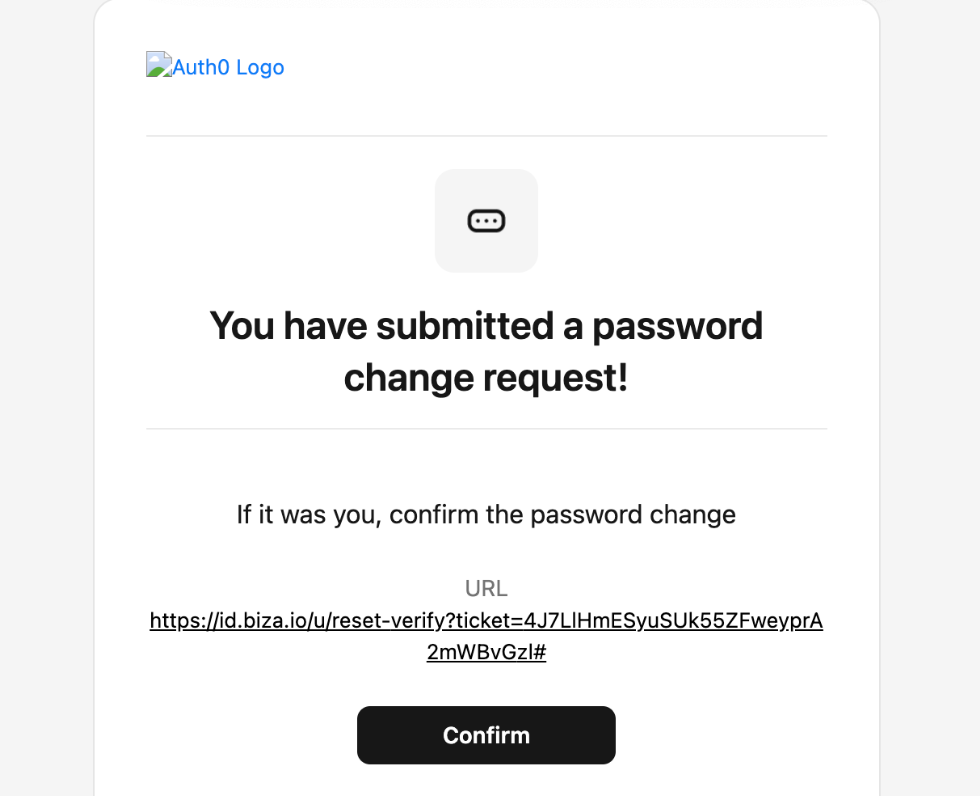
Password Reset Email
5. Enter a new password and click Reset password.
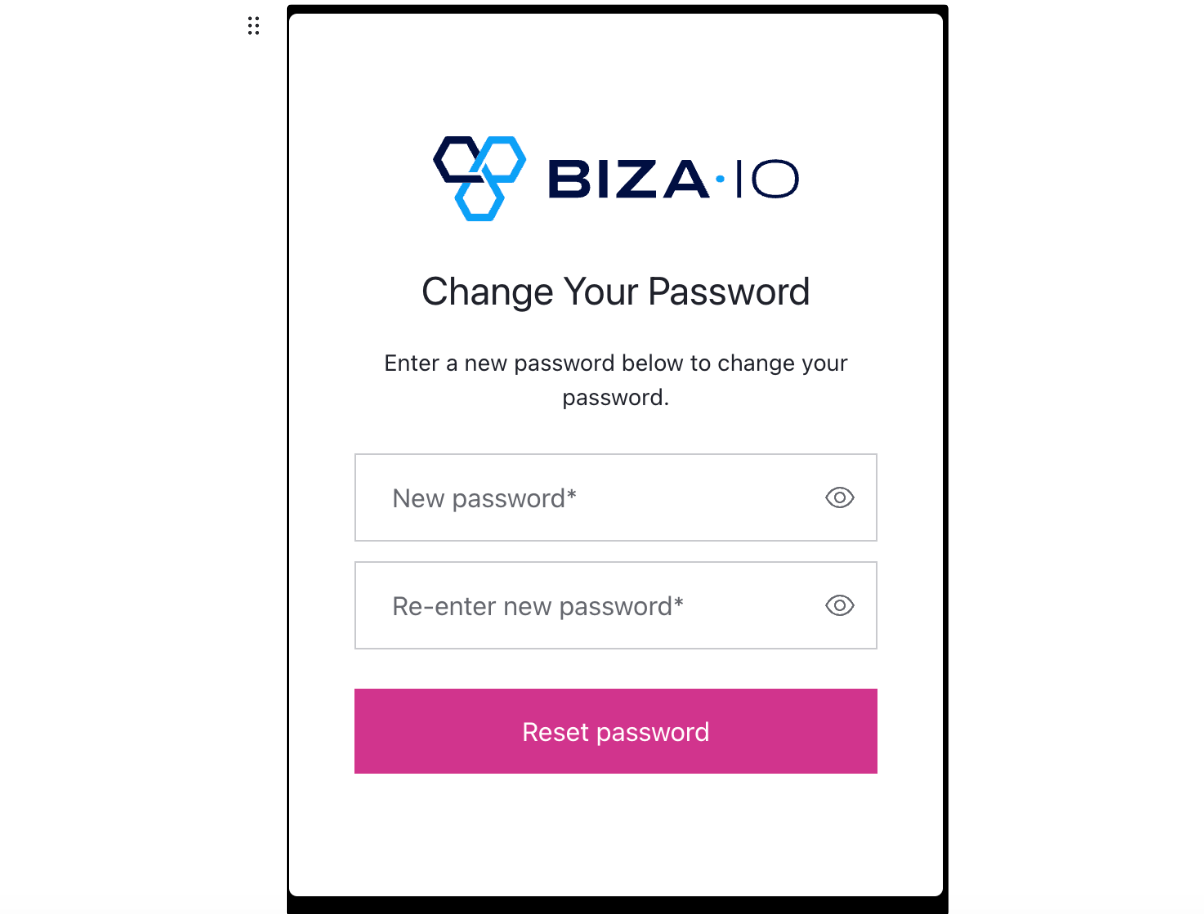
Enter New Password
Add local users
If extra local users are required, please contact your Biza representative.