Sign in to VTT
Here you will find instructions on how to log in to VTT
info
Biza's Verification Testing Tool (VTT) and Consumer Dashboard are BizaID authorised. Before you can access these tools, you must sign up to BizaID. Please speak to your Biza Representative for more information.
- Go to https://vtt.cdr.zone.
- Enter you email address on the BizaID screen and click Continue.
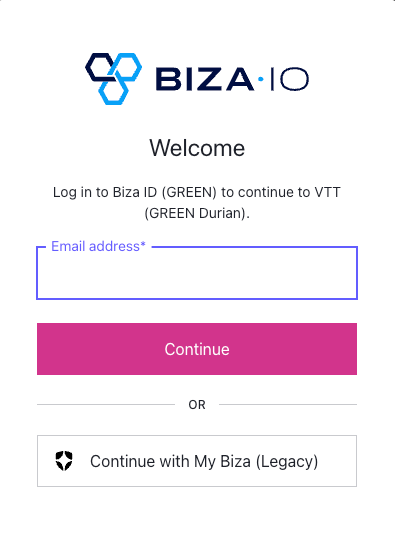
Biza ID Screen
- Enter your email address on the Microsoft Sign in screen and click Next.
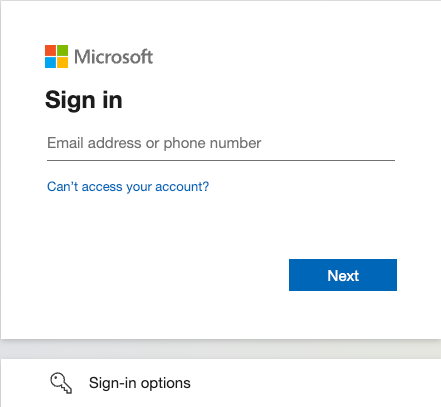
Microsoft Sign-In Page
- Enter your Microsoft password and authenticate through your usual means (e.g., authenticator app, verification code or text).
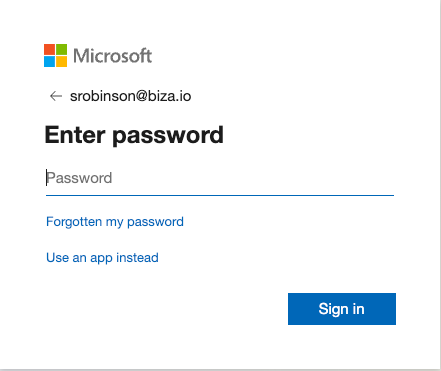
Microsoft Password
- If successful, you will now be logged in and ready to use VTT!