Visual API Testing - Banking
Learn how perform visual API testing on arrangements.
You can follow these instructions to conduct visual API testing on arrangements, including all banking APIs defined on the data holder side with customisable request/query parameters.
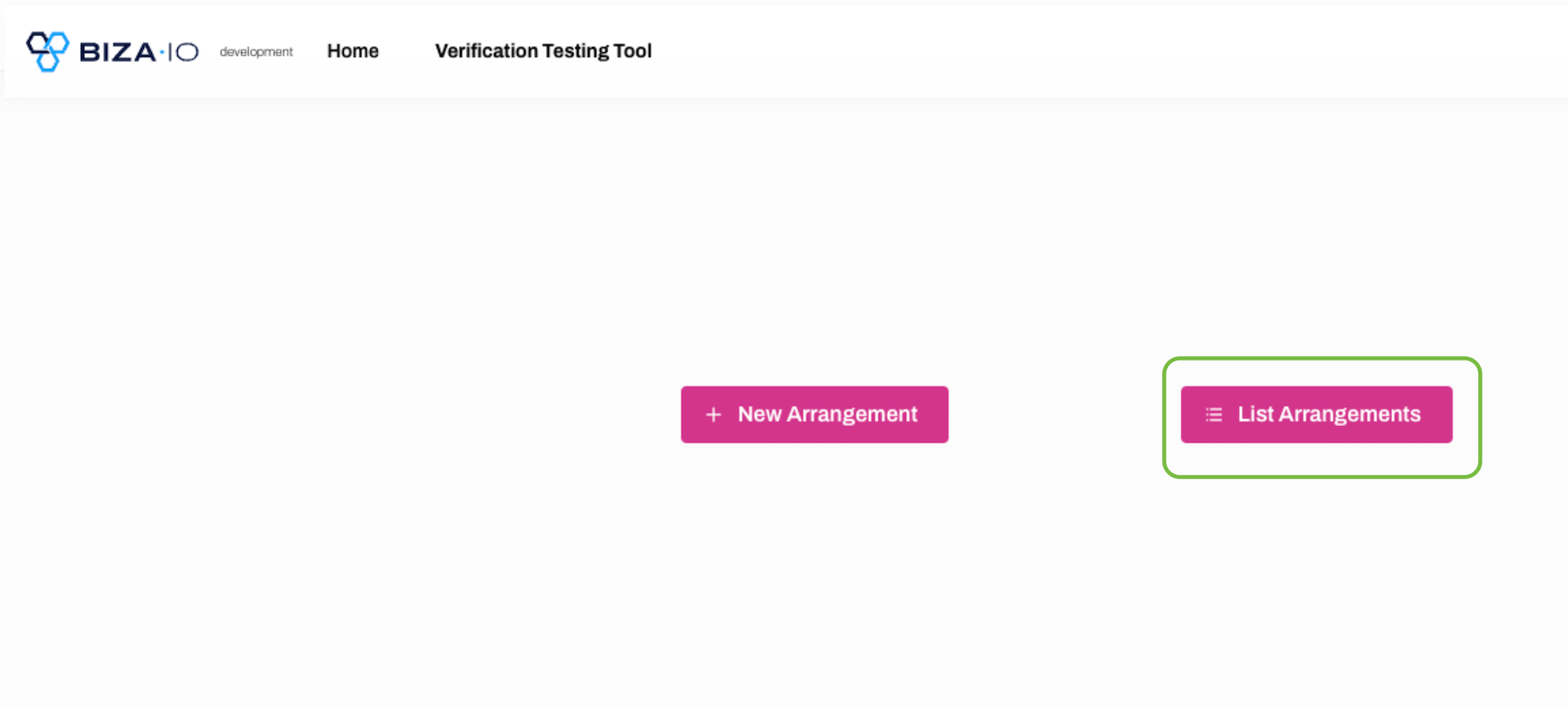
1. Sign-in to your VTT account with Biza ID. 2. Follow the instructions to Initiate new arrangement. 3. On the VTT home-screen, click the List Arrangement button.
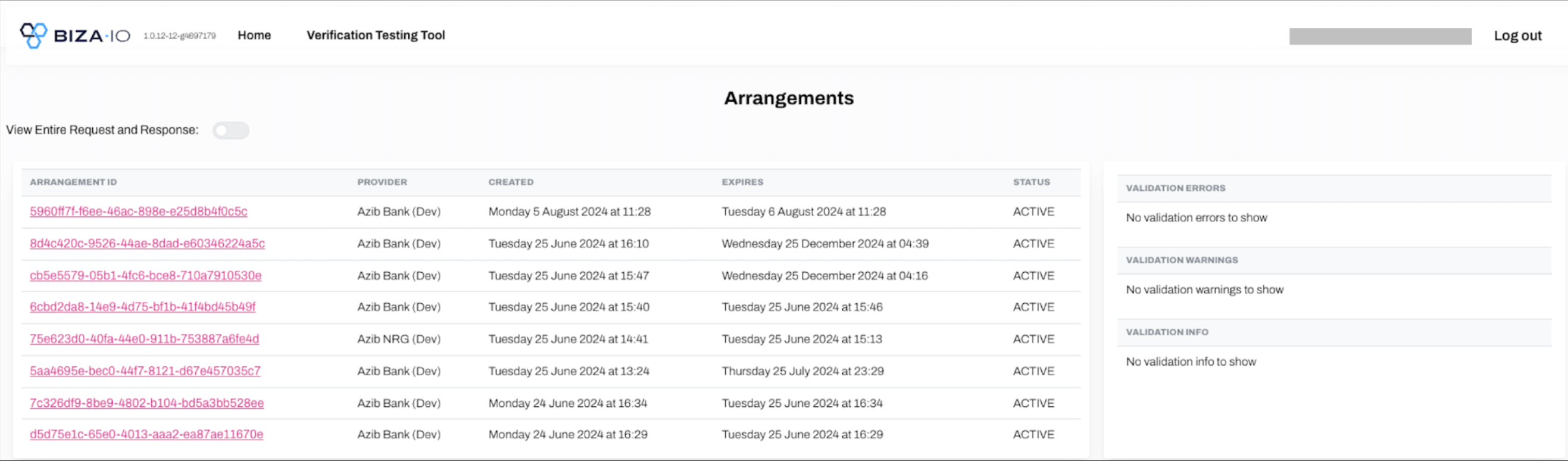
4. Select the relevant arrangement ID.
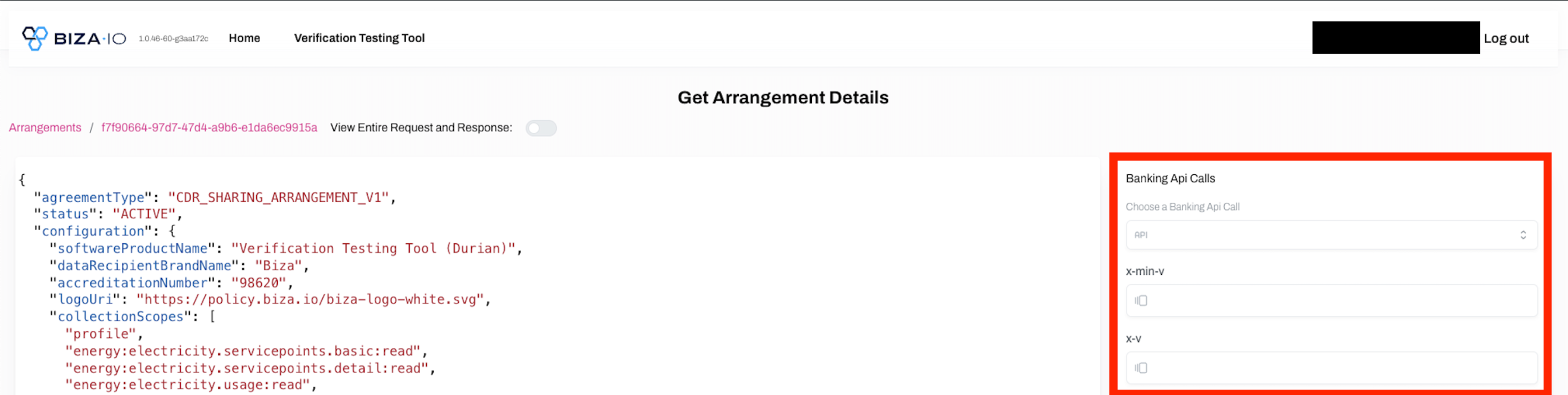
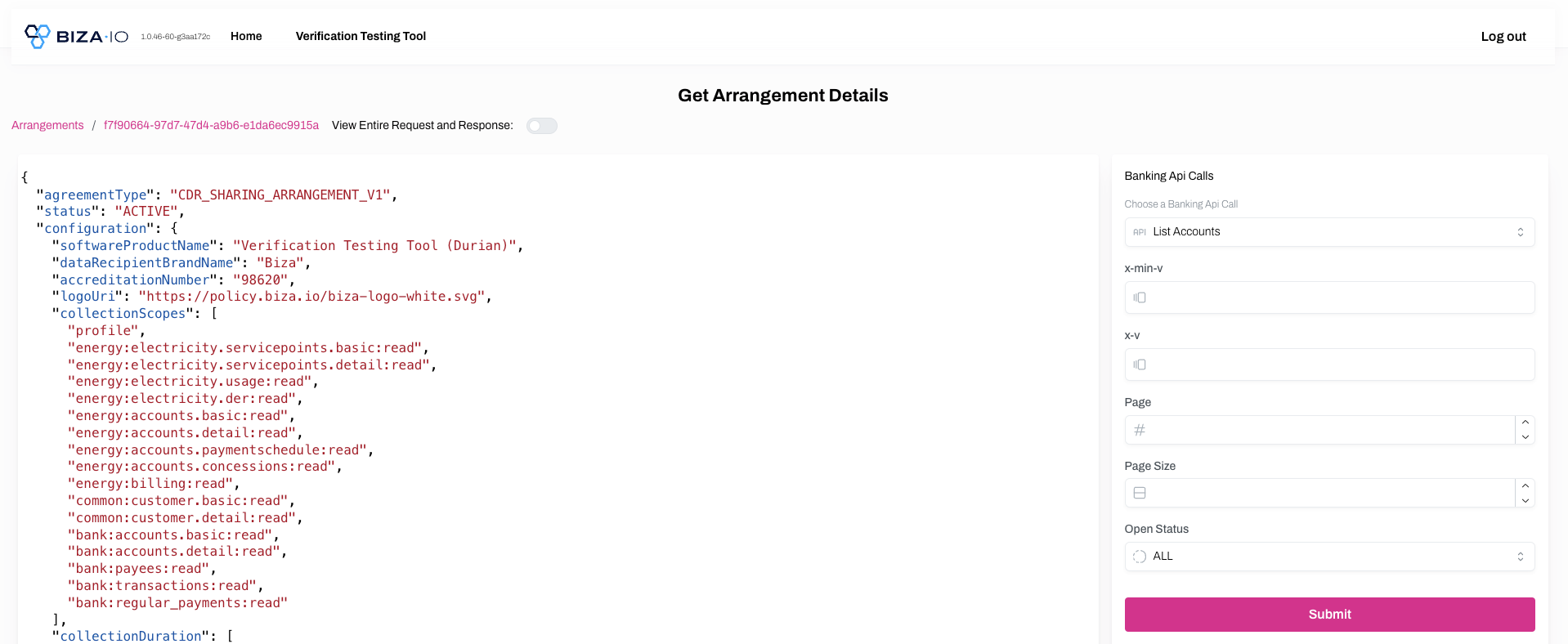
5. Select the required API call and set optional/mandatory params.
6. Click Submit.
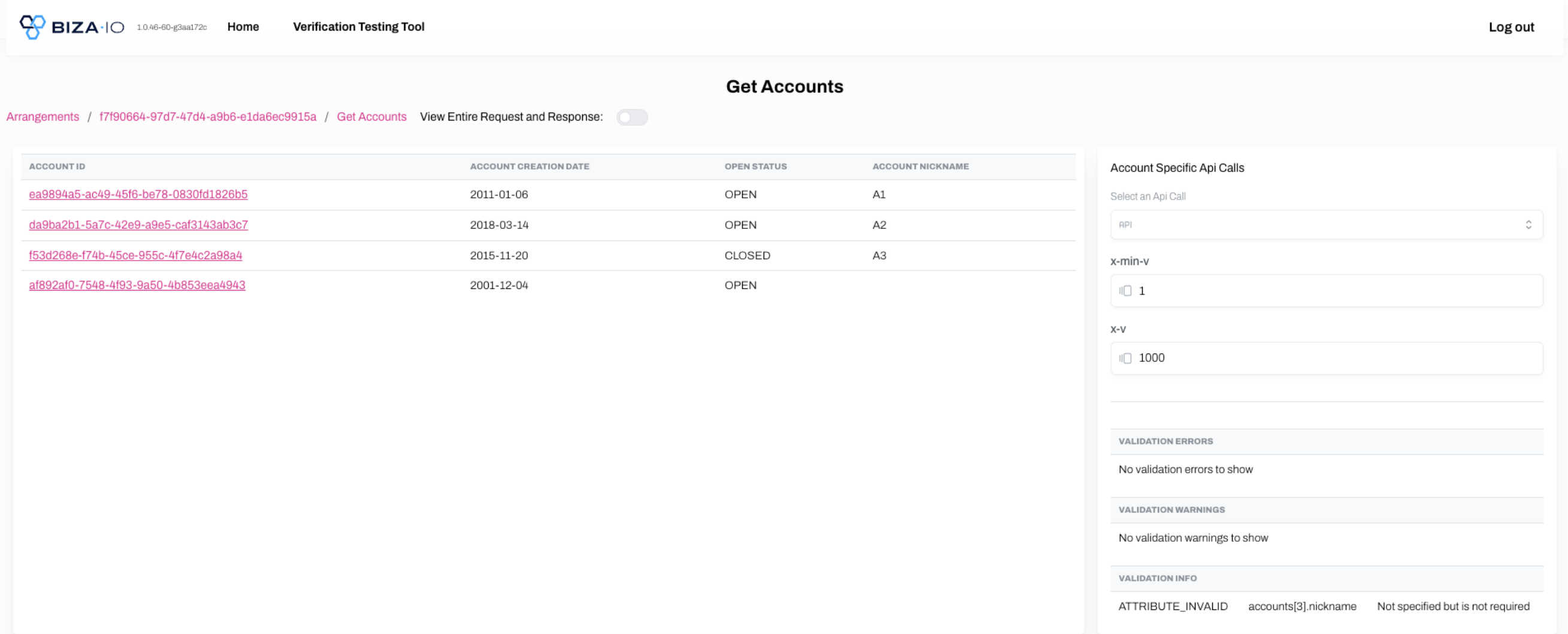
7. You can see the Response for the API call made (below screenshot is for Get Accounts API call).
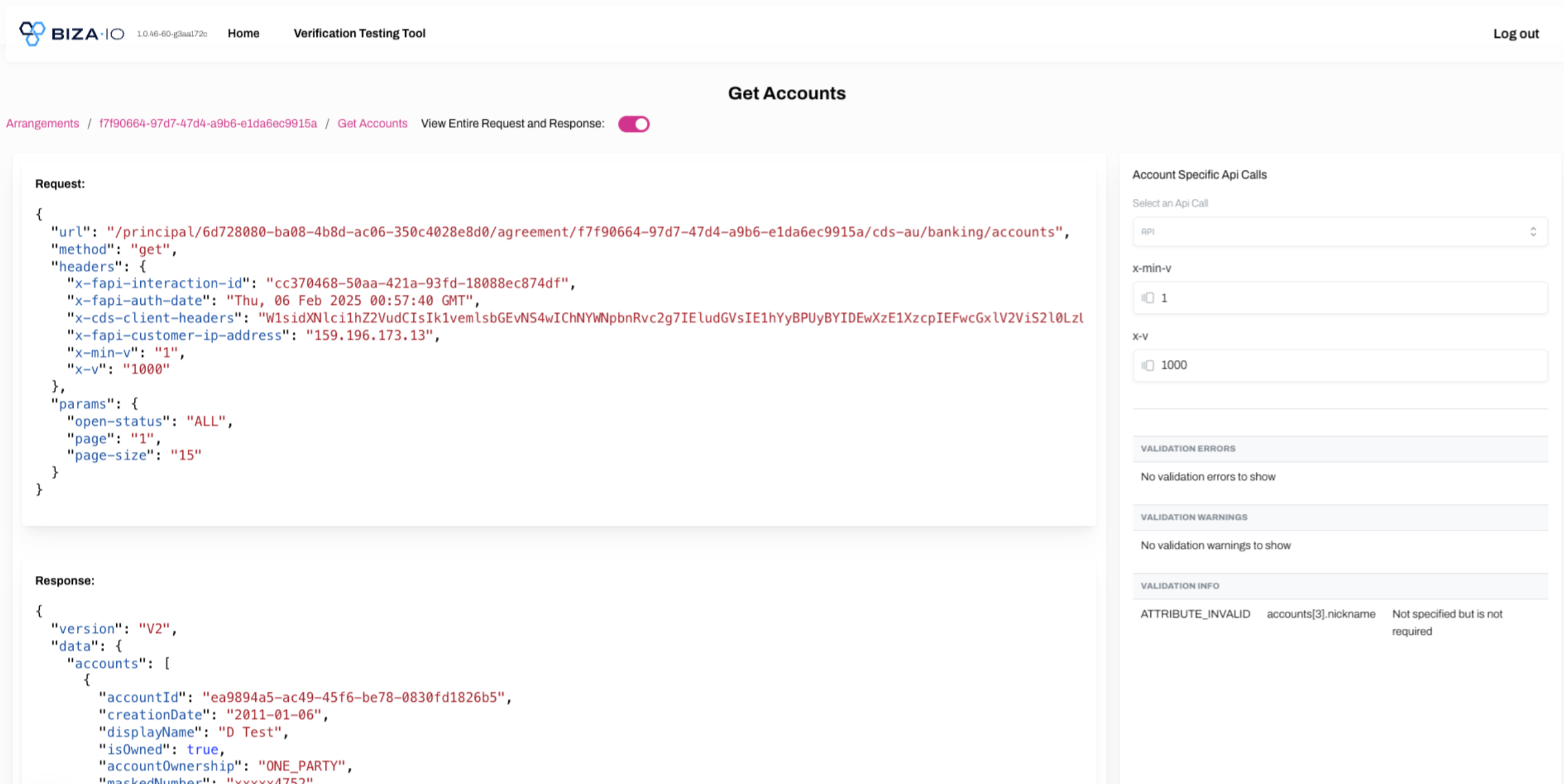
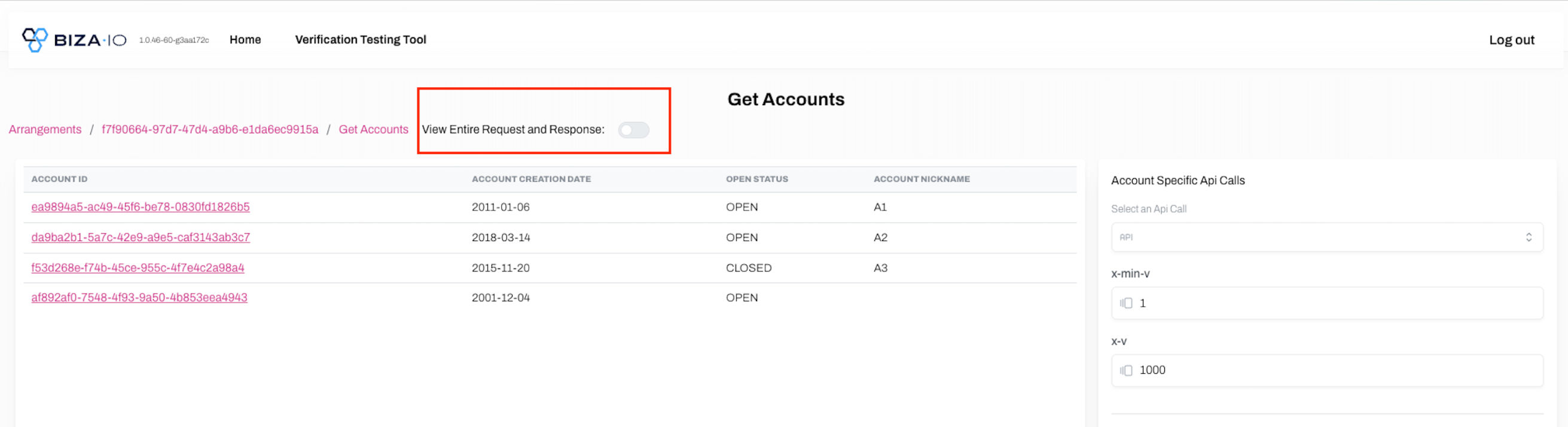
8. To view the entire request and response objects, please select the toggle shown below.
9. Further, you can select an API call on specific accounts.
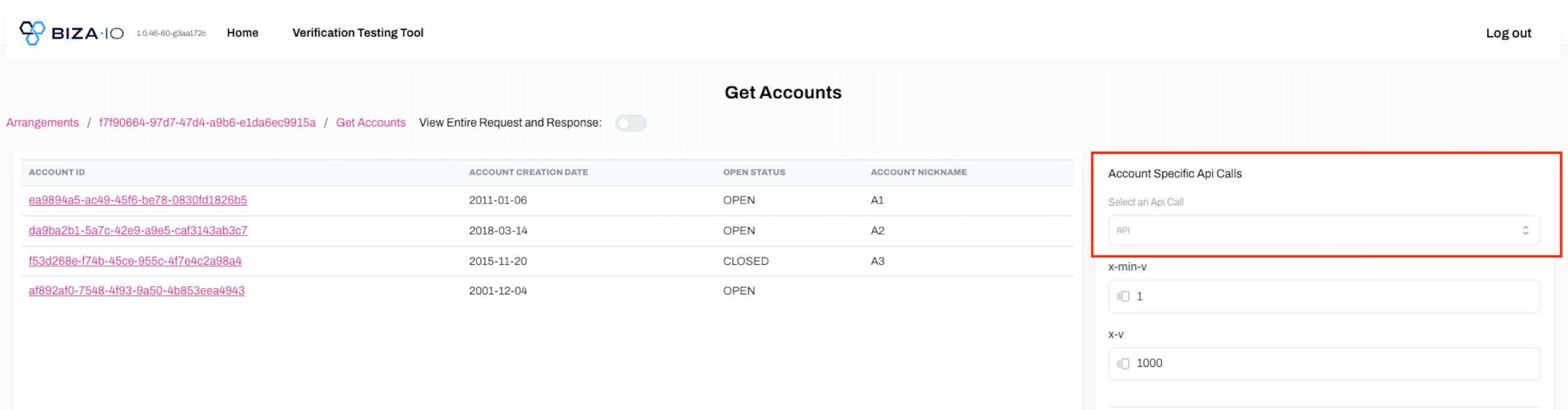
10. Select the required API call and set optional/mandatory params. Click Submit.
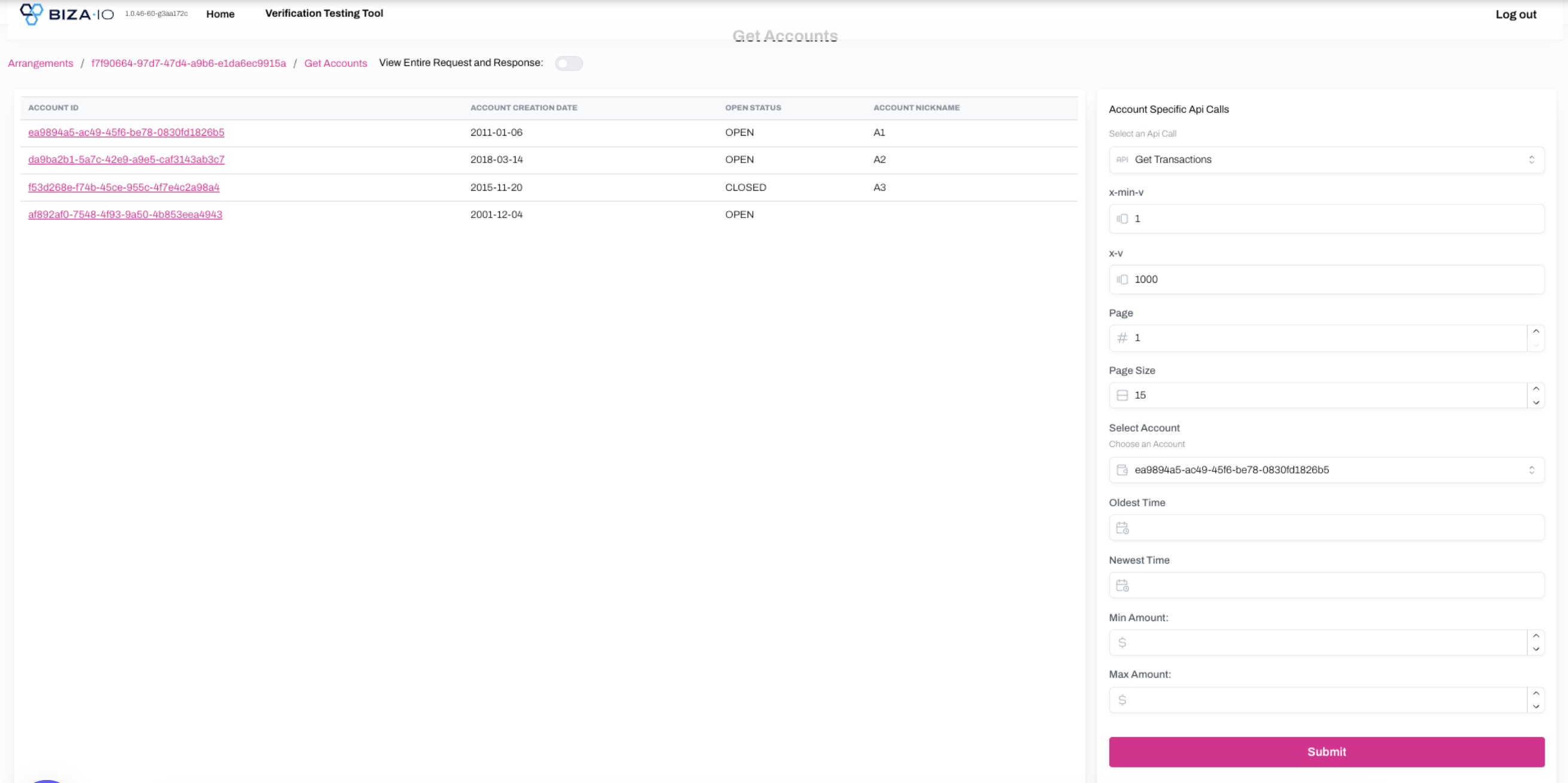
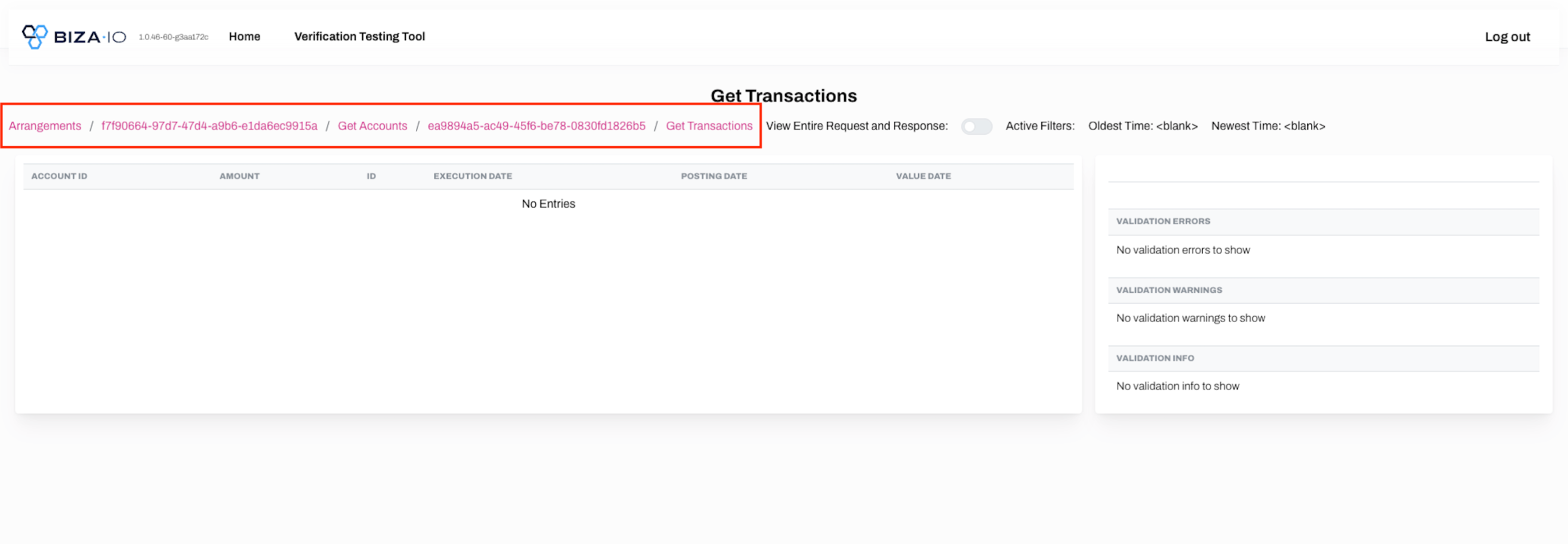
11. Navigate your way around the API calls with the breadcrumbs at the top of the field.