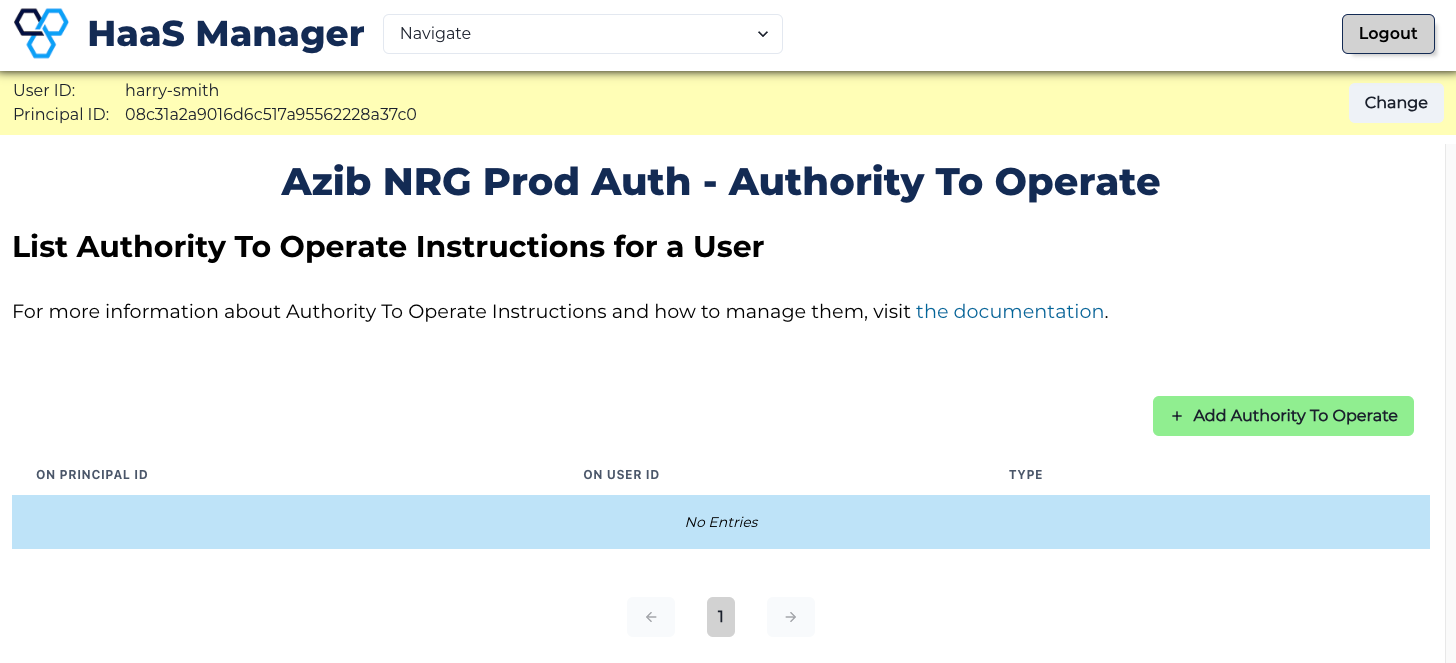
View Authority To Operate Instructions
See Authority To Operate instructions that a user has.
-
Set the context for the user (i.e., search for them using identifiers such as Principal ID).
-
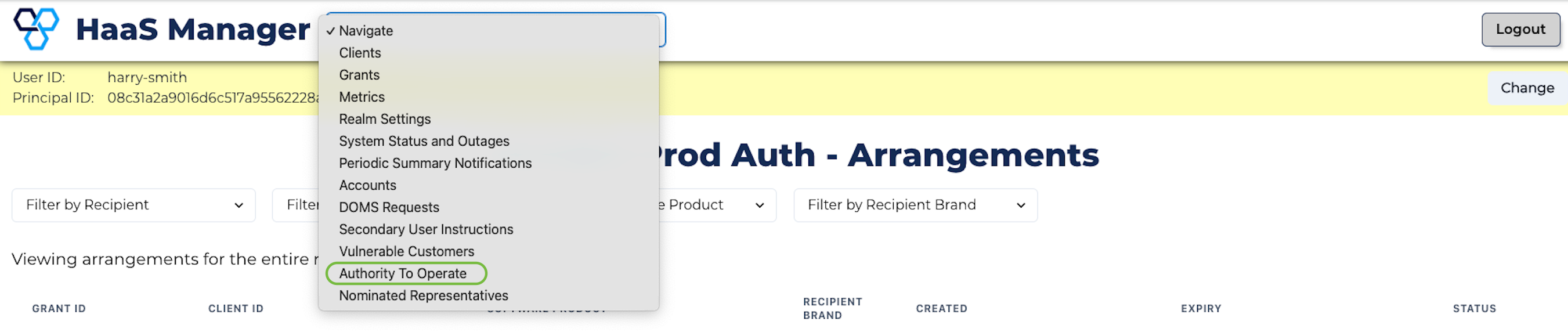
Click the Navigation box at the top of the page and select Authority to Operate from the dropdown menu.
- You will now see any ATO instructions associated with the user.