Manage Theme Configuration
Learn how to manage your brand's theme configuration in HaaS Manager.
Nebula Series and beyond
HaaS Manager Theme Editor is available on the Nebula series and later.
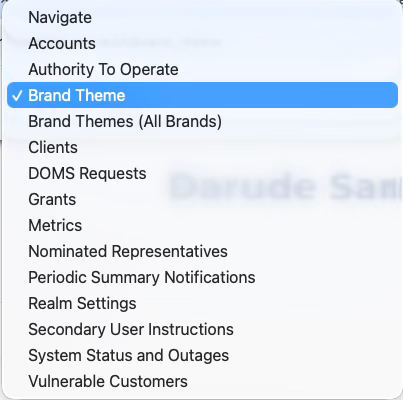
You can easily configure your brand's theme for the consent flow and consumer dashboards. Simply login to HaaS Manager using your credentials and select Brand Theme from the dropdown menu.
From here, you can configure your brand's:
- Identity (logo and favicon)
- Colours within the UIs (including buttons, page background and headings)
- Typography
- Content (including links, contact numbers and email addresses, OTP method and expiry time, and language used throughout)
- Authorisation fields (including the ability to toggle methods on and off)
You can also move themes between spaces and environments: