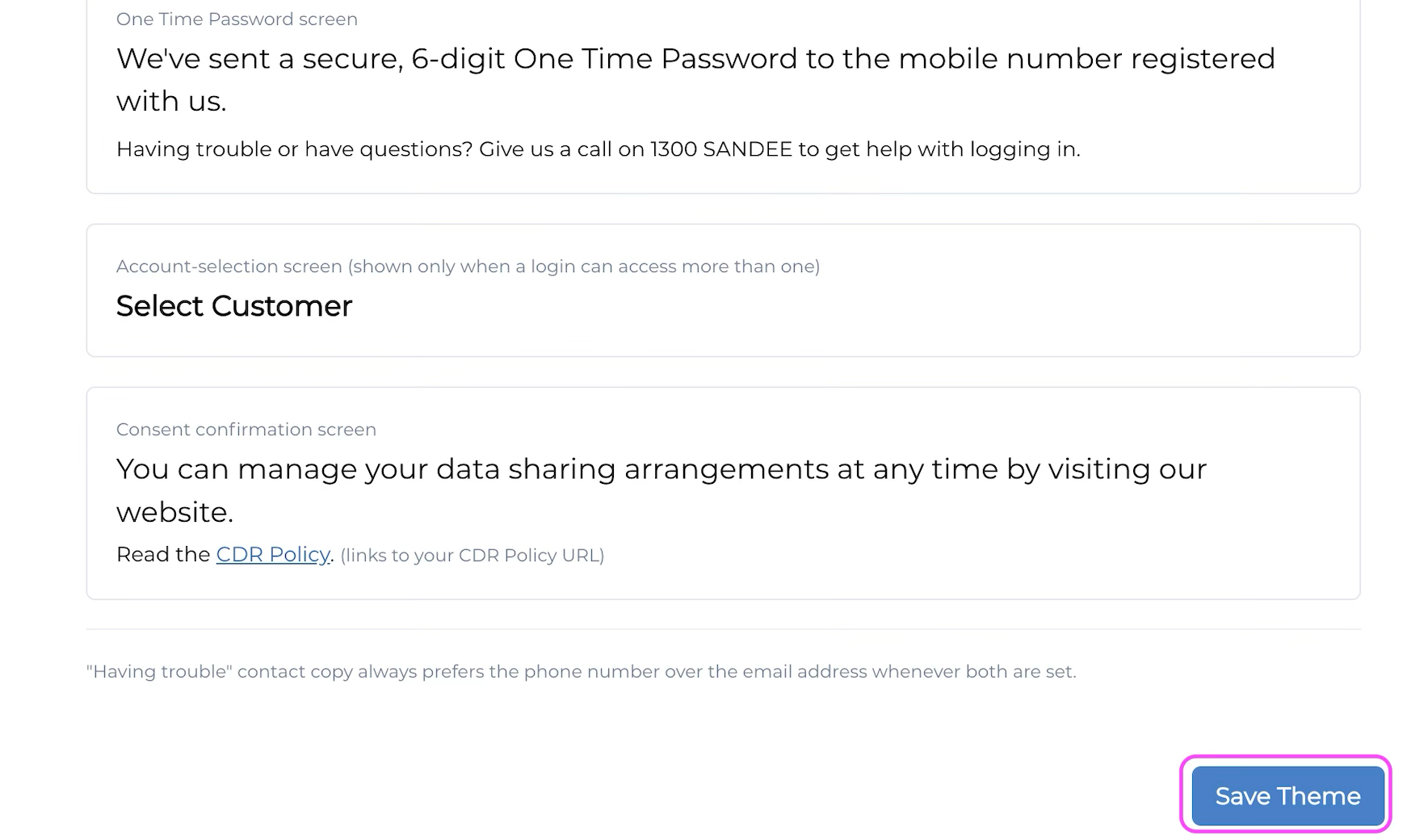
Content Configuration
Learn how to configure your content.
Nebula Series and beyond
HaaS Manager Theme Editor is available on the Nebula series and later.
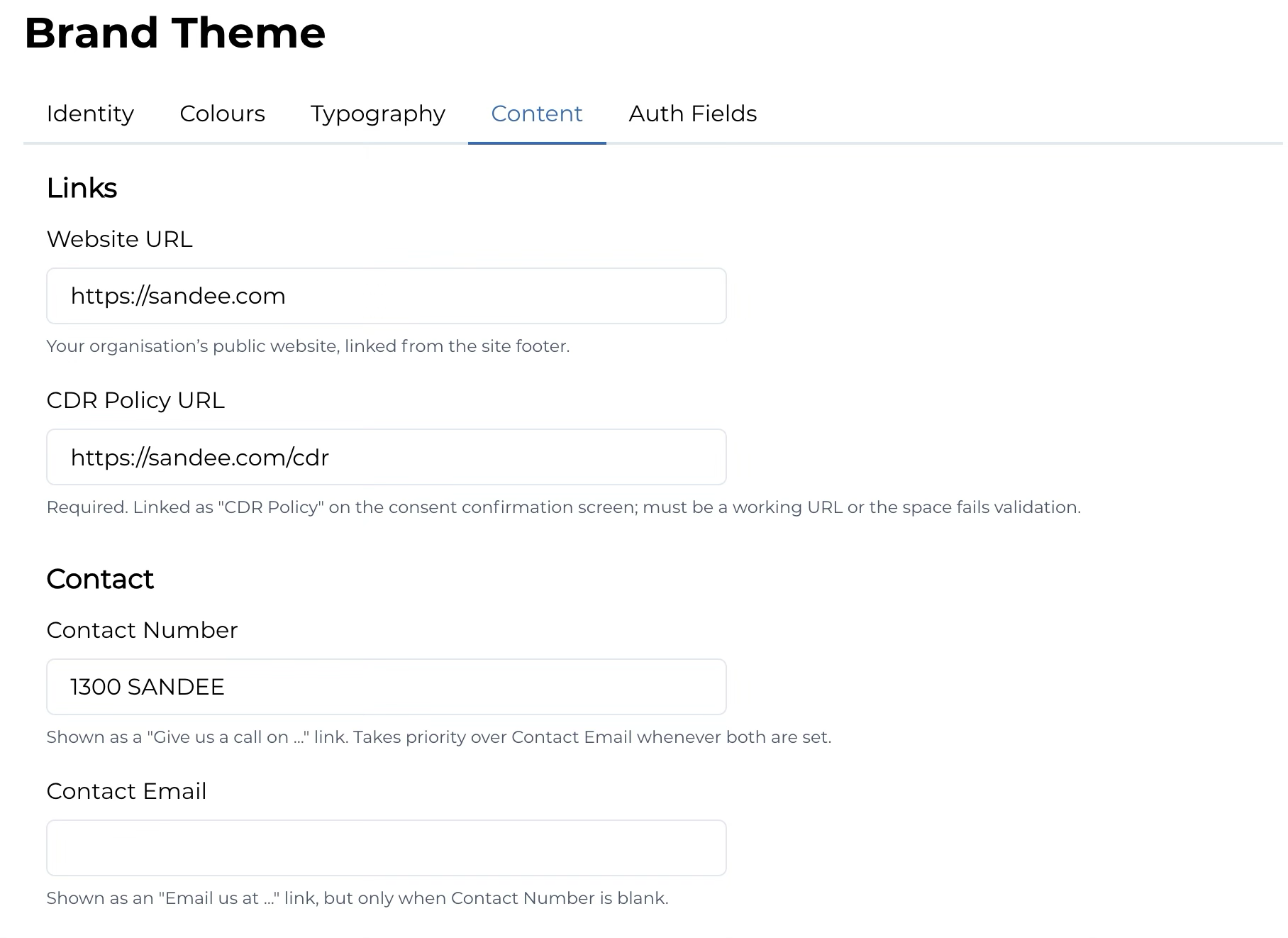
You can follow the steps below to configure the content displayed throughout consent flow and the consumer dashboard.
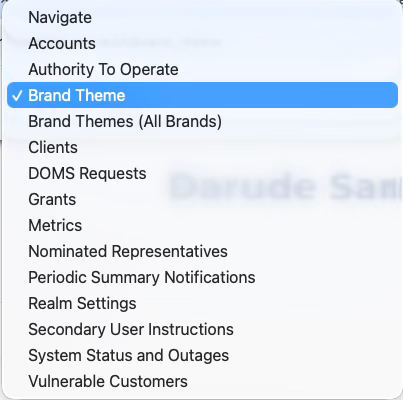
1. Login to HaaS Manager and select Brand Theme from the dropdown menu.
2. Select the Content tab.
3. When you have finished making your changes, click Save theme.