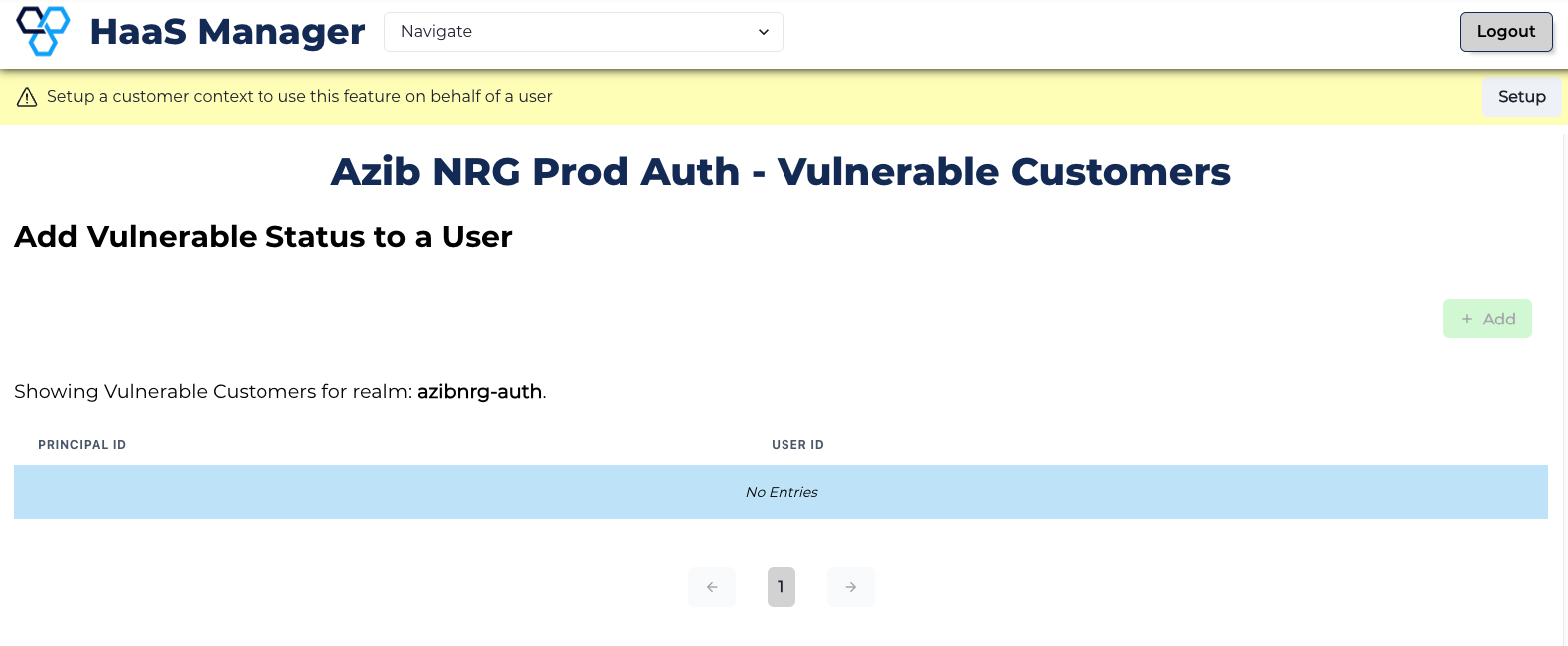
Manage a Vulnerable Status
Learn to add or remove a Vulnerable status from a customer.
Adding a Vulnerable Status
-
Set the context for the user (i.e., search for them using identifiers such as Principal ID).
-
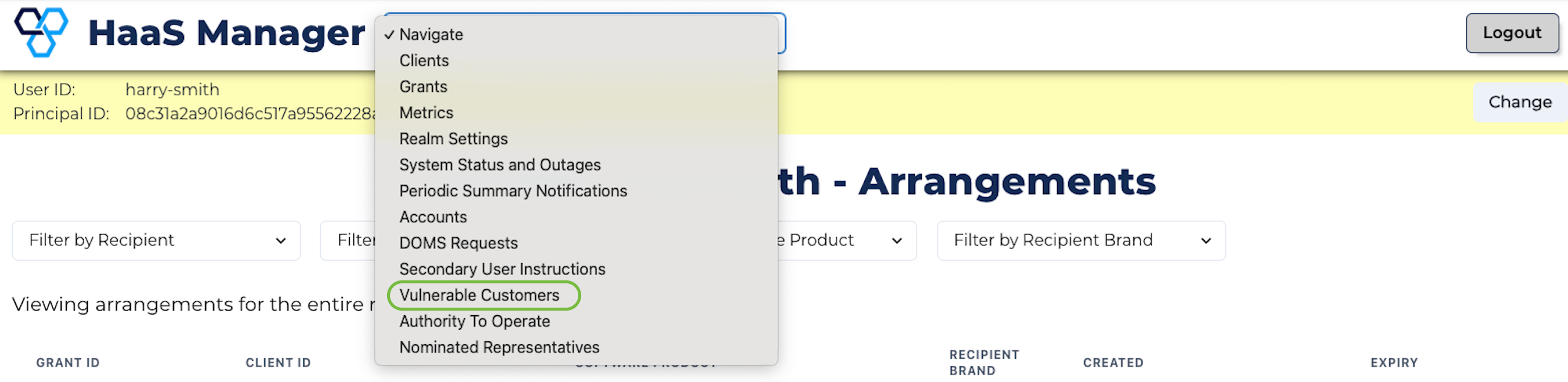
Click the Navigation box at the top of the page and select Vulnerable Customers from the dropdown menu.
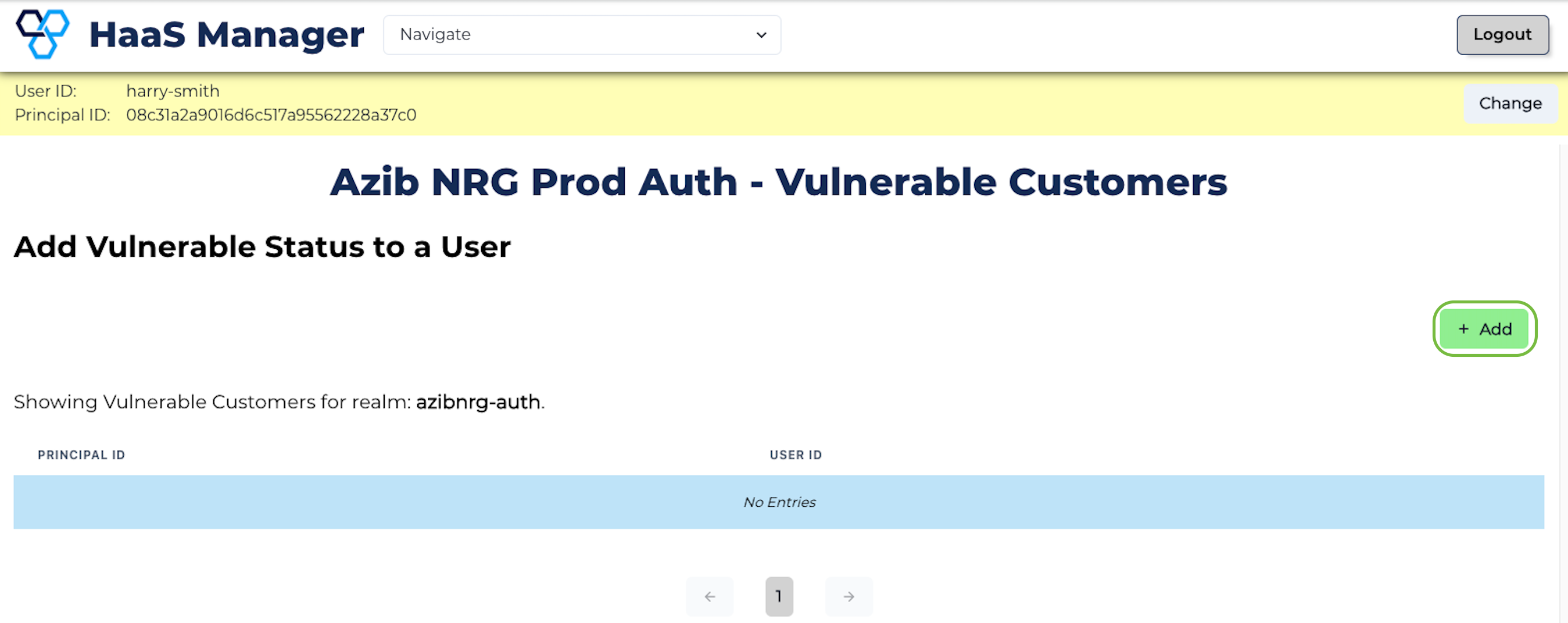
- Click + Add.
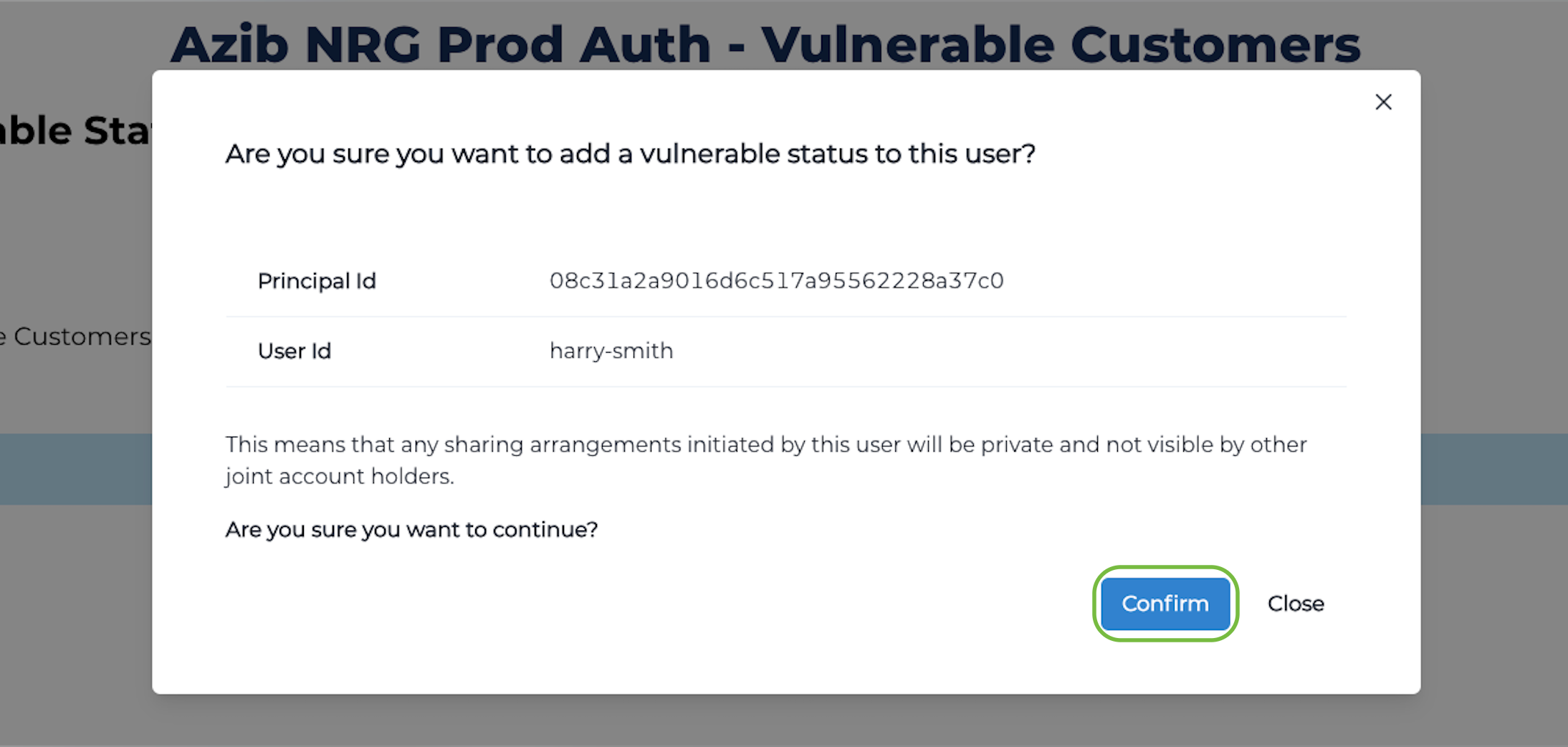
- Review the consequences of this action and click Confirm.
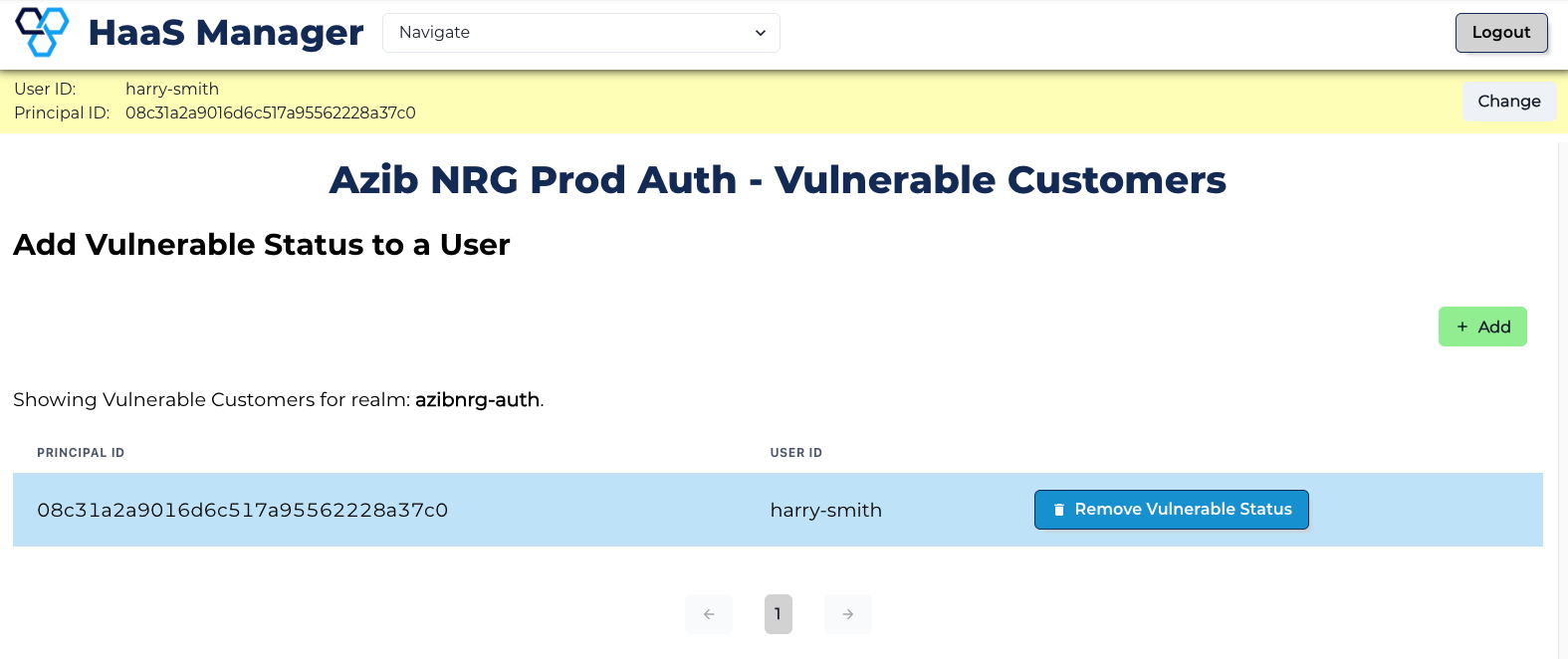
- The user will now appear in the Vulnerable Customers list.
Remove a Vulnerable Status
-
Set the context for the user (i.e., search for them using identifiers such as Principal ID).
-
Click the Navigation box at the top of the page and select Vulnerable Customers from the dropdown menu.
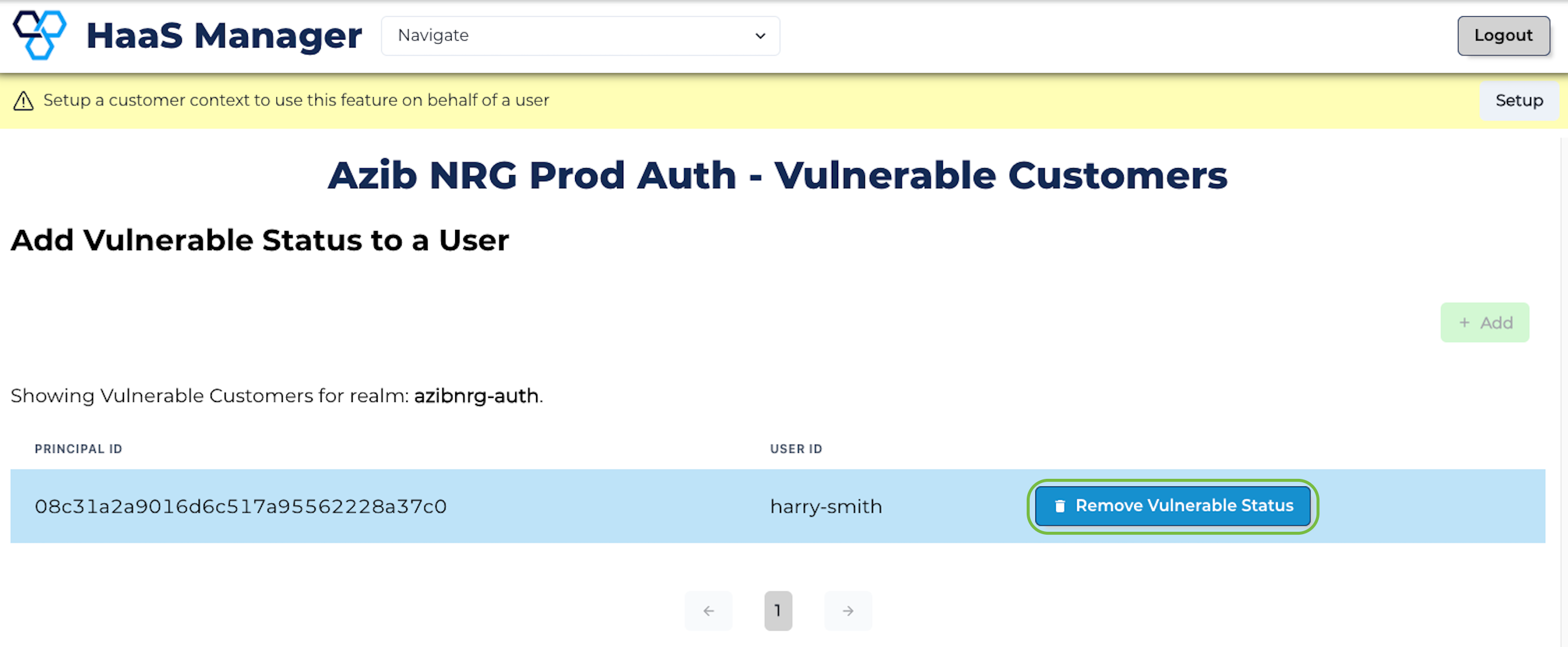
- Click **Remove Vulnerable Status.
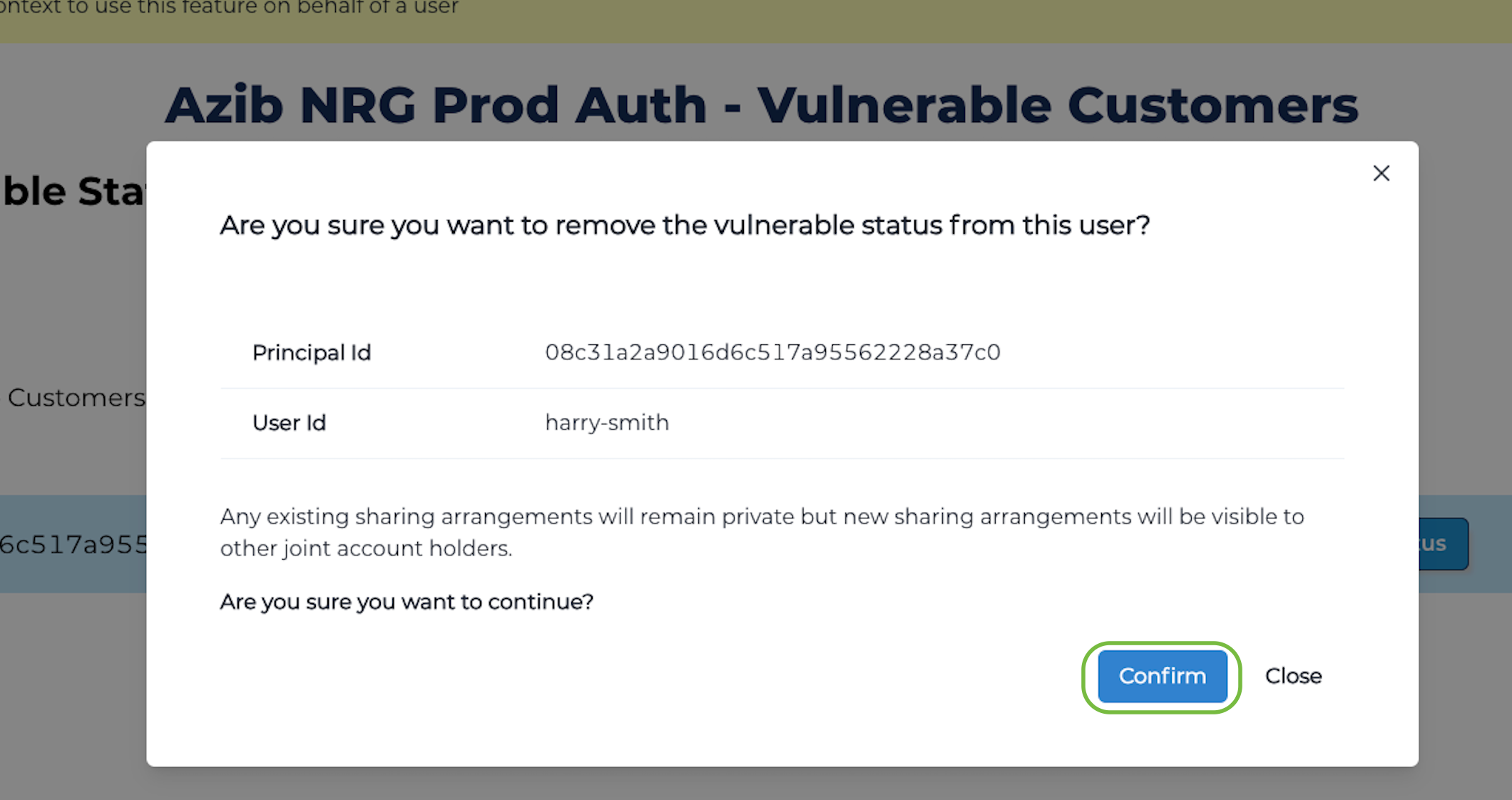
- Review the consequences of this action and click Confirm.
- The customer will no longer appear in the Vulnerable Customers list.