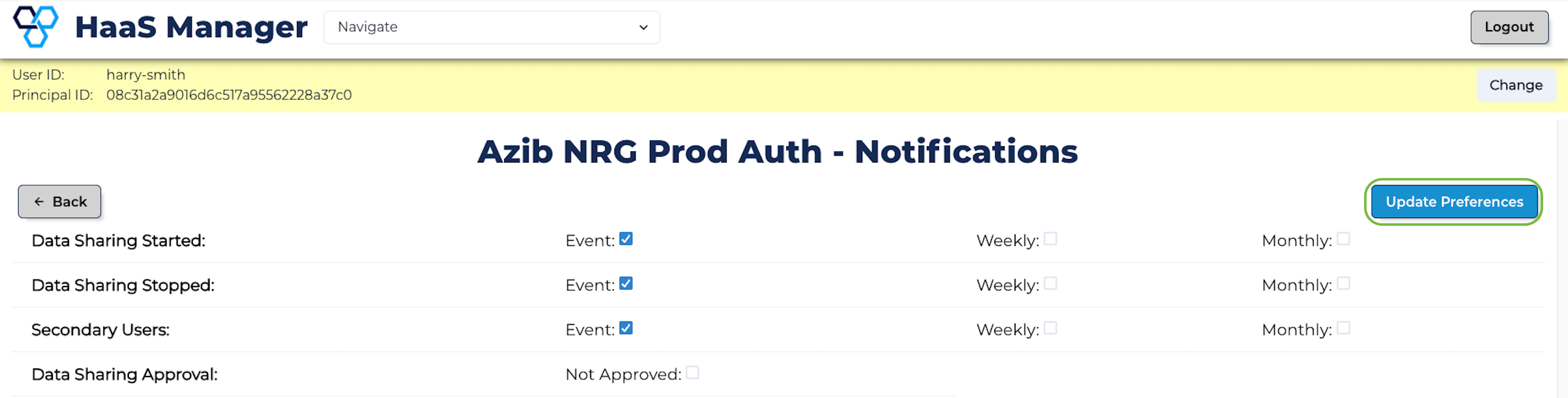
View/Manage Notification Preferences
-
Follow the steps in View Accounts.
-
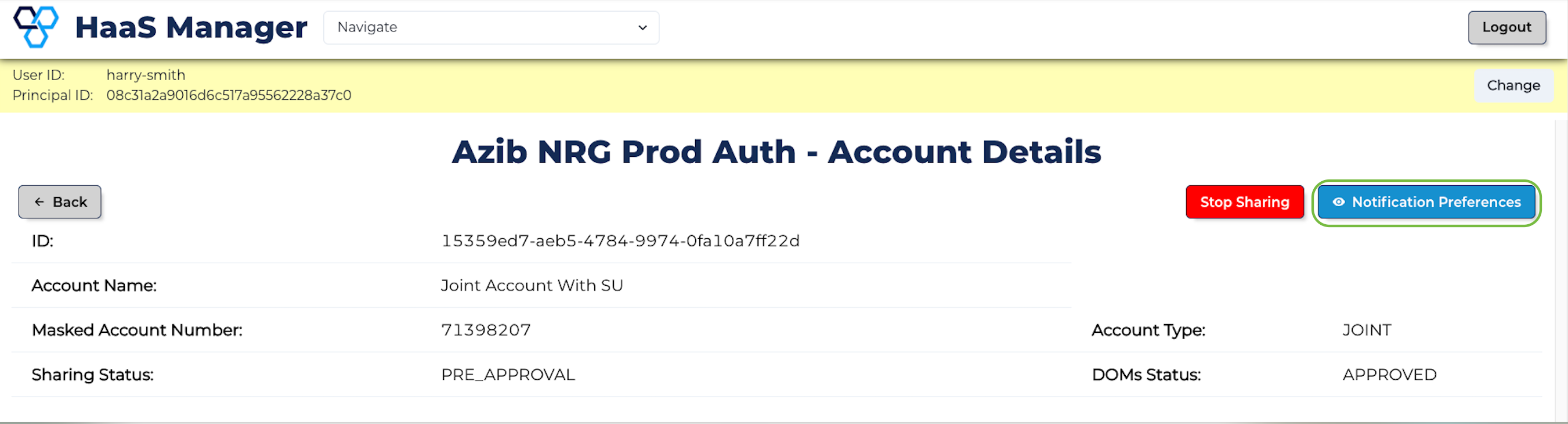
Click View Account for the account you wish to view/manage.

- Click Notification Preferences for the account you wish to view/manage.
- To update, select/deselect the checkbox for the various notification preferences categories and click Update Preferences.