Cancelling an Outage
Learn how to cancel an outage if required
- Select System Statuses and Outages from the dropdown menu.
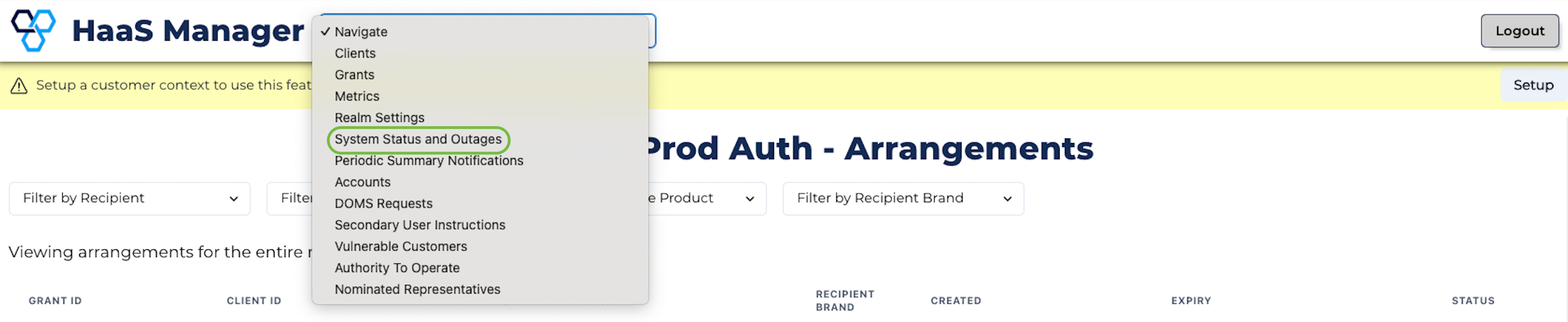
System statuses and outages
- Click the red cross at the end of the row for the outage you wish to cancel.
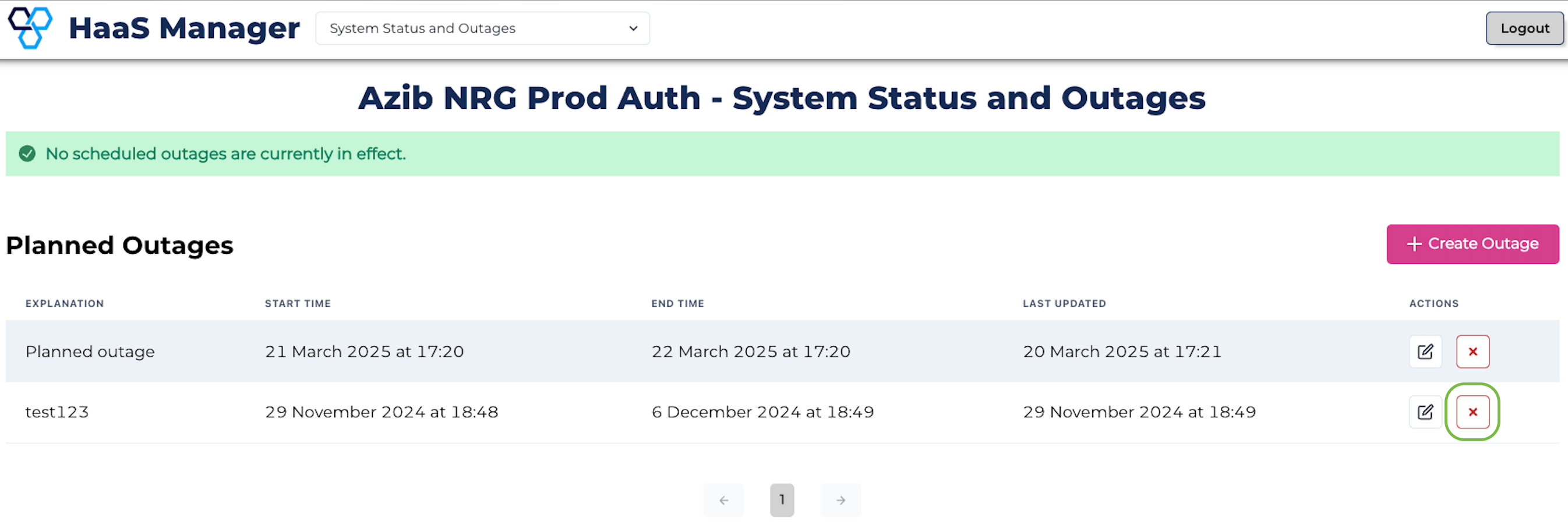
Cancel button
- Click Delete on the popup box to proceed with cancelling the outage.
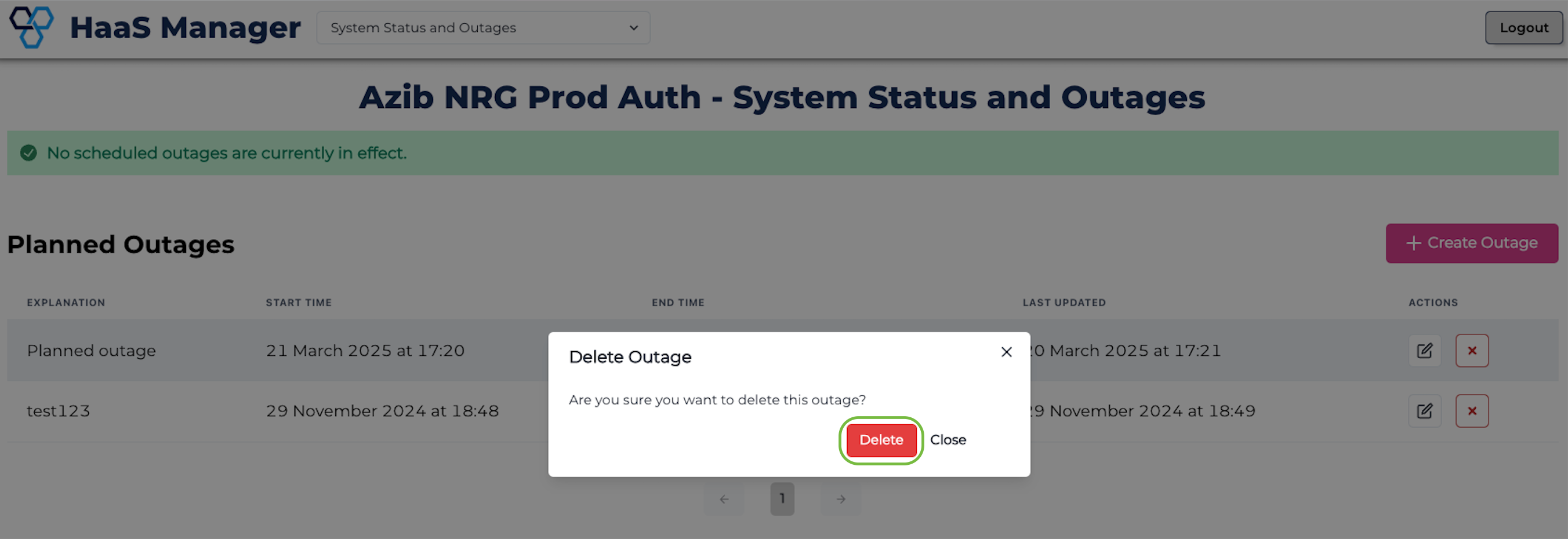
Confirm cancelling the outage
- The outage will no longer appear on the System Status and Outages page.
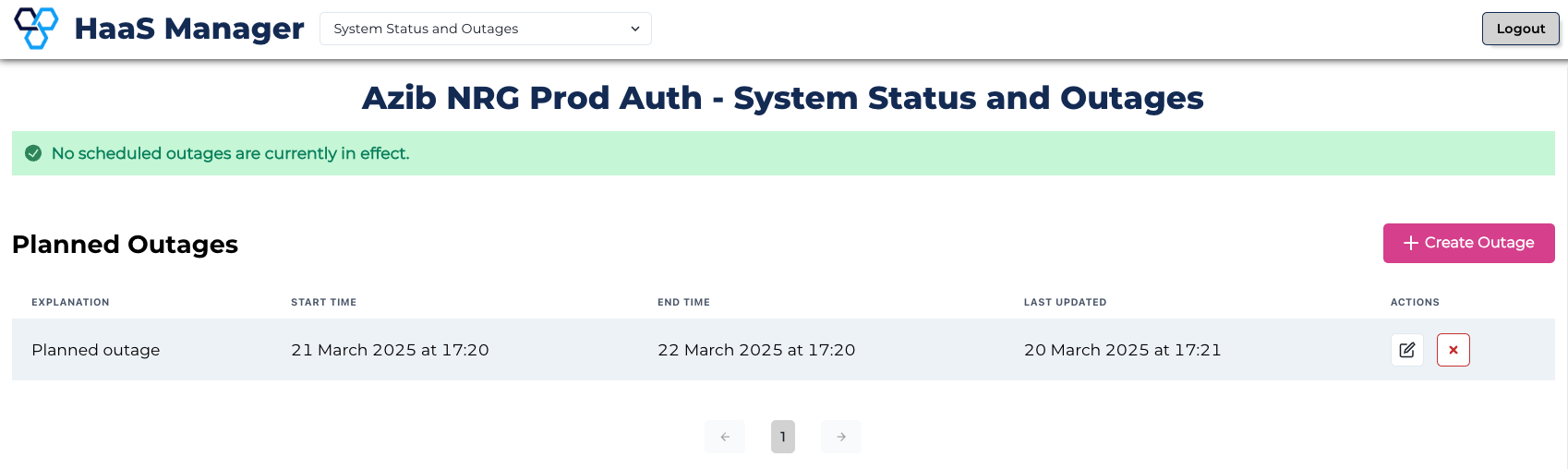
Outage removed