Amend an Arrangement
Learn how to amend data sharing arrangements.
You can follow these instructions to amend data sharing arrangements, including selecting/deselecting the type of data shared under the arrangement and changing the sharing duration.
Please note that Azib Bank has been used as an example, but the same steps apply to the Energy sector.
1. Sign-in to your VTT account.
2. Follow the instructions to View arrangement
3. Click Amend Arrangement.
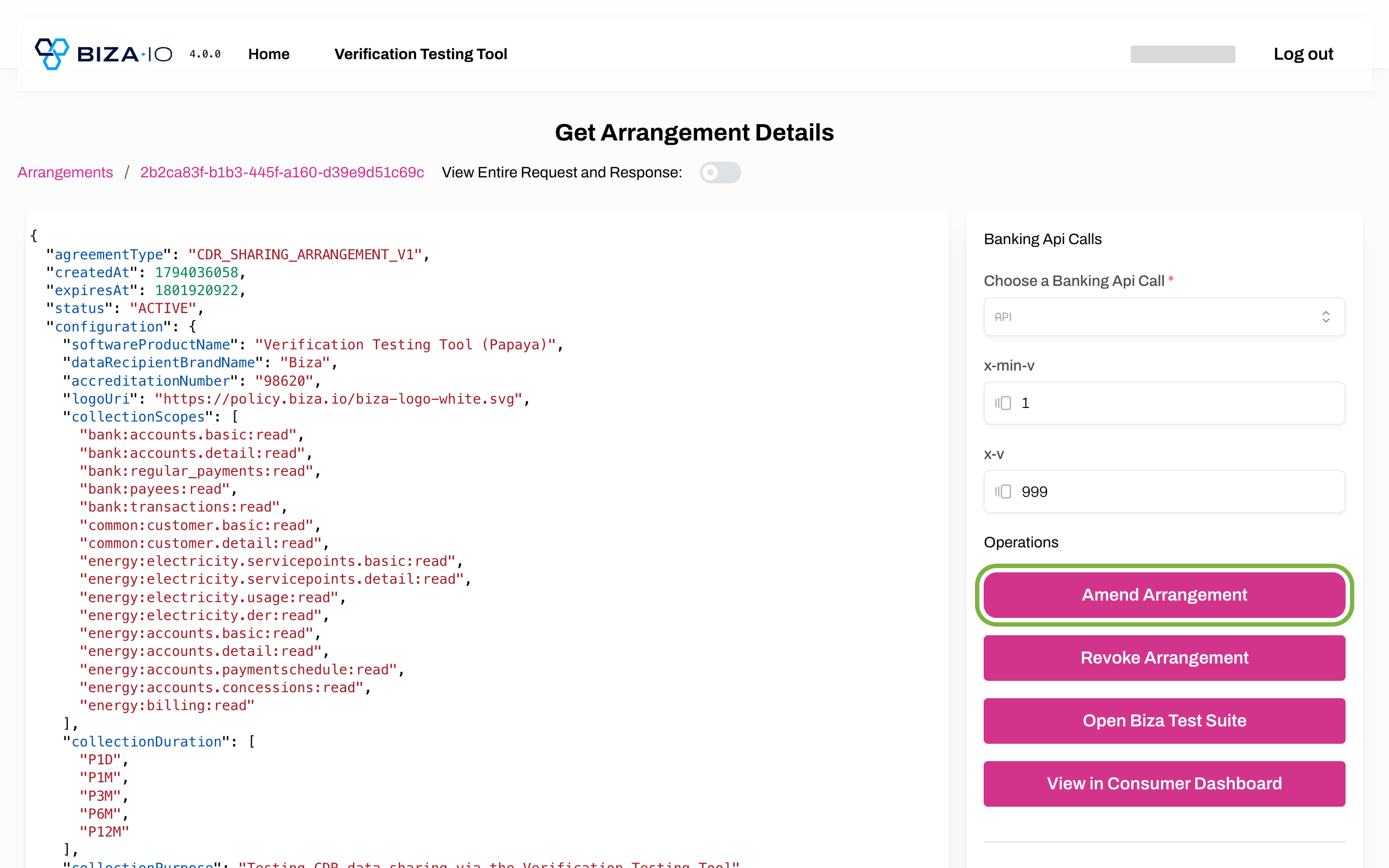
Amend via Dashboard
4. You are redirected to the Consent App, which shows the whole amendment on a single screen with the arrangement's current selections. Ensure the correct provider is shown under Current Provider. The provider cannot be changed when amending.
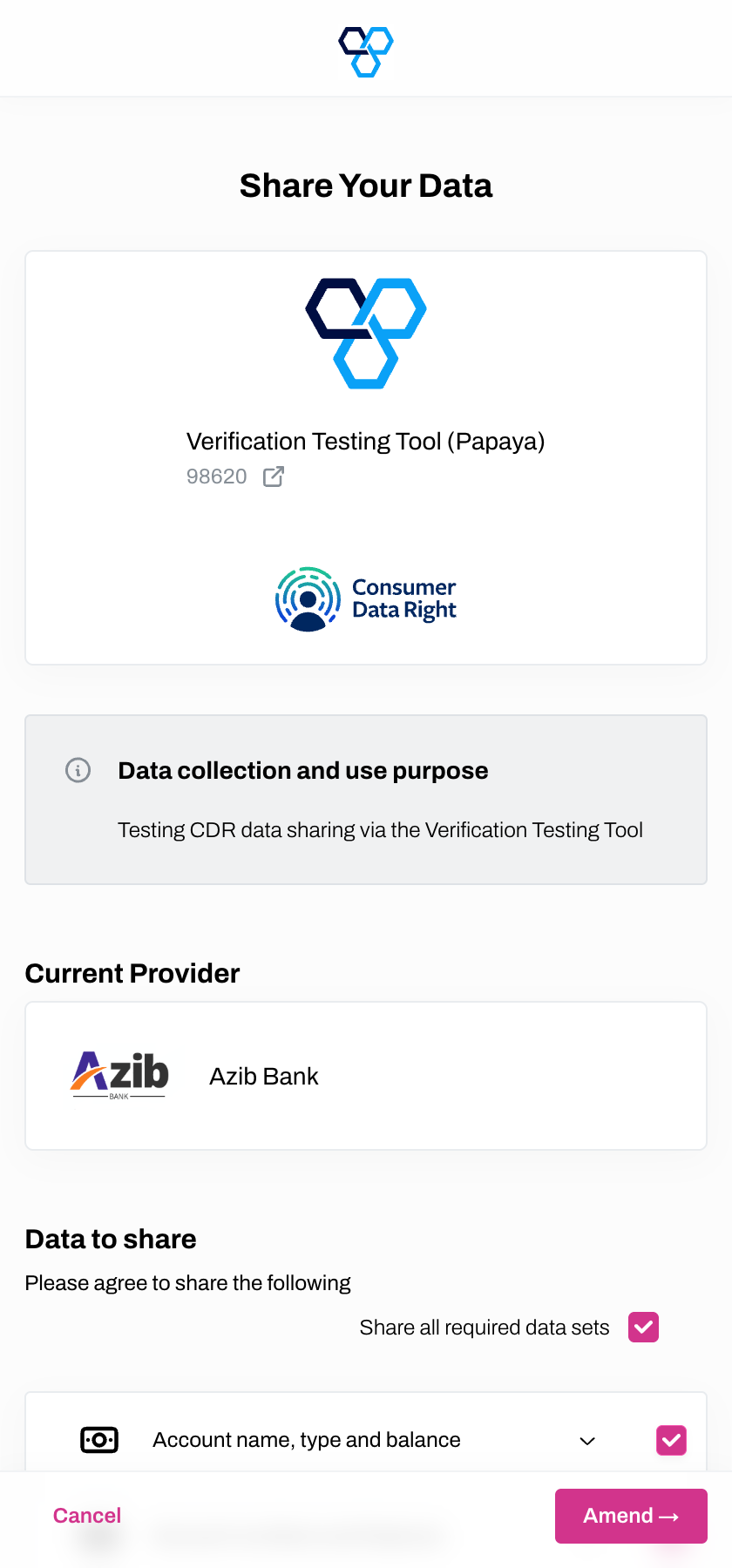
Provider Selection
5. Under Data to share, review the data groups in the arrangement and make any changes required.
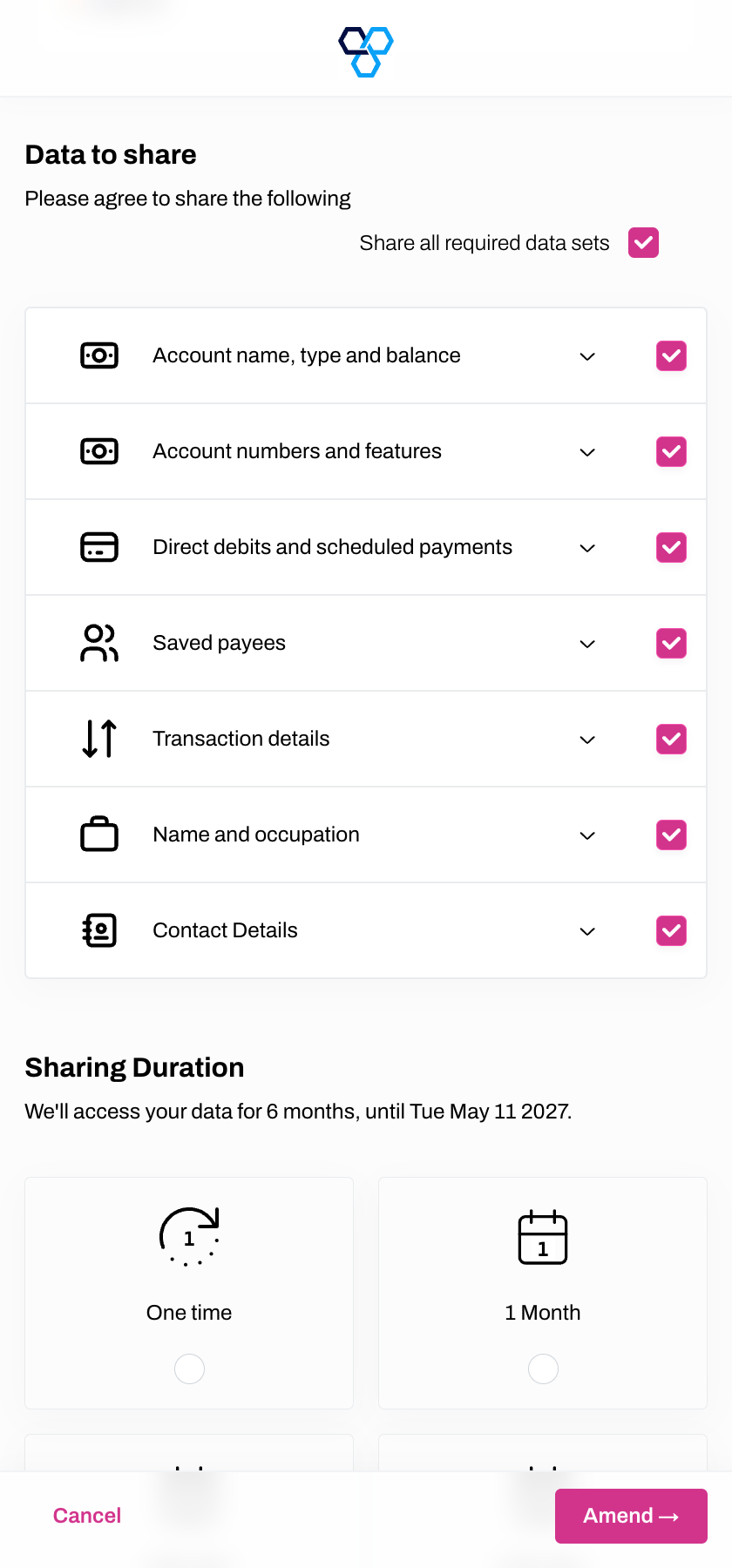
Data to Share
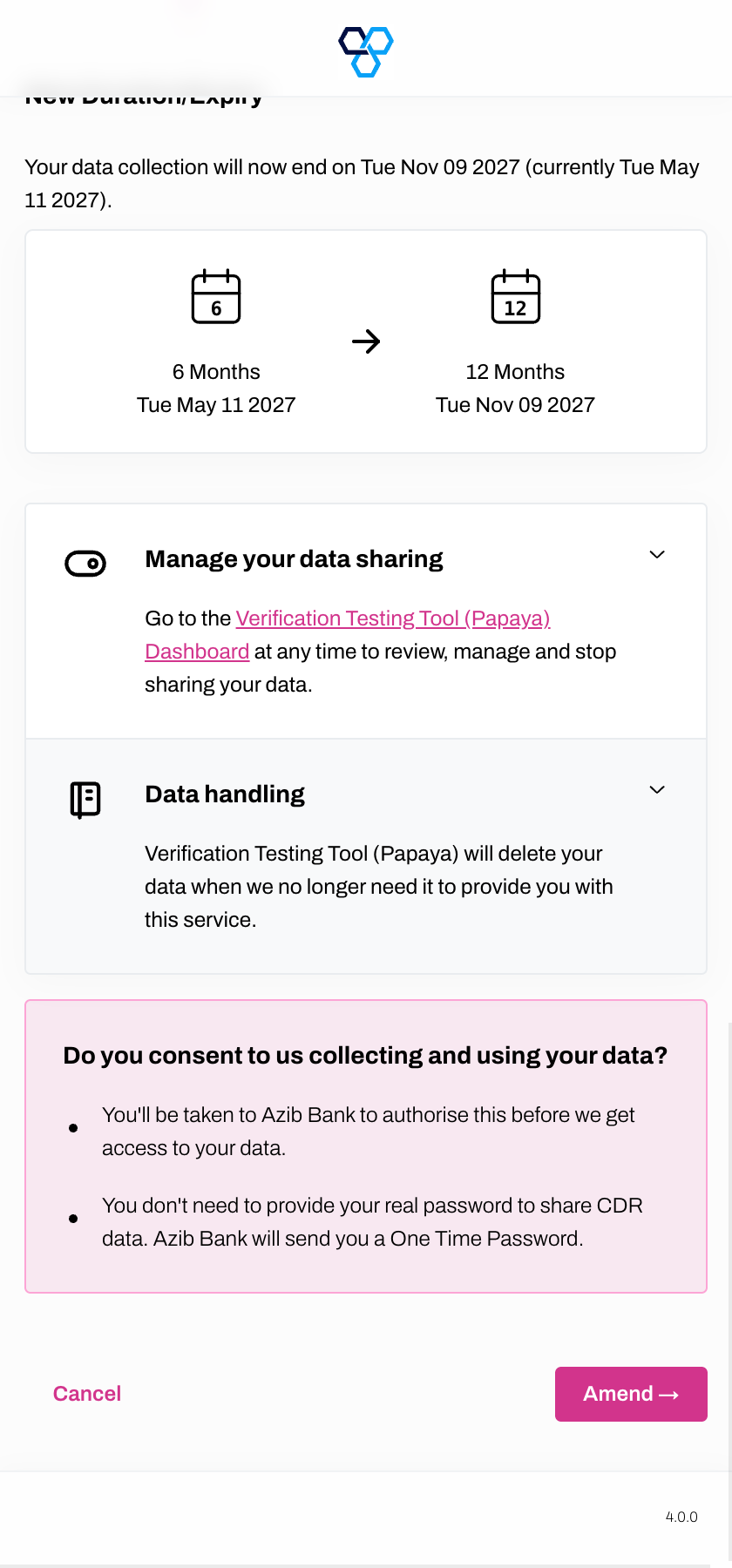
6. Under Sharing Duration, change the duration if required. A New Duration/Expiry section appears showing the previous and new durations and end dates, so you can see exactly what will change.
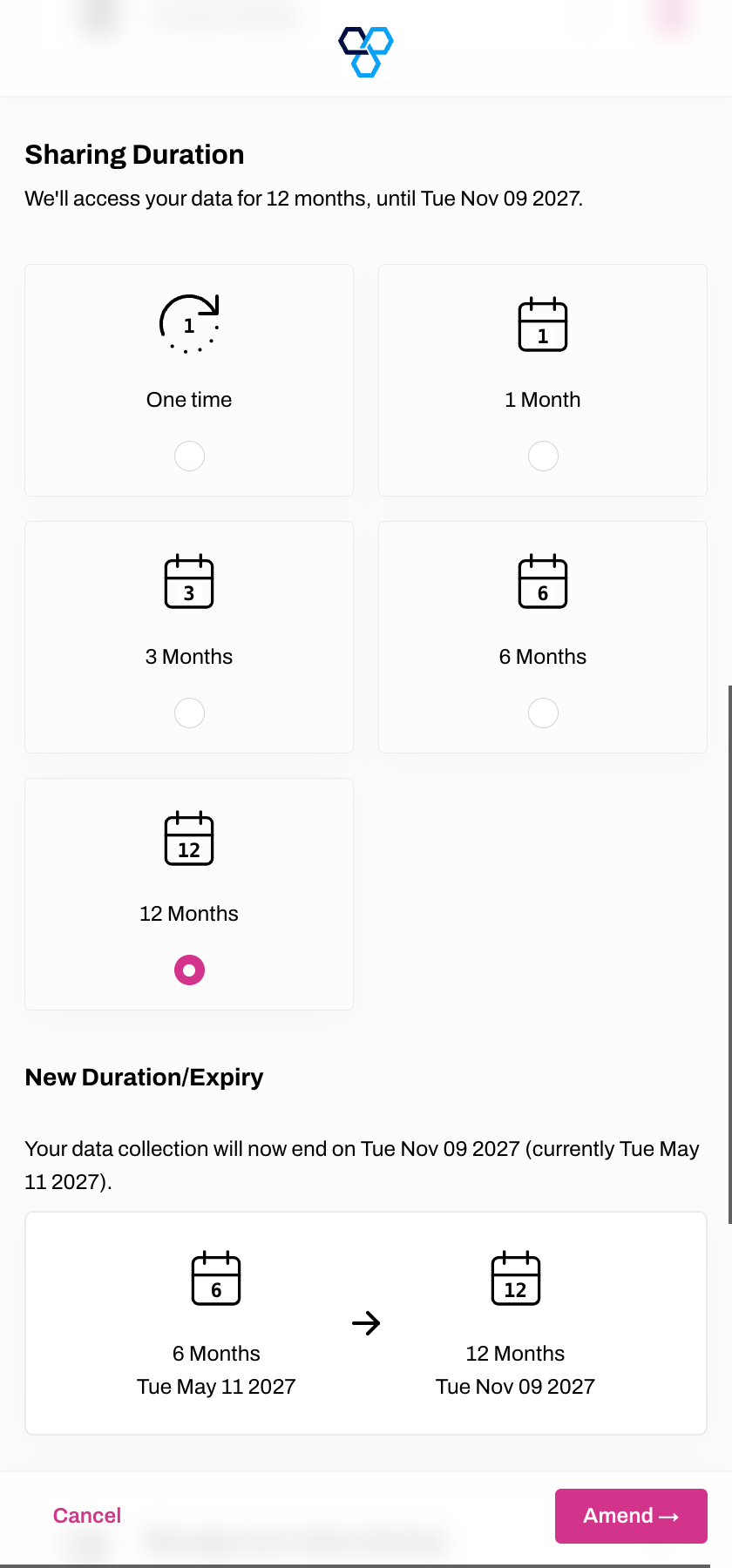
Sharing Duration
7. At the bottom of the screen, review the consent information and click Amend if you wish to proceed.
8. Enter your MemberID and click Next.
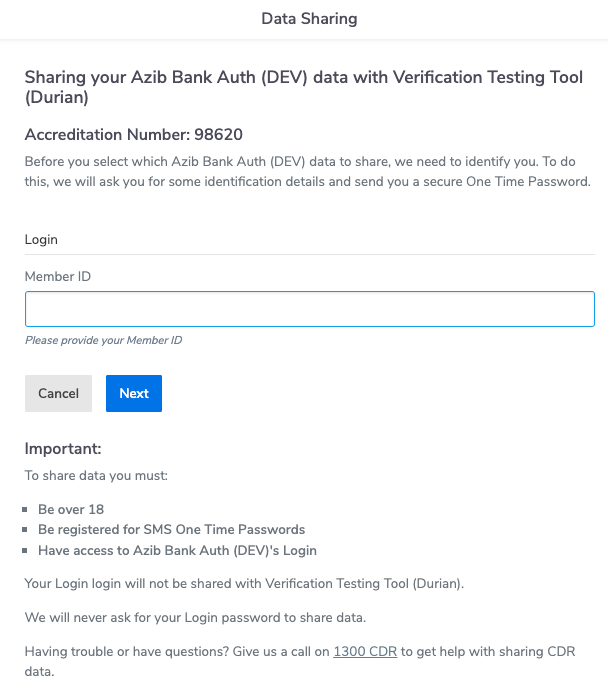
Member ID screen
9. Enter your One Time Password (OTP) and click Next.
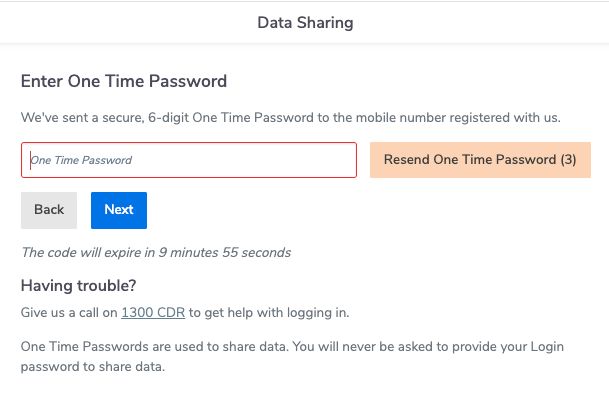
OTP Screen
10. Select the relevant account(s) you wish to share data from the Eligible accounts list and click Next.
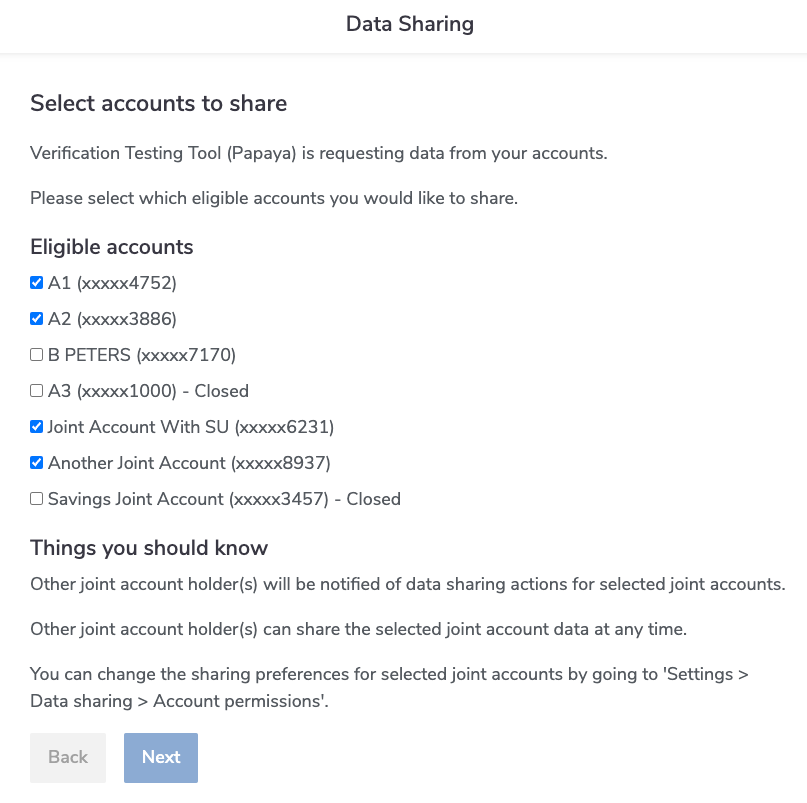
Select Account to Share
11. The Data Sharing screen will show where changes have been made to the Data to be shared and When your data will be accessed. Click I Confirm to proceed with the amendment.
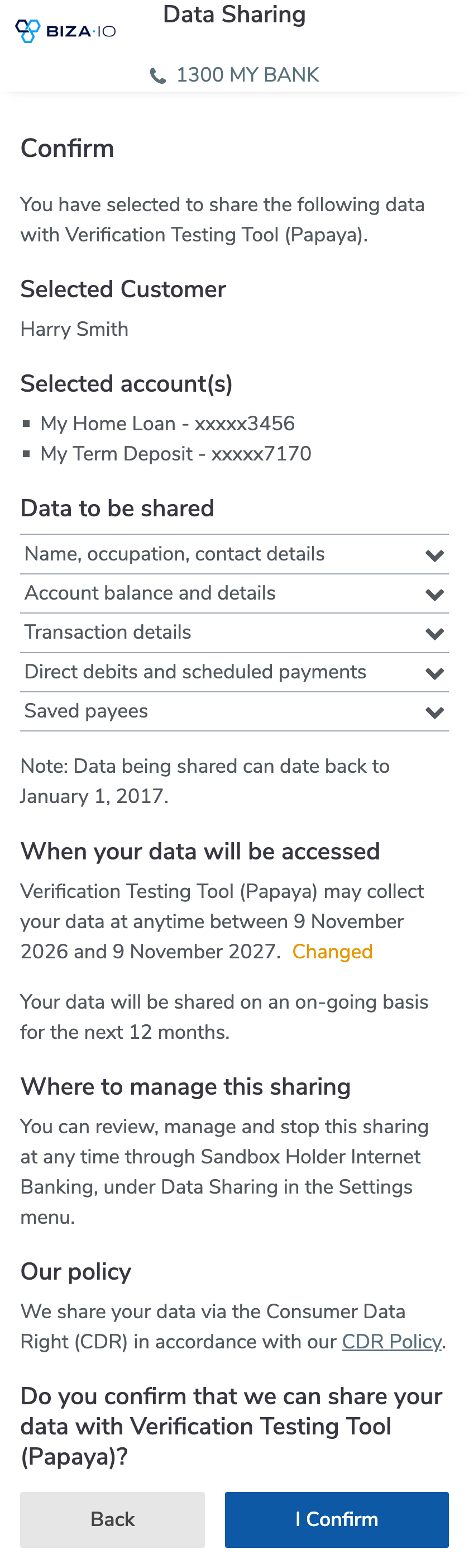
Confirm Amendment
12. The Arrangement Created page will now be displayed. Click Use new Arrangement to view the edited arrangement.
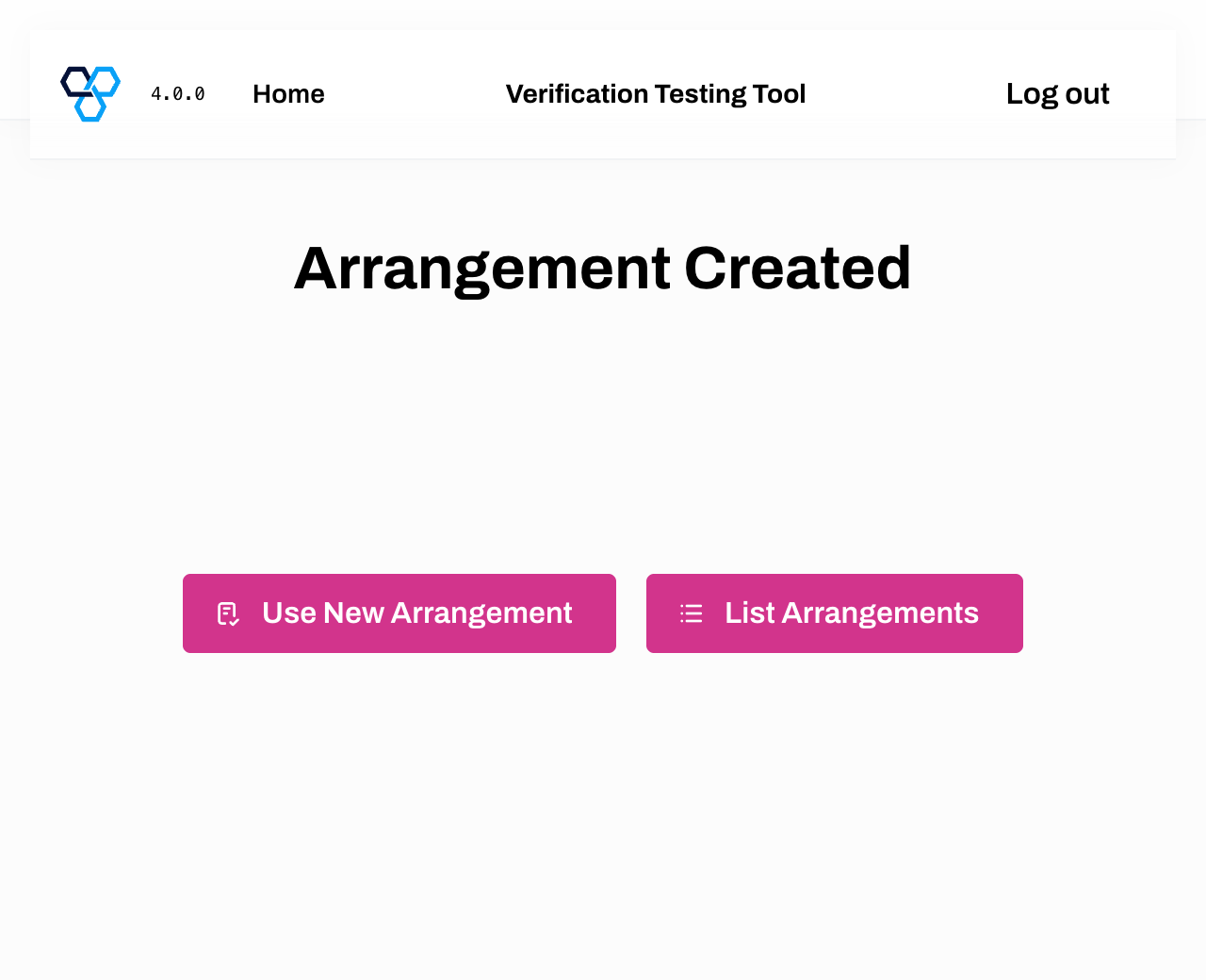
Amended Arrangement