List Arrangements
Learn how to view the list of arrangements in VTT
View Arrangement API Response
Following these steps allows you to view the detailed API response for an arrangement
1. Sign-in to your VTT account.
2. On the VTT home-screen, click List Arrangements.
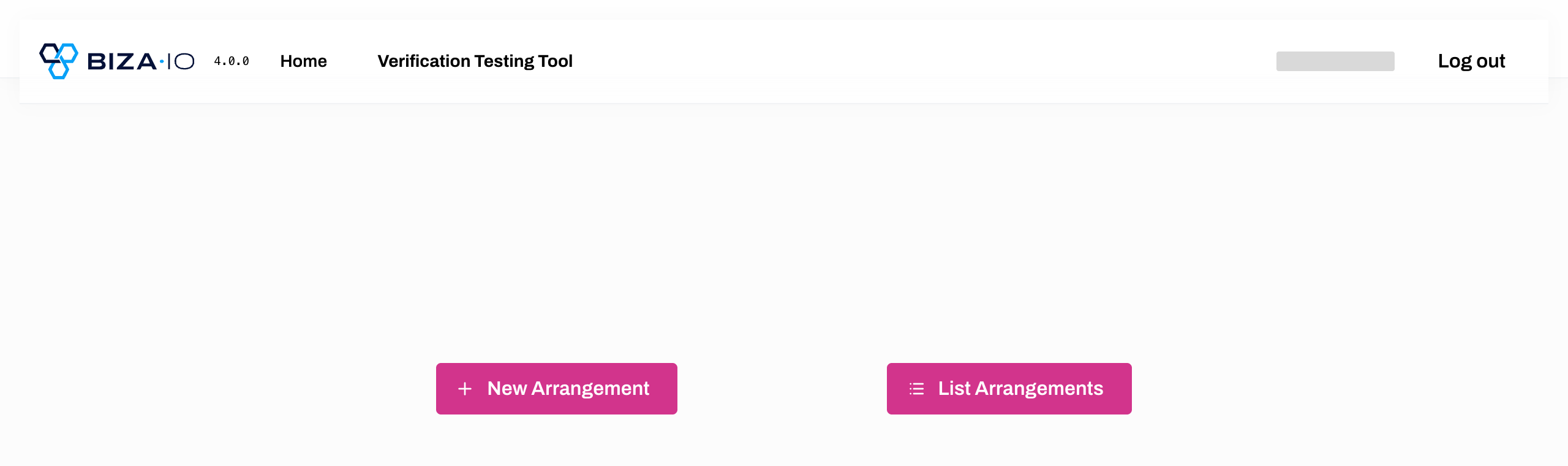
Get Arrangement Details
3. Click the relevant Arrangement ID on the Arrangements page.
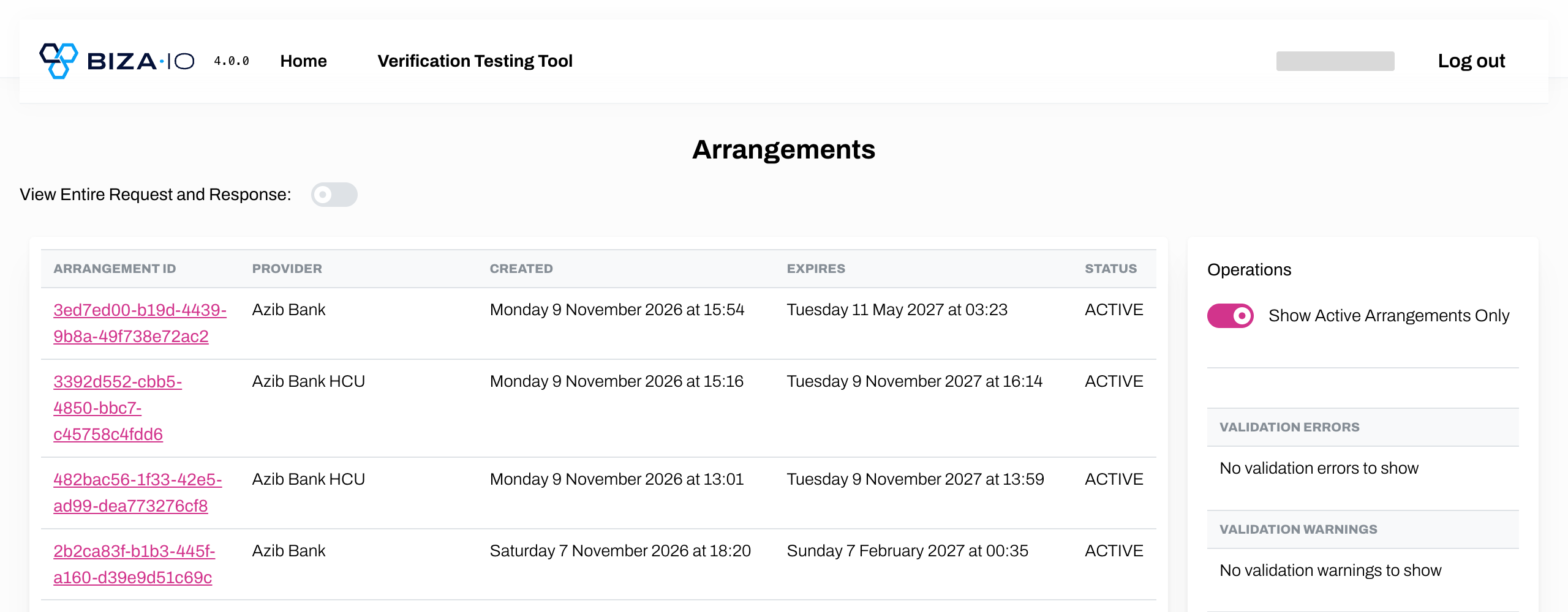
Arrangements Page
4. The Get Arrangement Details screen opens up displaying the Contents, API Calls, and Operations details.
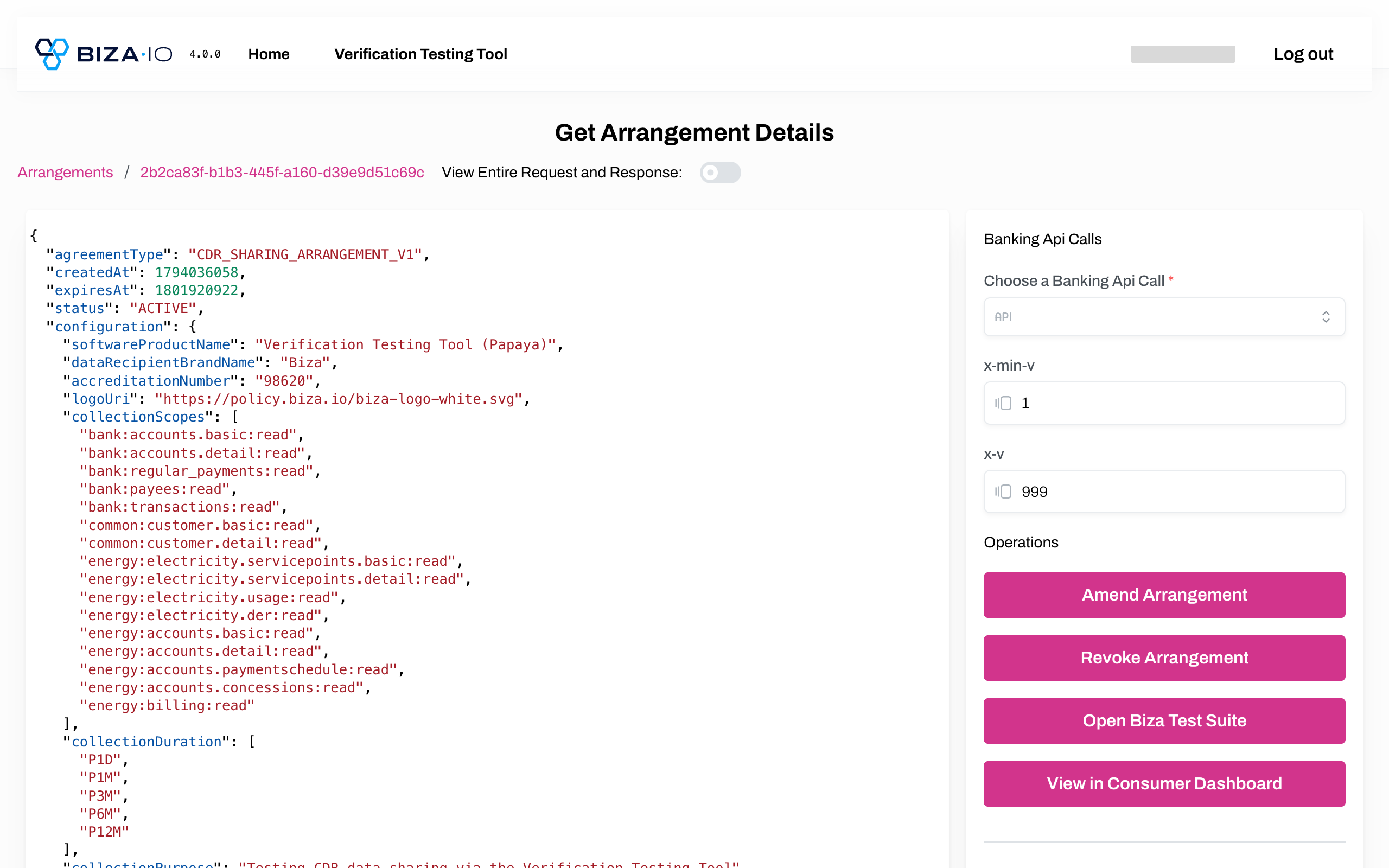
Get Arrangment Details Page
View Arrangements via the Dashboard
Following these steps will navigate you to the Open Gateway Consumer Dashboard
1. Follow steps 1-4 above.
2. On the Get Arrangement Details screen click View in Consumer Dashboard.
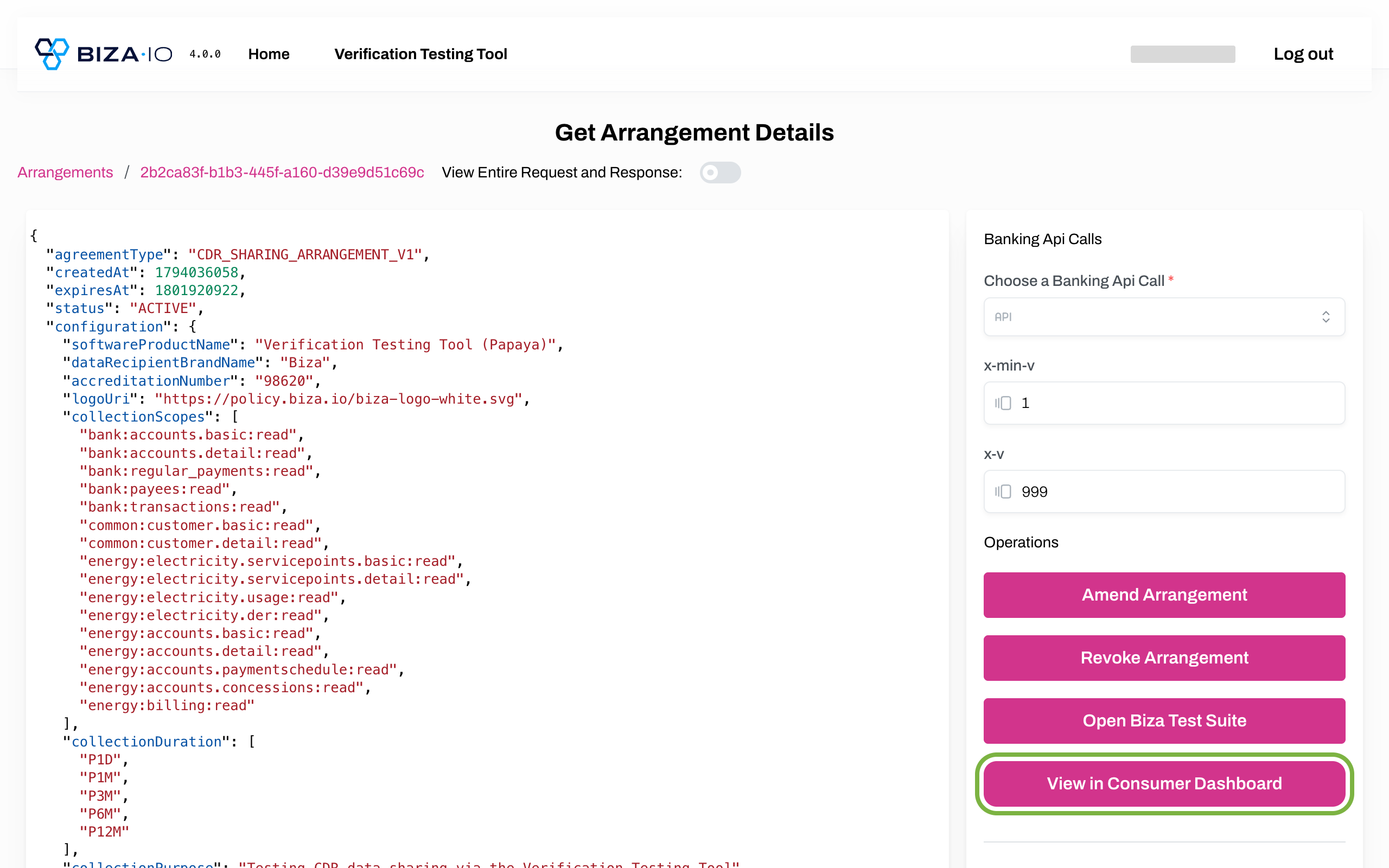
Get Arrangements via Dashboard
3. Enter your credentials to authenticate.
4. You will now see the Agreement details page, where you can view details of an arrangement including history and where you can make changes to an existing arrangement.
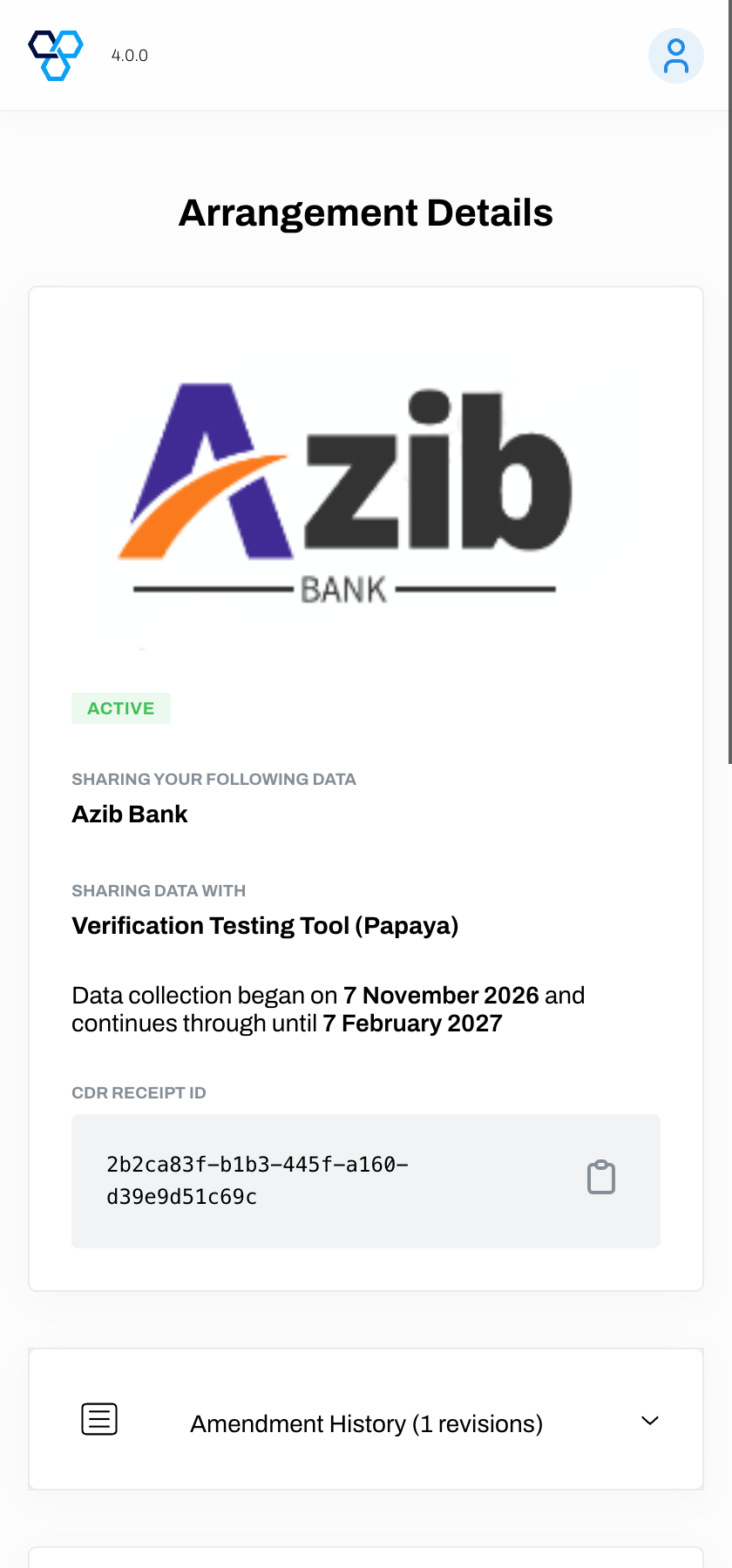
Agreement Details Page
Learn how to Amend an Arrangement or Revoke an Arrangement.