View a Grant
Bring up the record for a grant provided by a customer.
info
Please note that the terms Grant and Arrangement are used interchangeably throughout this documentation.
To look up a grant provided by a customer:
-
Set the context for the user (i.e., search for them using identifiers such as Principal ID).
-
Click the Navigation box at the top of the page and select Grants from the dropdown menu.
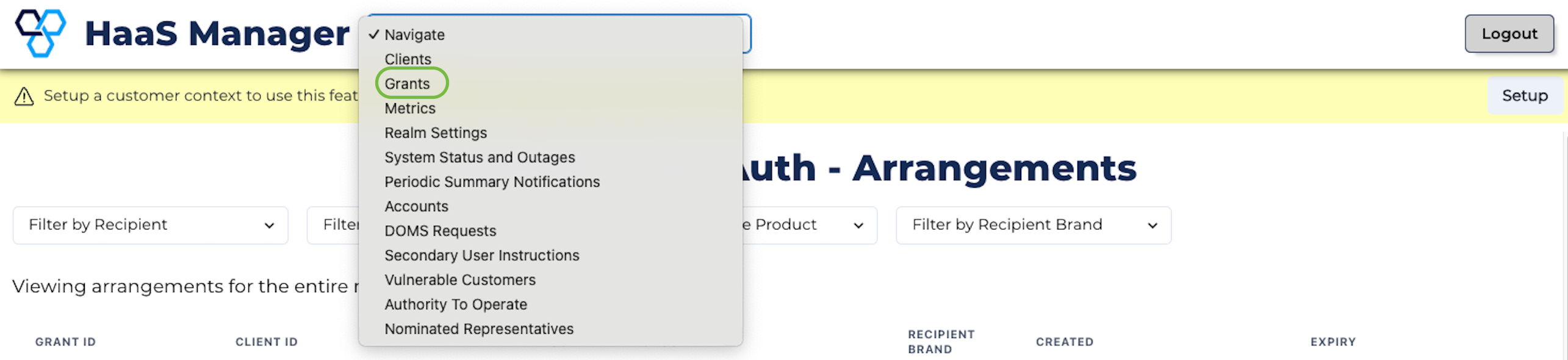
- Filter the Grants list to find the specific Grant you need.
- Click the Grant ID to view information about the Grant, like the sharing period and the scope of the data shared.