View Grants for a Client
See all data-sharing consents provided by a client's customers.
info
Please note that the terms Grant and Arrangement are used interchangeably throughout this documentation.
To view customer grants that have been provided for a client:
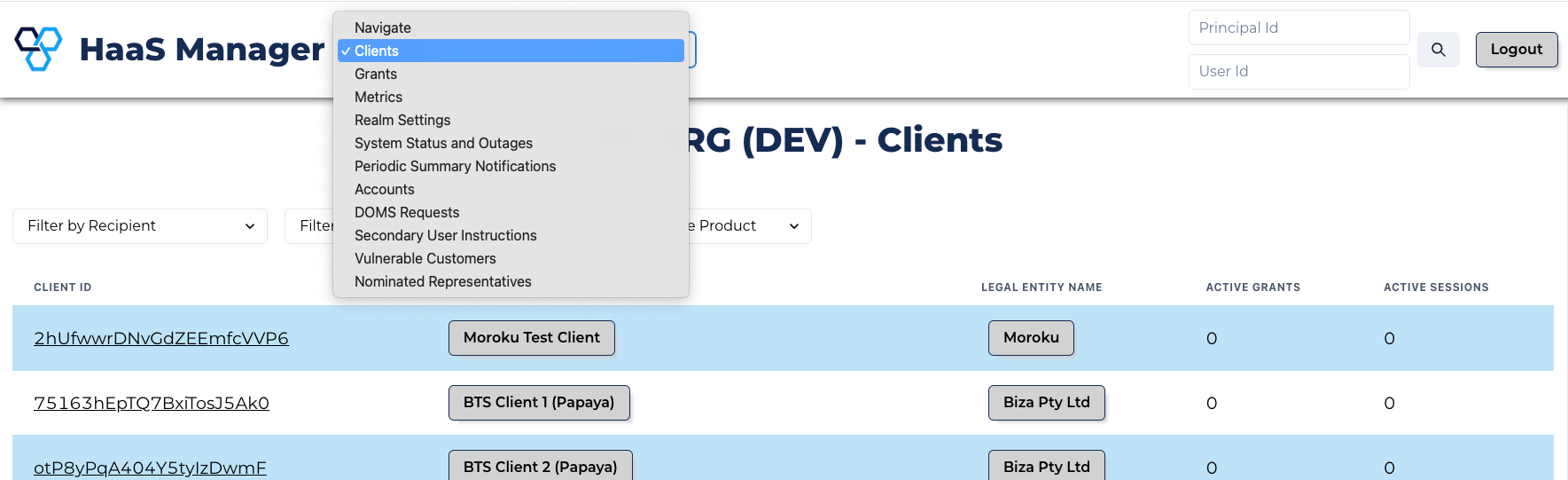
- Click the Navigation bar at the top of the screen and select Clients from the dropdown menu.
Manage Grants
- Filter the clients list to find the client you need.
- Click the client ID for the client whose grants you need to view.
- Click the View Grants button.
Alternatively:
- Click Grants in the top navigation bar.
- Filter the grants list by the client.
This list of customer grants includes both active and expired grants.