Access the Product Manager Console
Learn how to access the Product Manager (PM) Console
Sign in to the PM console
Learn how to sign in to the PM console
Your space must have been initialised prior to accessing the console.
Product Manager is available in two spaces, each with its own URL.
- Red:
https://pm.biza.au - Yellow:
https://pm.cdr.zone
Please note that the Red and Yellow spaces are completely separate and do not share data. Changes in one space will not be reflected in the other.
Data can't be promoted or transferred from Yellow to Red. Any configuration, data, or setup required in Red must be created and managed independently.
1. Go to https://pm.biza.au or https://pm.cdr.zone.
2. Click Sign in with Biza ID if prompted and enter your corporate credentials.
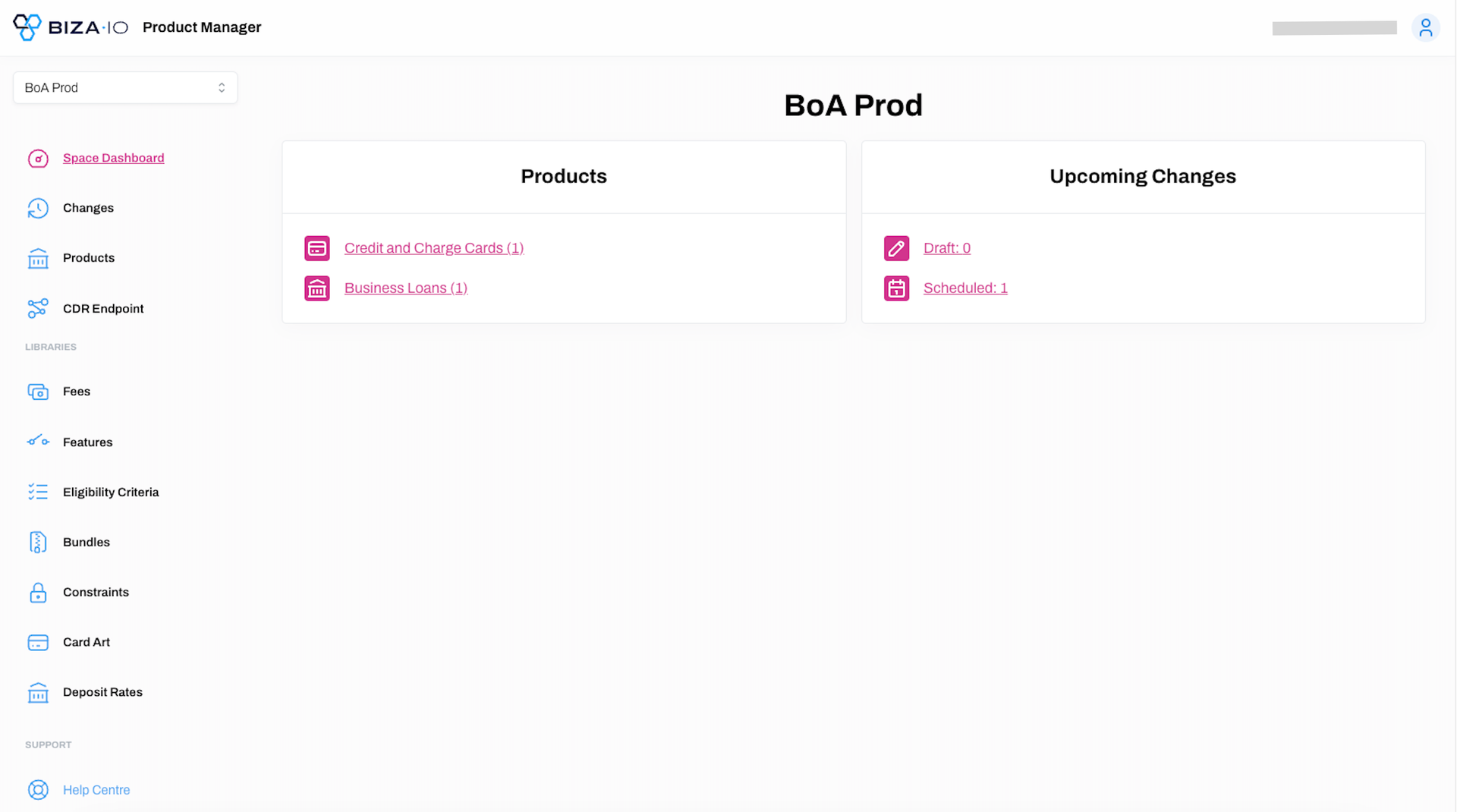
4. The PM homes screen will now be displayed.
Sign out of the PM Console
Learn how to sign out of the PM Console
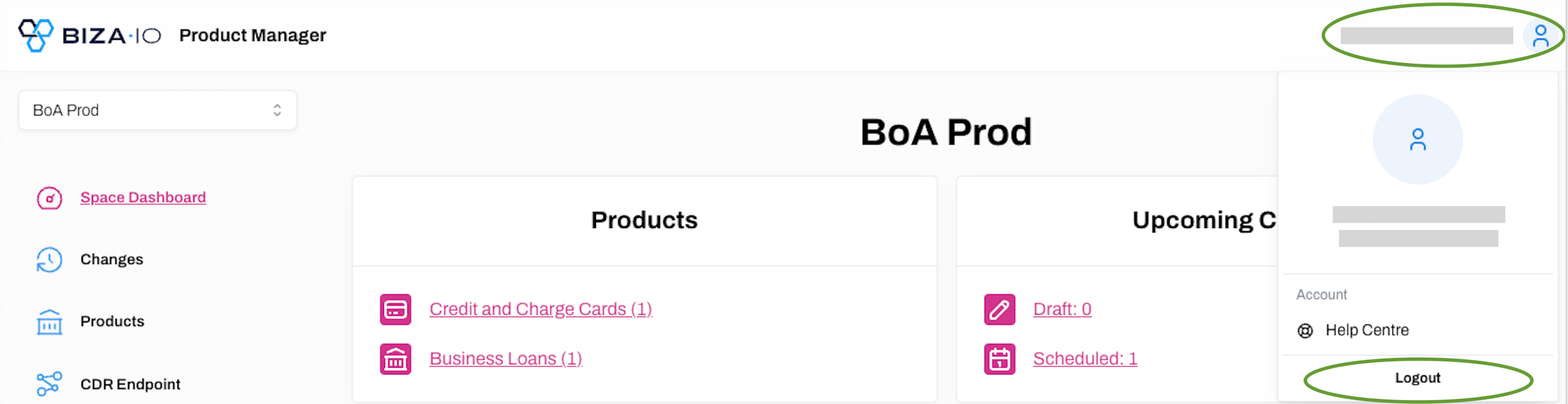
1. To sign out of the PM console, click on your username at the top right of the screen and click Logout.