Library Tables
Learn how to manage your Library Tables in Product Manager
In Product Manager (PM), product attributes are defined in Library Tables, which you have the ability to reuse between products. Sharing Library Tables between products significantly improves that speed and efficiency of product updates, as you only have to update the attribute in one place.
The Power of Shared Libraries
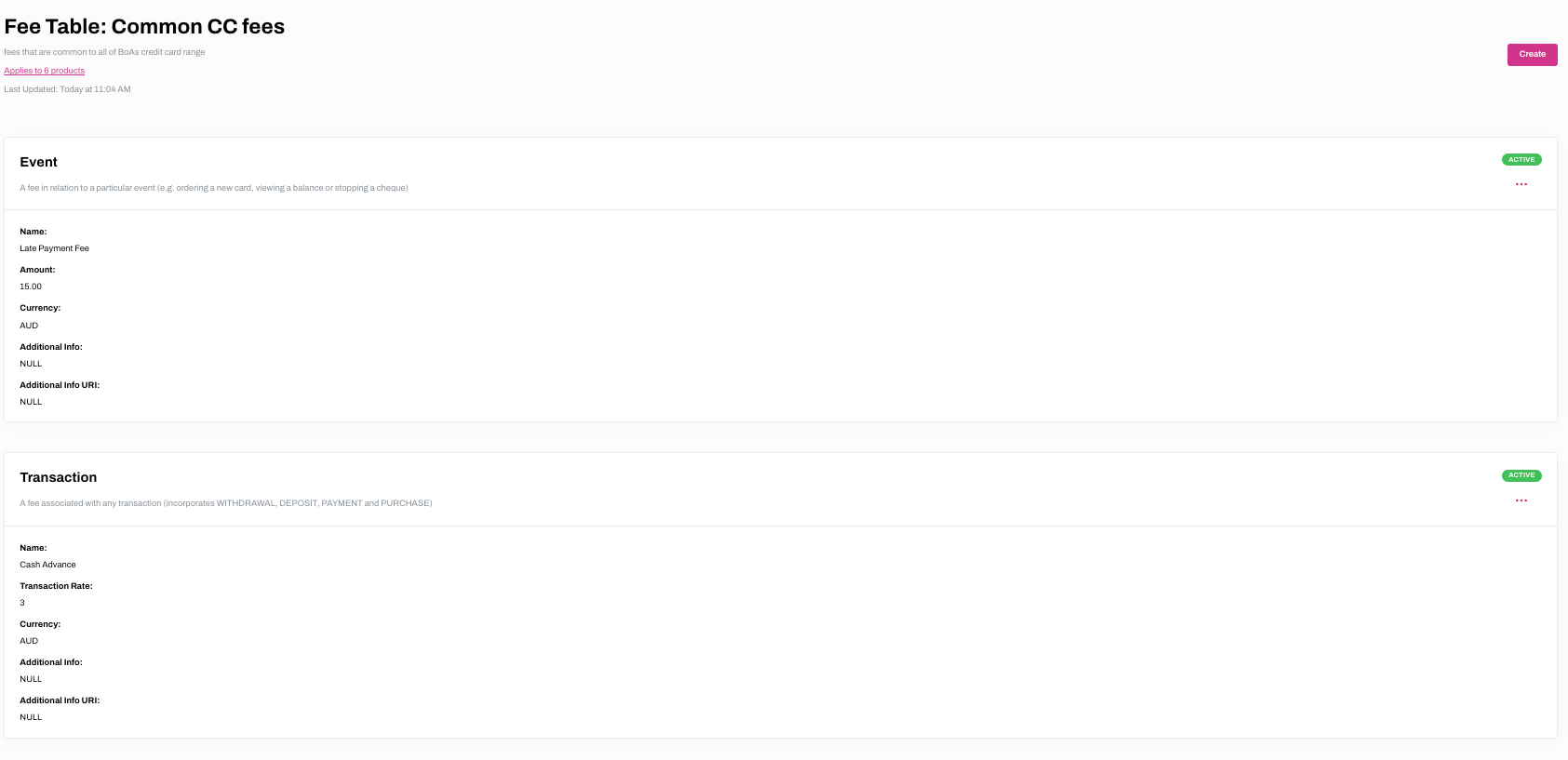
Take the example of a financial institution that offer a range of personal and business credit cards. Each of the products has been created in PM, which have library tables containing relevant product attributes attached.
The credit cards have a number of common fees, such as a late payment, cash advance and international transaction fees. These common fees can be added to a Fee Table and this Fee Table can be attached to each of the credit cards.
If one of the common fees changes, it can be edited in the relevant fee table and will automatically be saved to each product that the table is attached to. The update can be made immediately, or it can be scheduled for a future date by selecting a changeset.
Managing Libraries
Click on the links below to find out more about how to manage specific Library Tables.