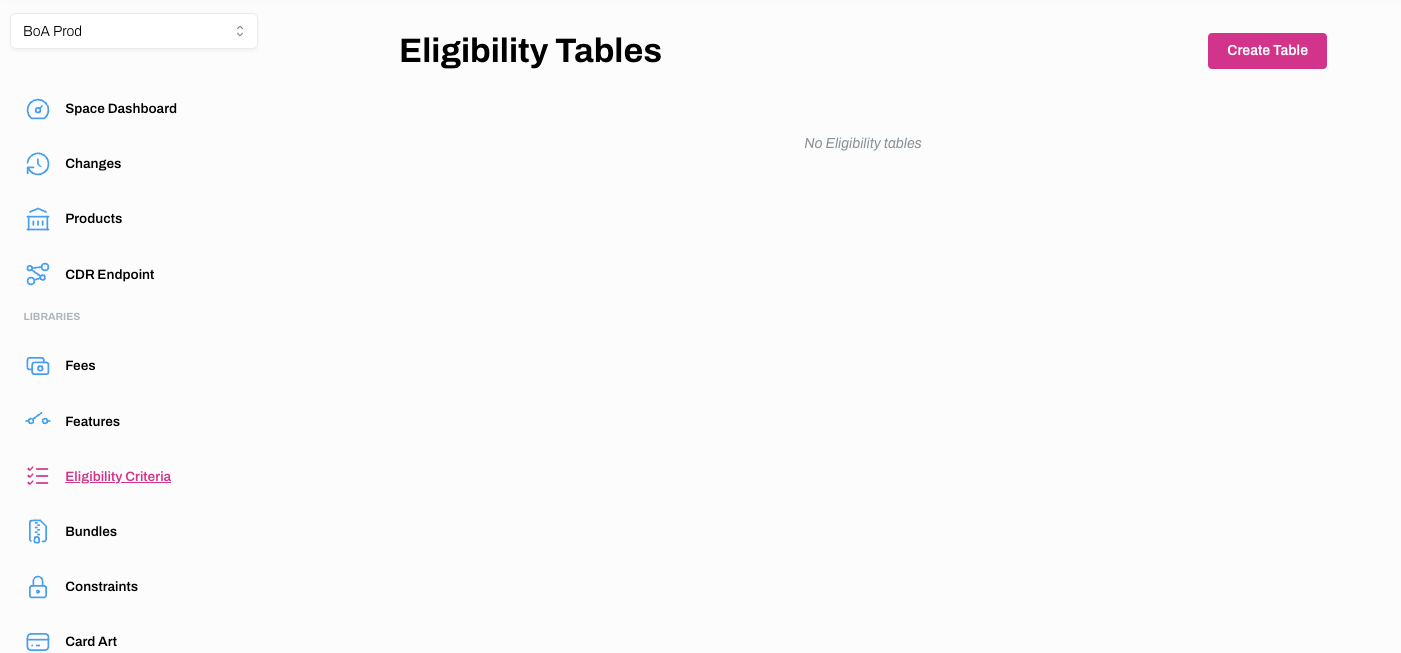
Eligibility Criteria Tables
Create a new Eligibility Table
Learn how to create an Eligibility Table
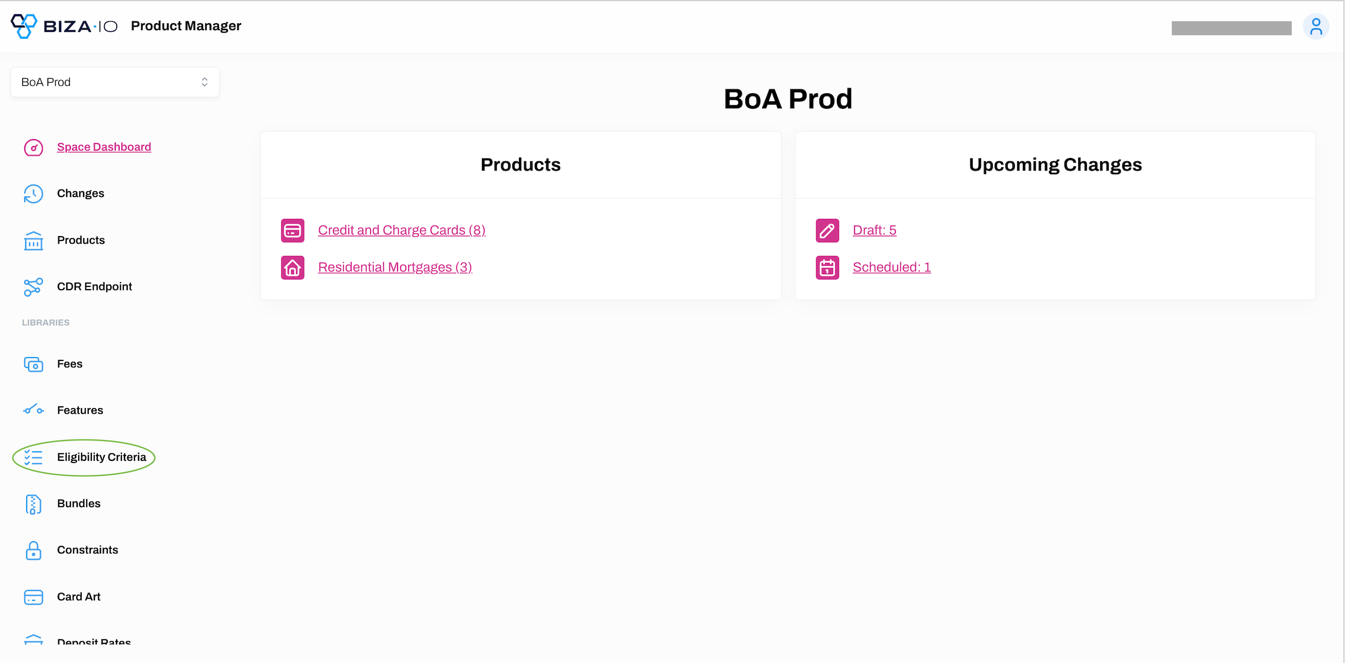
1. Select Eligibility Criteria from the main menu.
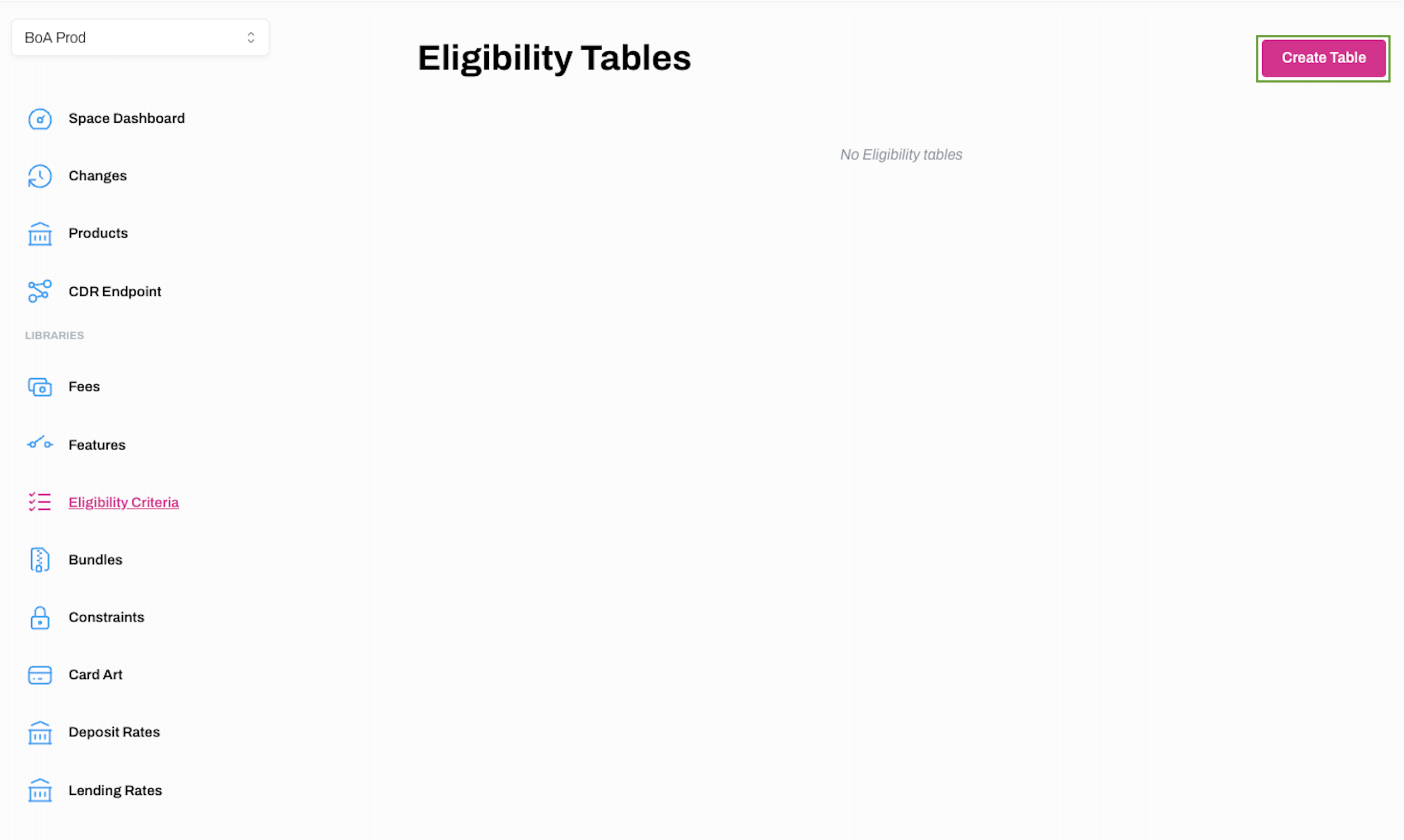
2. Click Create Table on the Eligibility Tables screen.
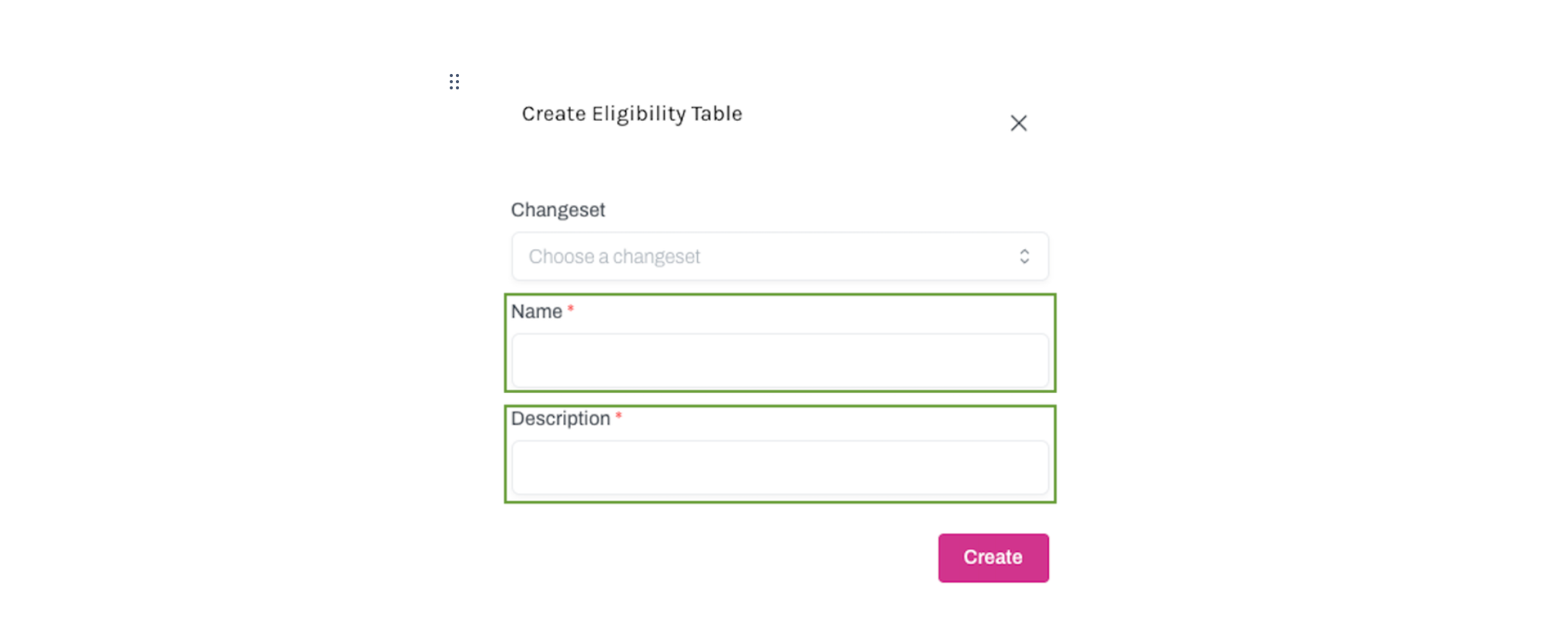
3. Enter a Name and Description on the Create Eligibility Table screen. You also have the option of linking a changeset to the Eligibility table at this point. When you have entered the mandatory information as denoted by a red asterisk, click Create.
4. Your newly created Eligibility Table will now appear on the Eligibility Tables Screen.
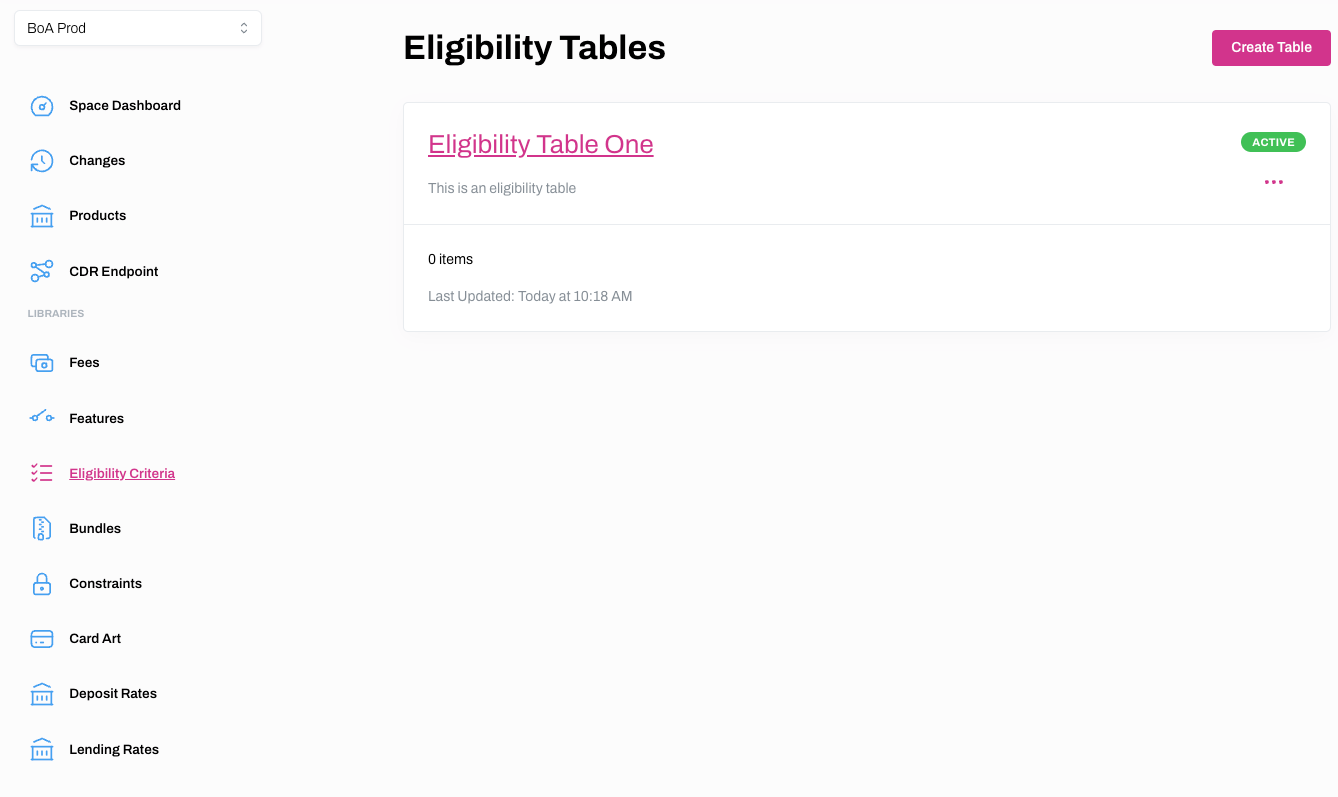
Add Eligibility Criteria to an Eligibility Table
Learn how to add Eligibility Criteria to an Eligibility Table
1. Select Eligibility Criteria from the main menu.
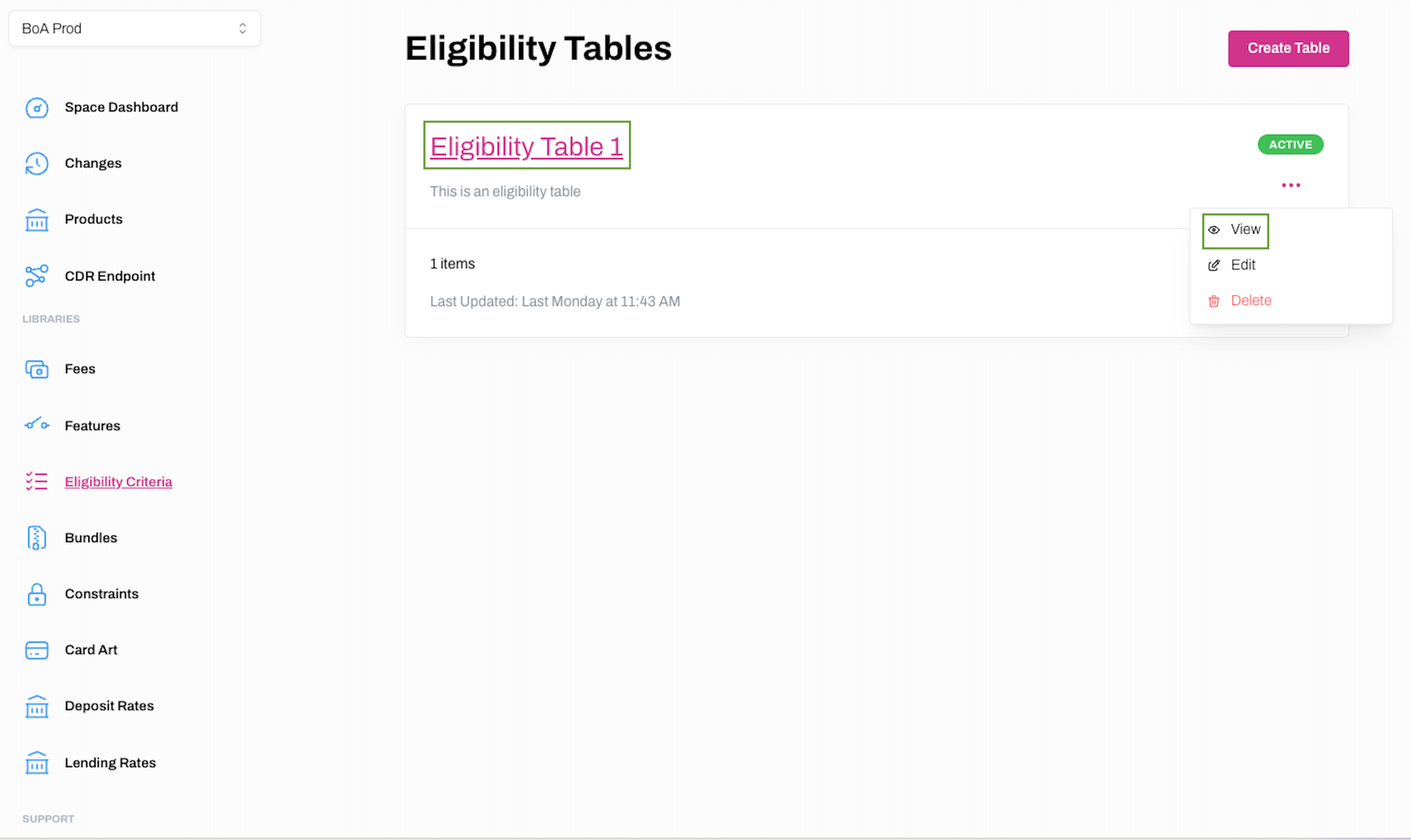
2. Click on the hyperlinked name of the Eligibility Table you wish to add Eligibility Criteria to, or click ... and View.
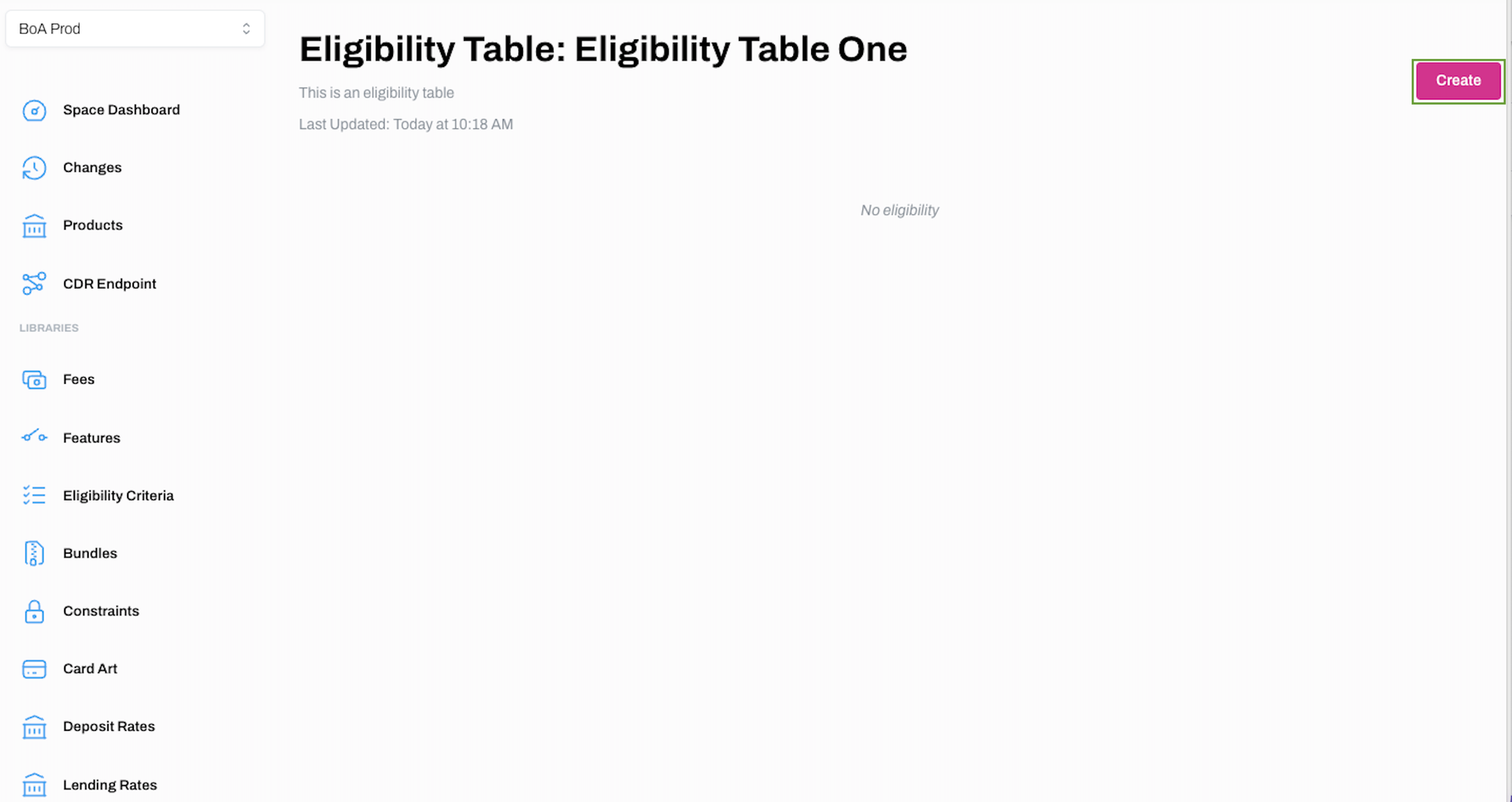
3. Click Create on the next screen to add Eligibility Criteria.
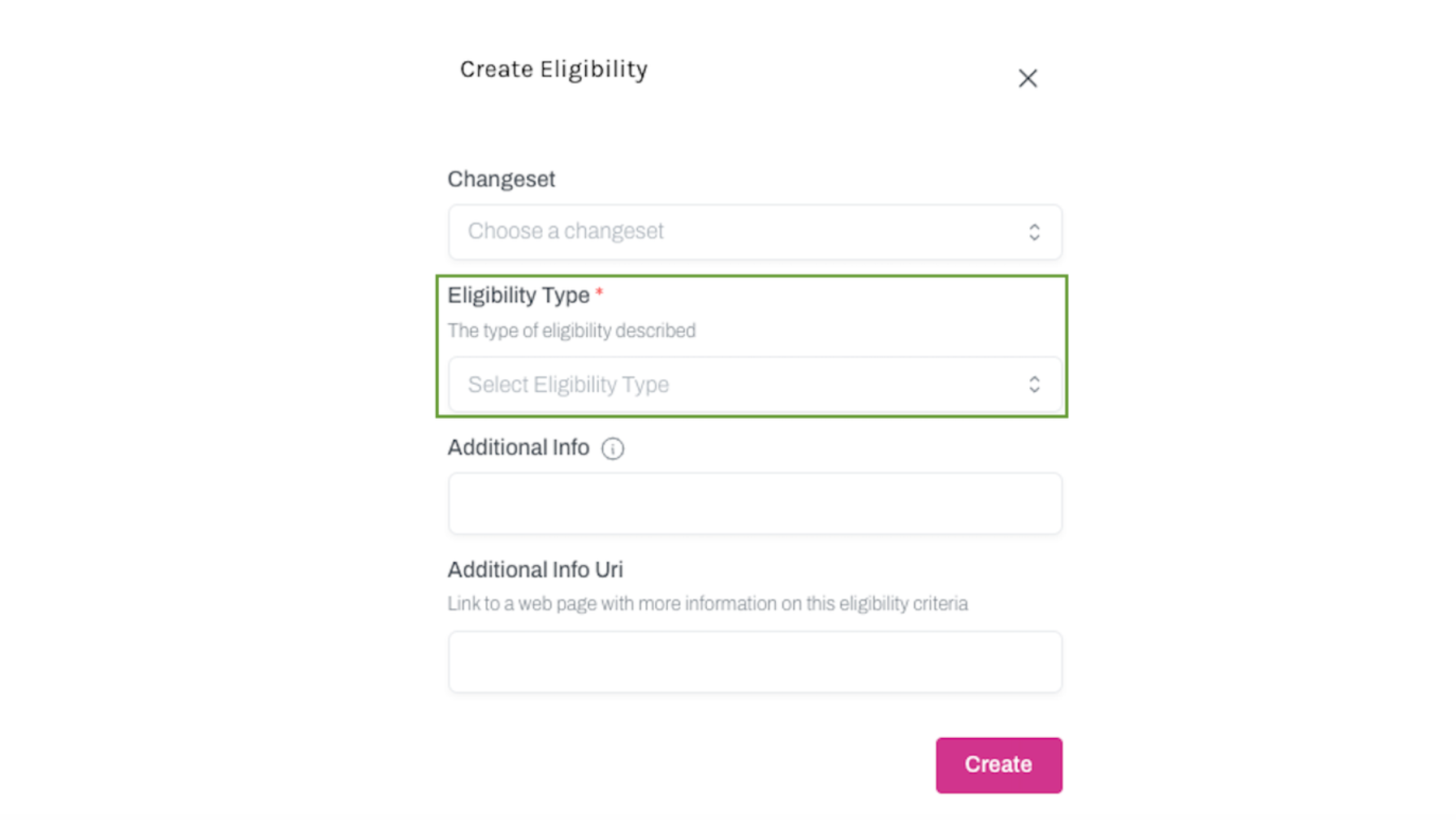
4. Select the Eligibility Type from the dropdown menu on the Create Eligibility screen. You can add additional information depending on the Eligibility Type you have selected, and you can link a Changeset if required. Click Create when the mandatory fields are complete as denoted by a red asterisk.
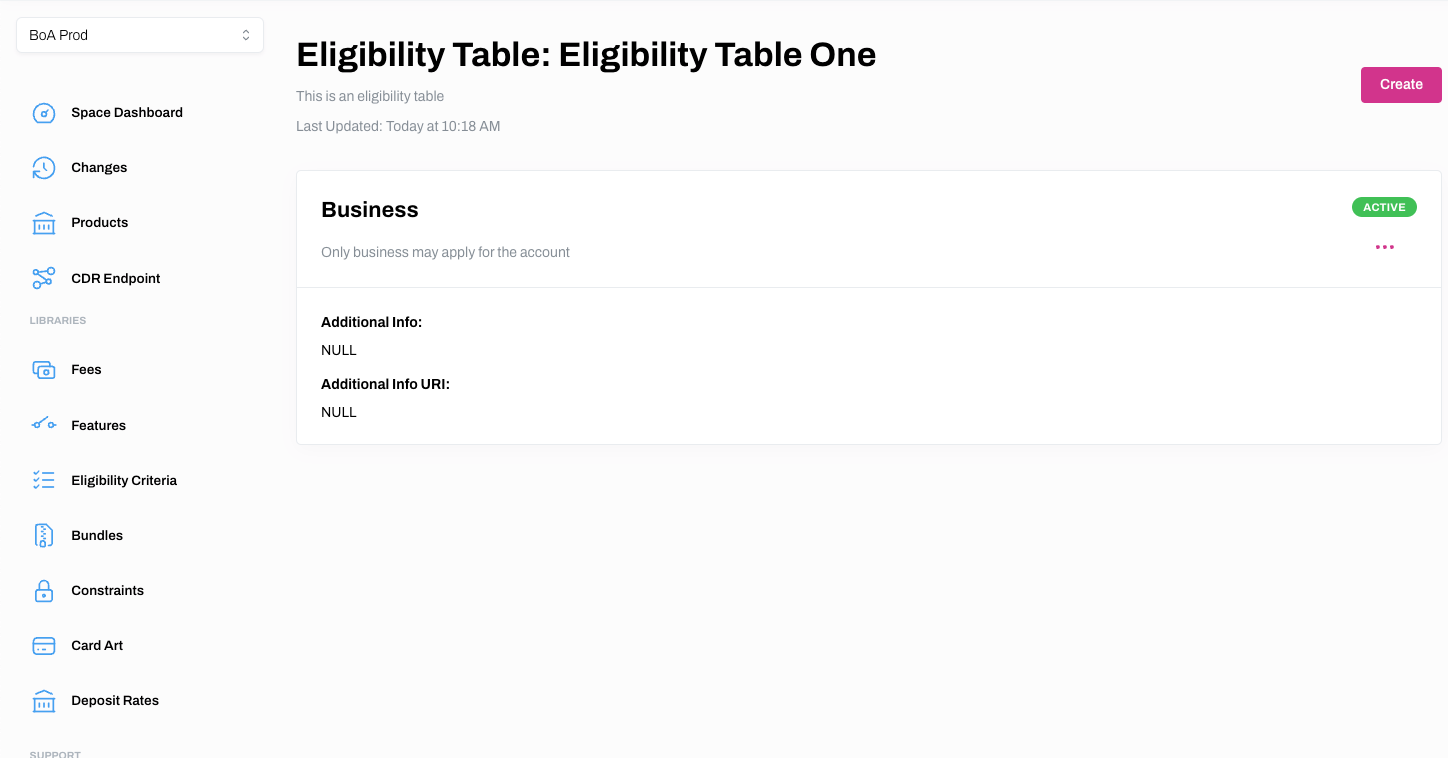
5. The new Eligibility Criteria will now be displayed on the relevant Eligibility Table.
View Eligibility Criteria for an Eligibility Table
Learn how to view Eligibility Criteria attached to an Eligibility Table
1. Select Eligibility Criteria from the main menu.
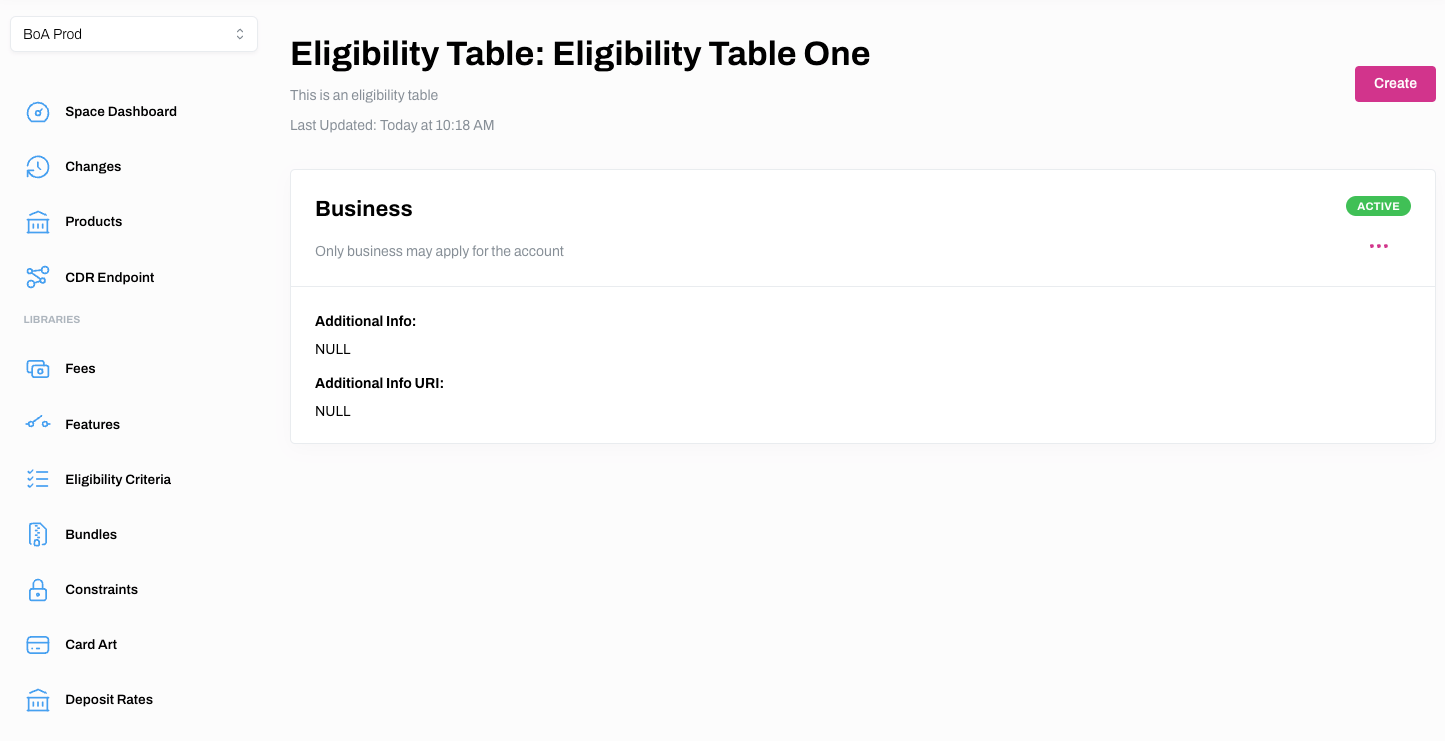
2. Click on the hyperlinked name of the Eligibility Table you wish to view the Eligibility Criteria for, or click ... and View.
3. You will now see the details pertaining to the relevant Eligibility Table.
Edit an Eligibility Table
Learn how to edit an Eligibility Table
1. Select Eligibility Criteria from the main menu.
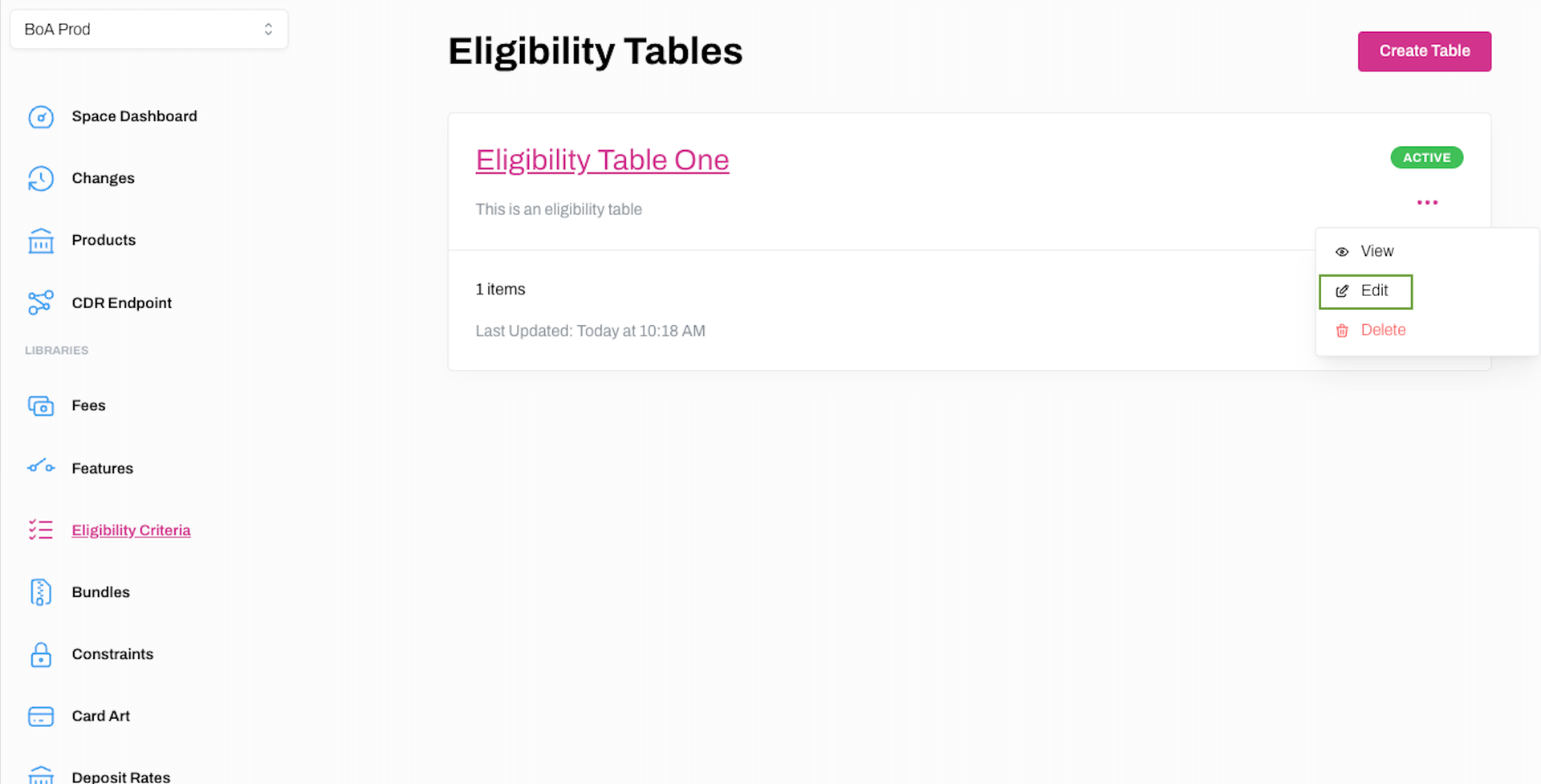
2. Click ... and Edit on the Eligibility Table you wish to edit.
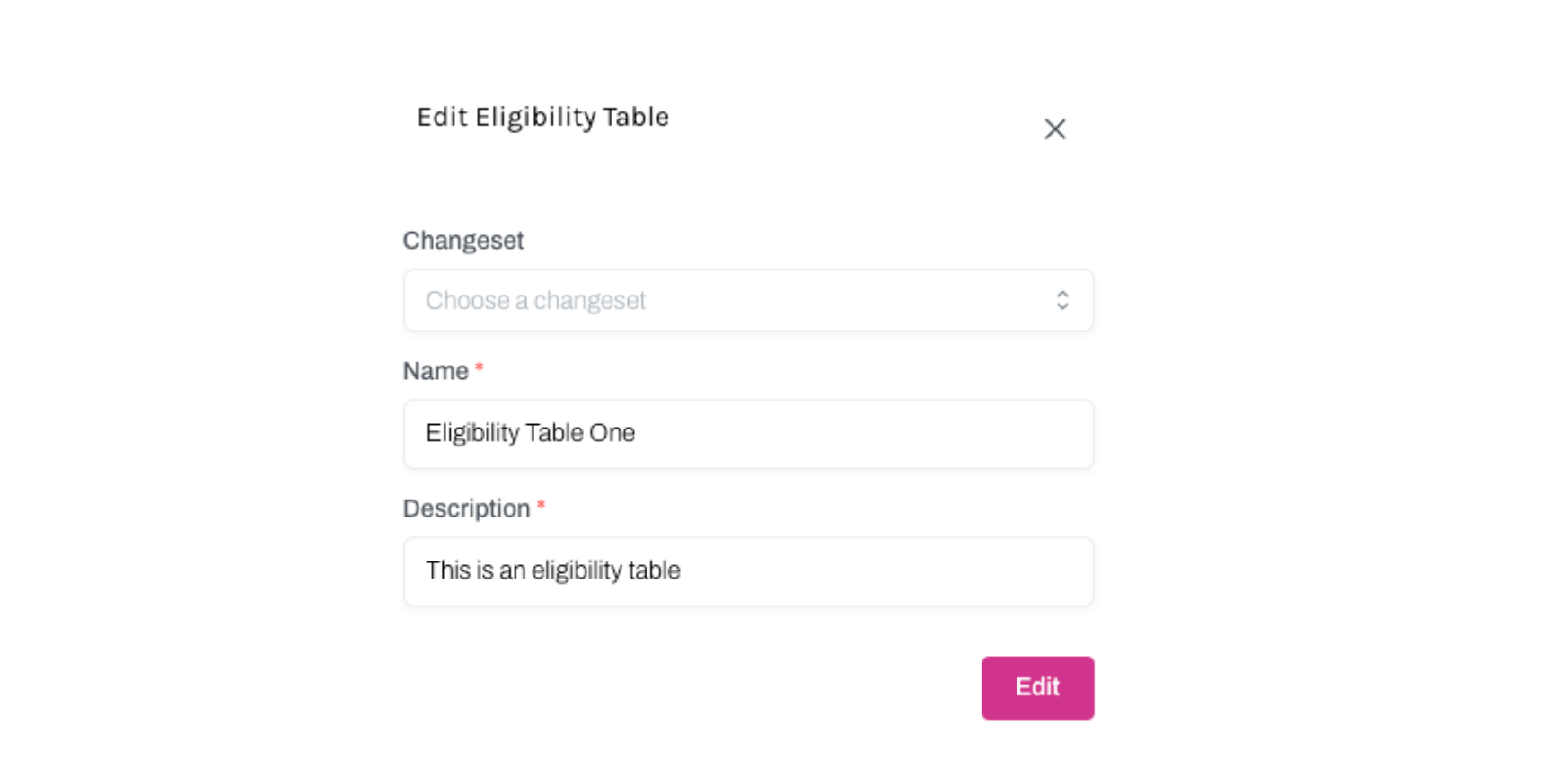
3. You will now be able to edit the Name and Description of the Eligibility Table on the Edit Eligibility Table dialogue box, as well link it to a Changeset if required. Click Edit to save your changes.
Edit Eligibility Criteria for an Eligibility Table
Learn how to edit Eligibility Criteria attached to an Eligibility Table
1. Select Eligibility Criteria from the main menu.
2. Click on either the hyperlinked name of the Eligibility Table you wish to edit the Eligibility Criteria for, or ... and View.
3. Click ... and Edit on the next screen.
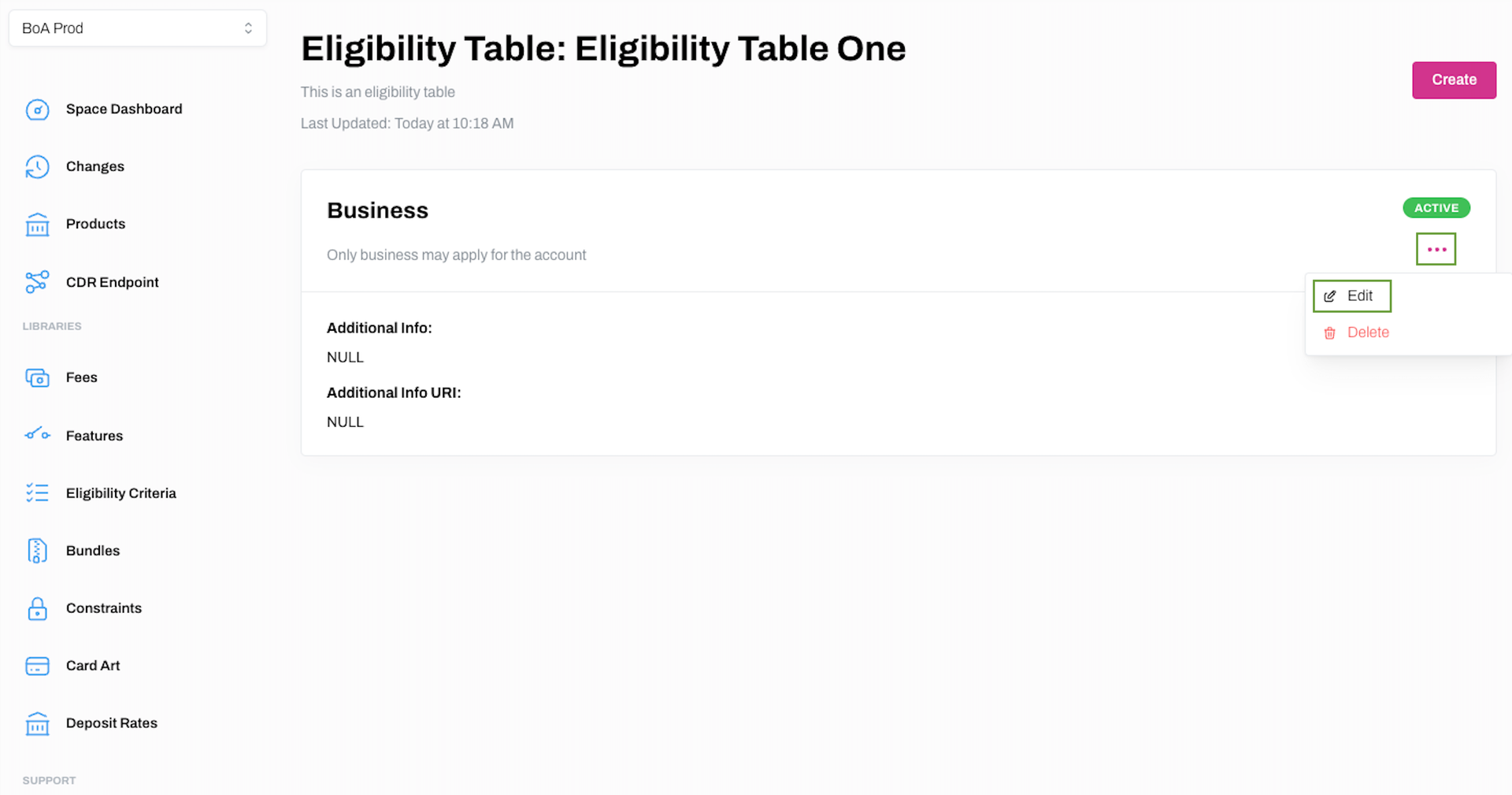
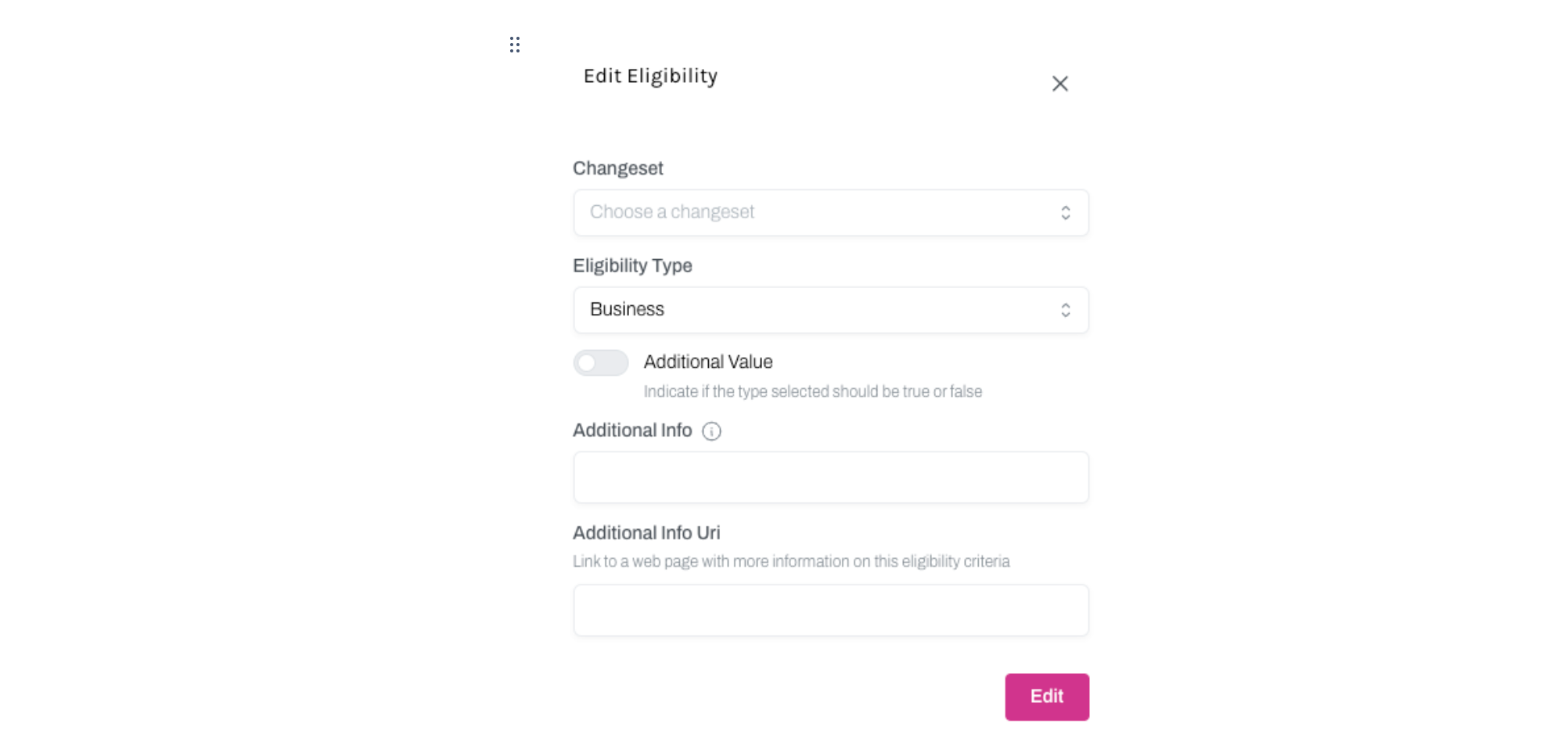
4. Make any required changes on Edit Eligibility dialogue box and click Edit to save the changes.
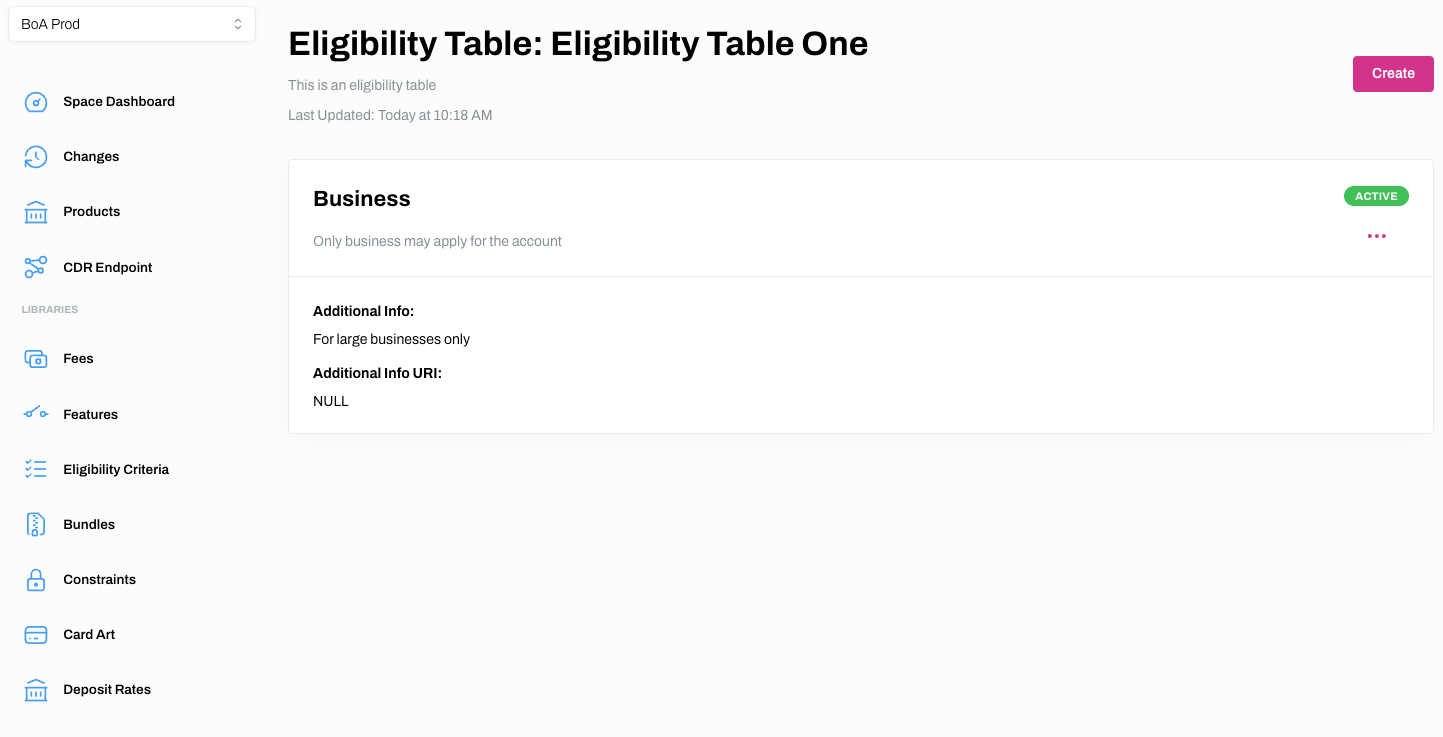
5. Your changes should now be reflected on the Eligibility Tables page.
Delete Eligibility Criteria for an Eligibility Table
Learn how to delete Eligibility Criteria from an Eligibility Table
1. Select Eligibility Criteria from the main menu.
2. Click on either the hyperlinked name of the Eligibility Table you wish to edit the Eligibility Criteria for, or ... and View.
3. Click ... and Delete on the relevant Eligibility Criteria.
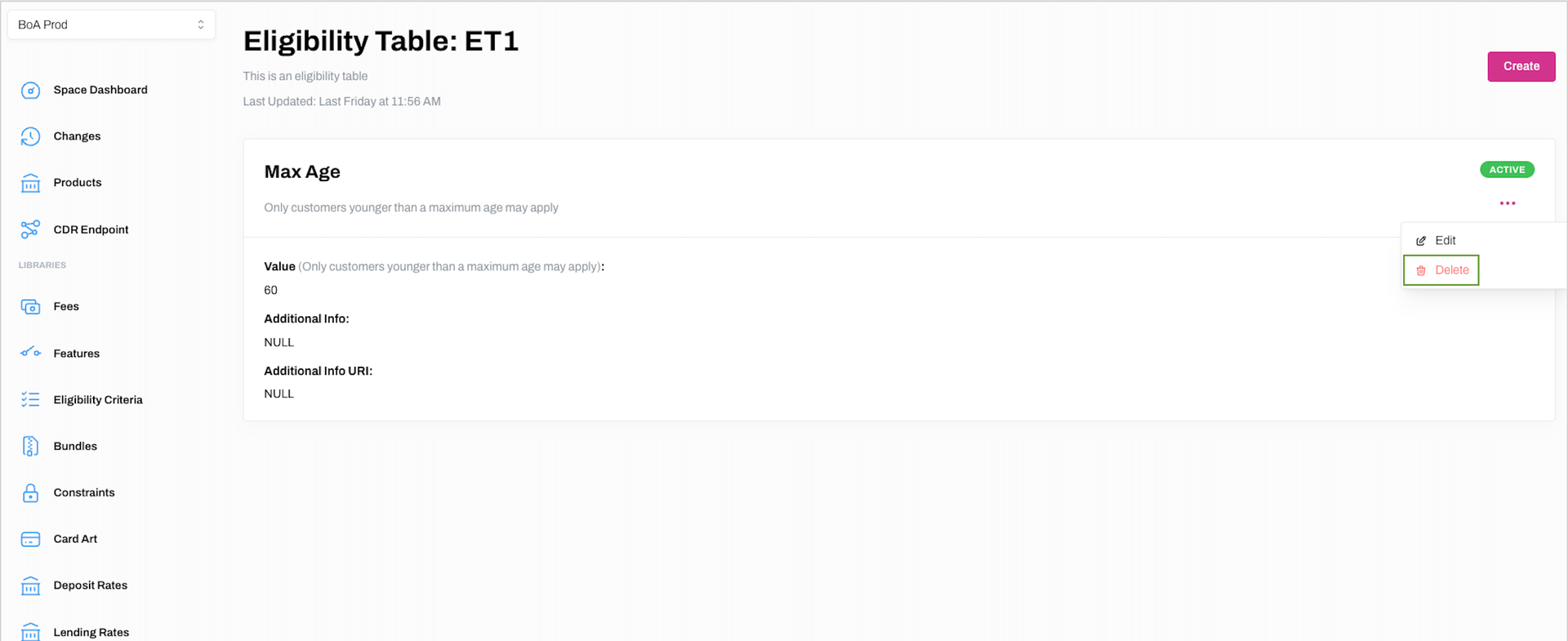
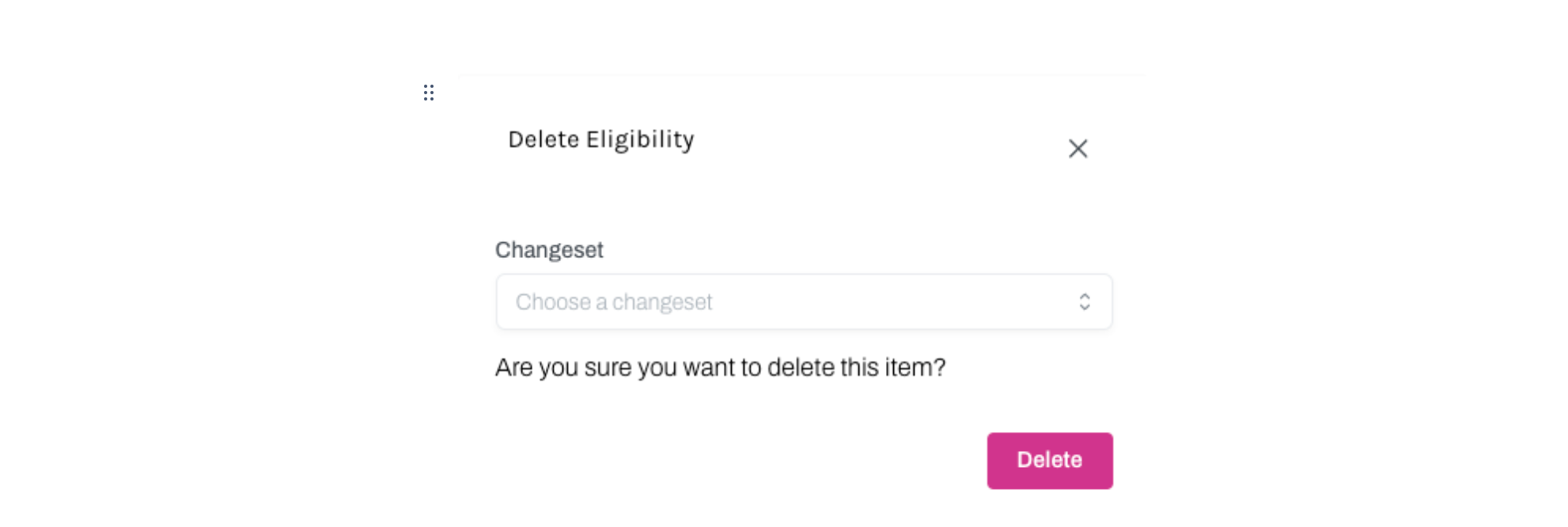
4. Click Delete on the Delete Eligibility dialogue box to confirm you wish to delete the Eligibility Criteria from the relevant Eligibility Table.
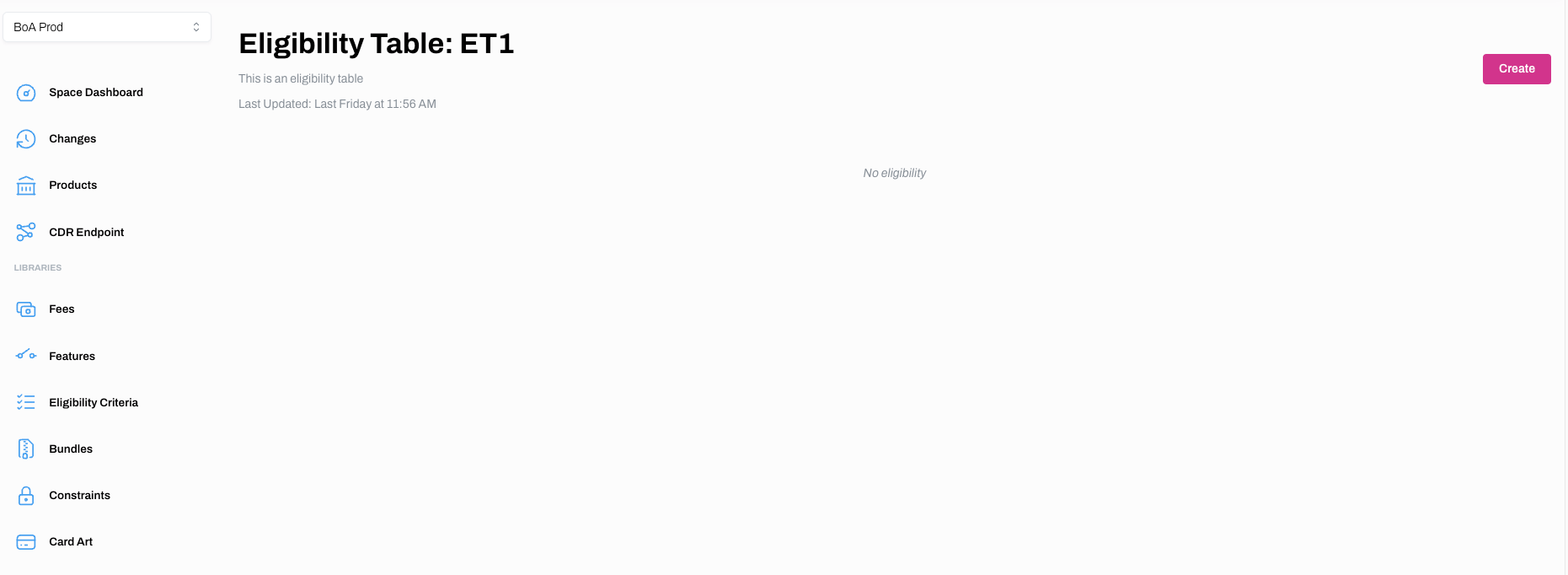
5. If successful, the Eligibility Criteria will no longer be linked to the relevant Eligibility Table.
Delete an Eligibility Table
Learn how to delete an Eligibility Table
1. Select Eligibility Criteria from the main menu.
2. Click ... on the Eligibility Table and Delete.
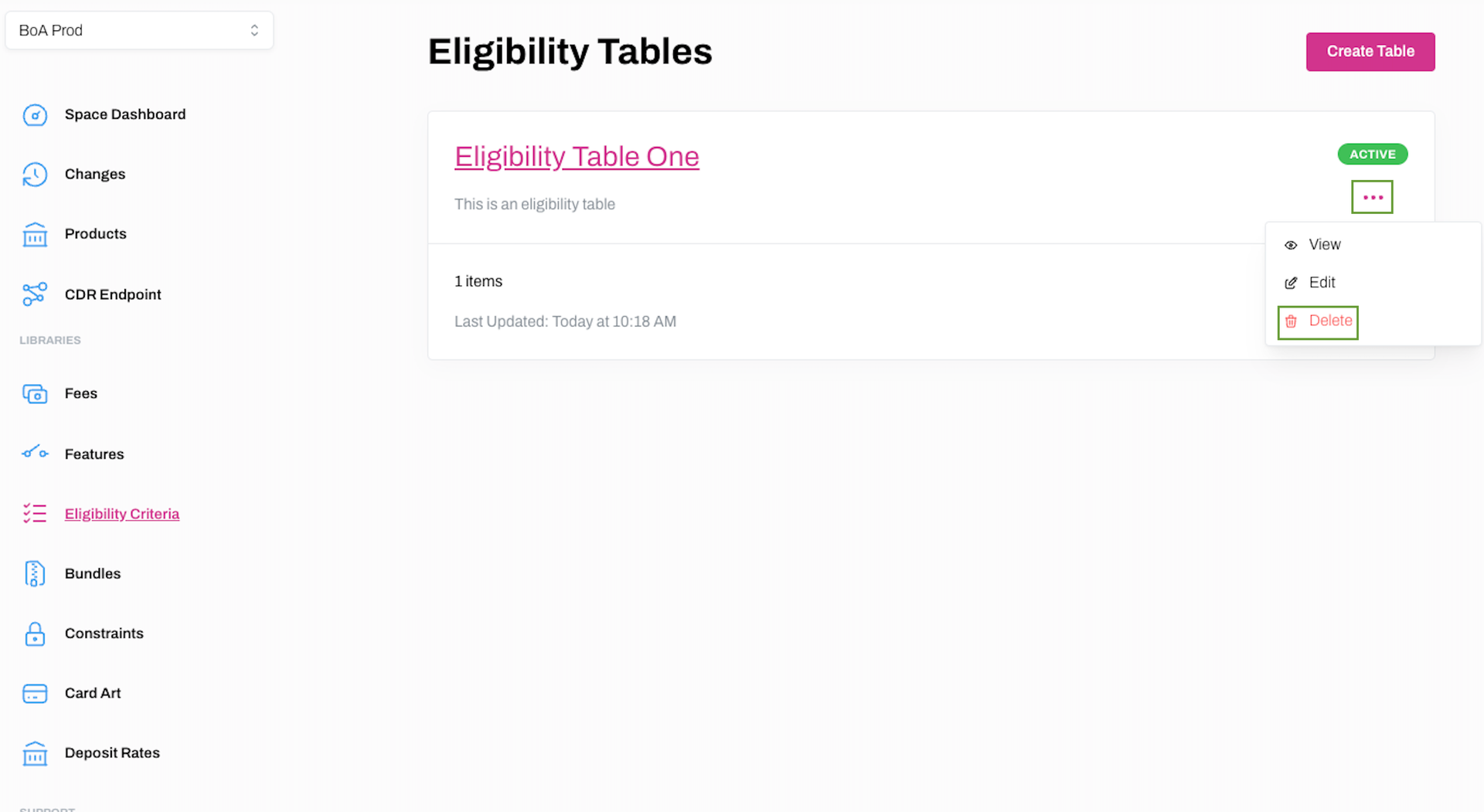
3. Click Delete on the Delete Eligibility Table dialogue box to confirm you wish to delete the Eligibility Table.
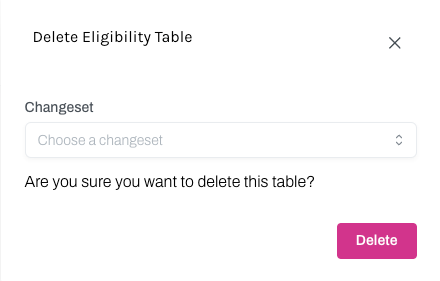
4. If successful, the Eligibility Table will no longer appear on the Eligibility Tables page.