Logging in
This page describes how to login to the Consumer Dashboard.
1. Navigate to the Consumer Dashboard.
2. Enter a valid email into the Email Address box. Click Next.
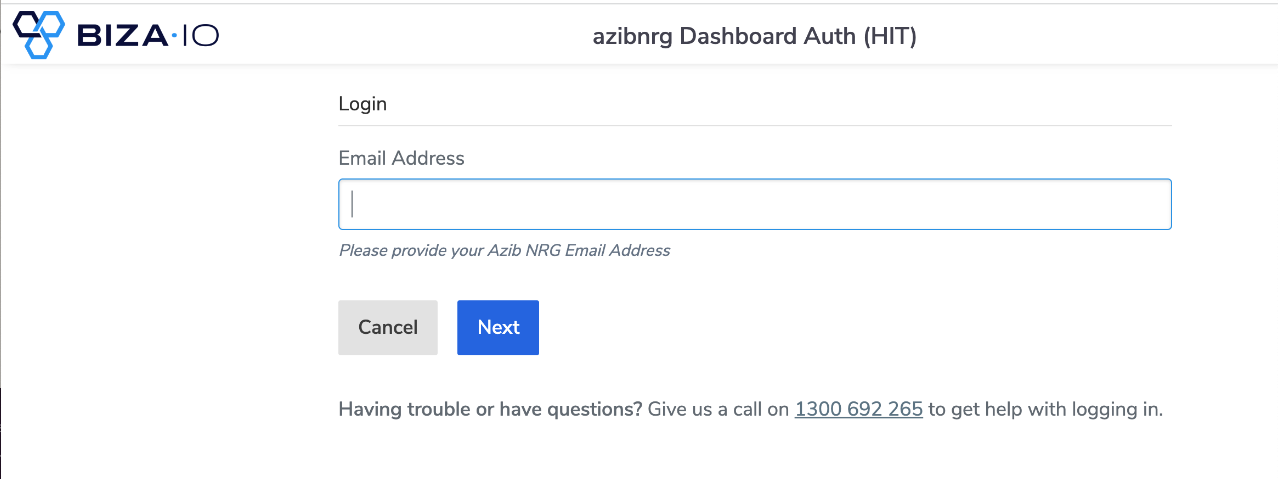
Username Entry
3. Enter the supplied OTP into the One Time Password box.
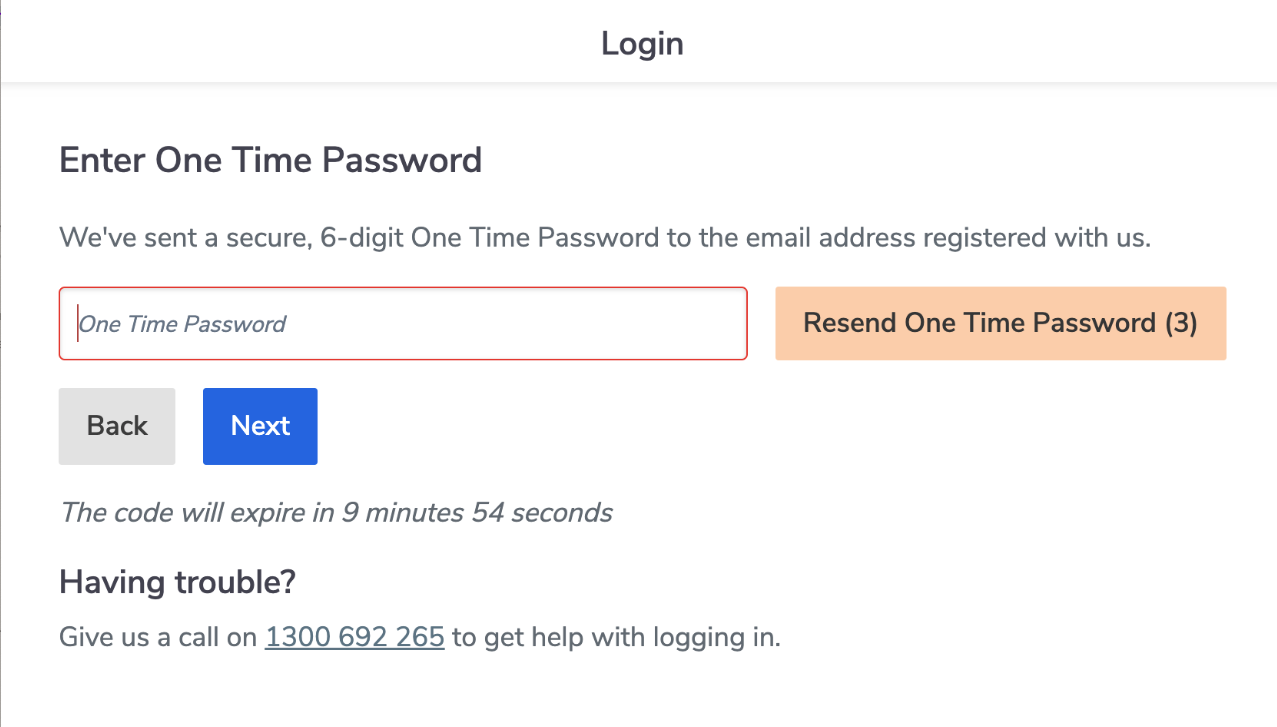
OTP Screen
4. Select the customer you wish to use and click ‘Next’.
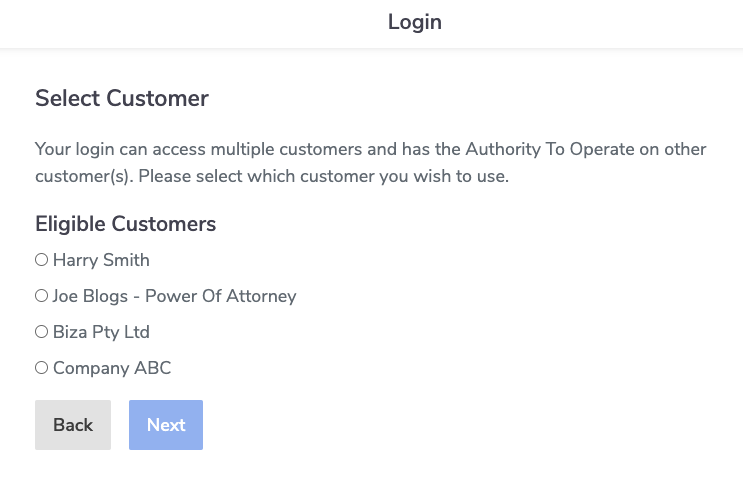
Select Customer
5. The Consumer Dashboard home screen will now be displayed.
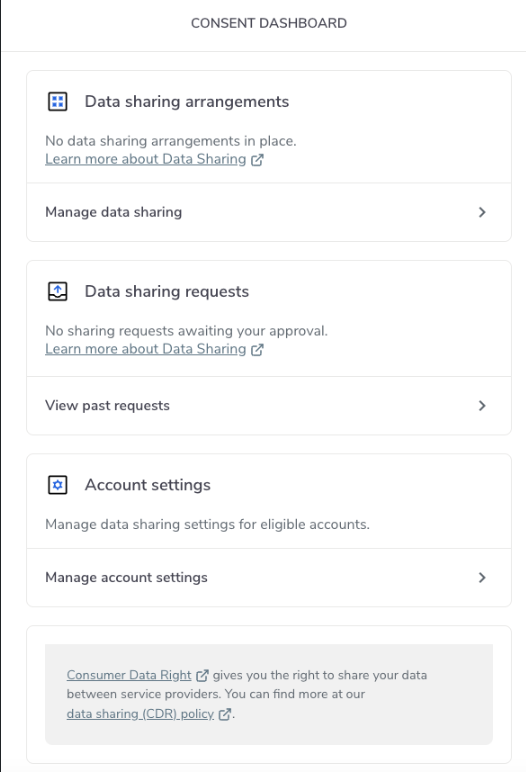
Dashboard Homescreen